98 99
ENGLISH
GOTO SEARCH
■ During DVD or VCD playback, perform the following steps to use the GOTO feature to
access a specific location on a disc:
1. Press the GOTO button on the remote control to enter the “GOTO” mode.
2. Press the [5] or [6] button on the remote control to select a category.
■ For DVD mode, you can choose time or title/chapter search.
■ For VCD mode, press the GOTO button to choose between track search, disc
search and exit.
DVD search
Time – Go to specific time in current title
Title/Chapter – Go to specific time in a chapter
VCD track search
Time – Go to specific time in the current track
Track – Go to specific track
VCD disc search
Time – Go to specific time on disc
Track – Go to specific track
3. Enter a time into the field using the numeric keypad on the remote control.
4. Press the OK button on the remote control to go to the specified location on the
disc.
5. Press the GOTO button again to exit.
DIRECT CHAPTER/TRACK SELECTION
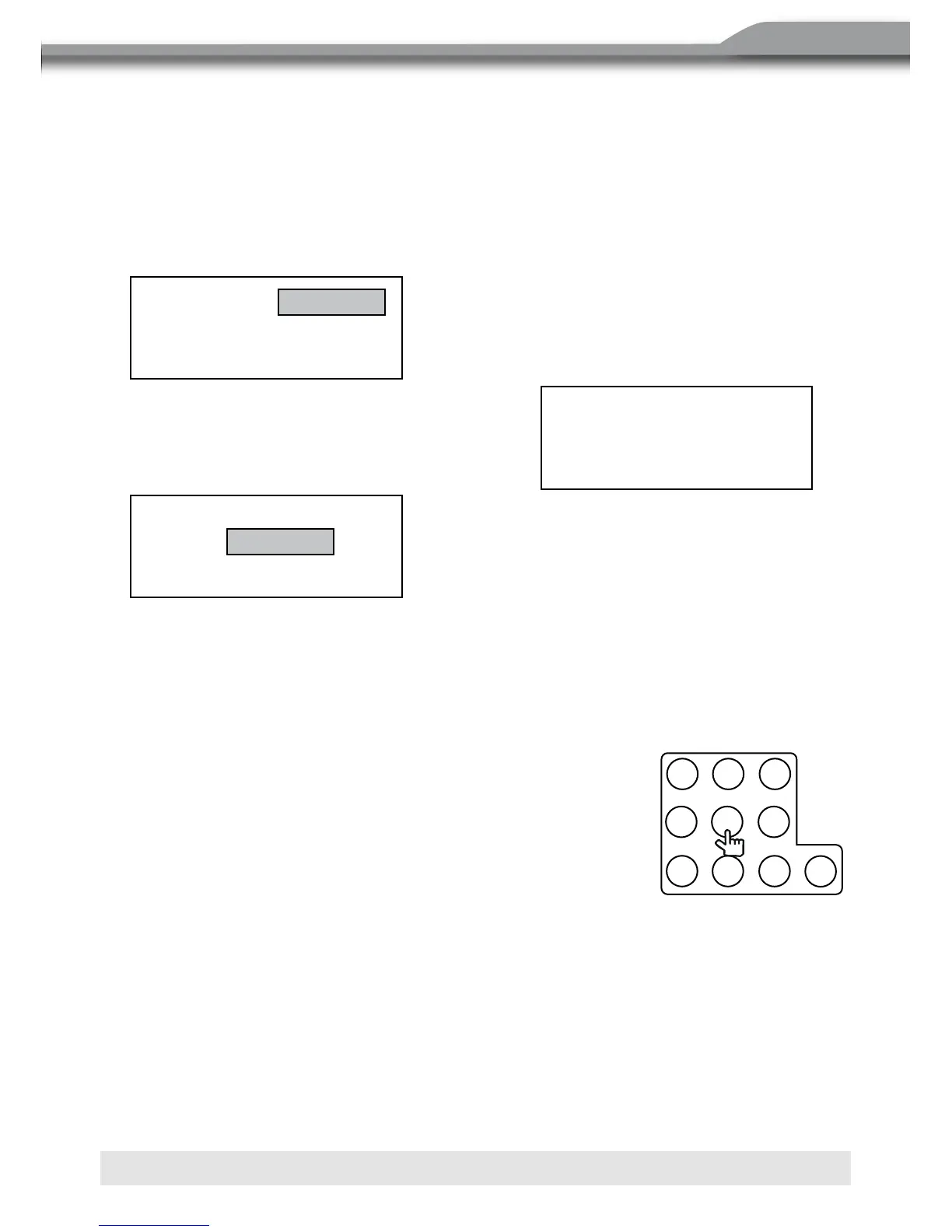
■ During DVD, VCD and CD playback, you can use the numeric
keypad on the remote control to access a track directly.
VIEWING AN ALTERNATE PICTURE ANGLE (DVD ONLY)
■ Some DVDs contain scenes that have been shot
simultaneously from different angles. For discs recorded
with multiple angles, press the ANGLE button on the remote
control to toggle available angles of the on-screen image.
Search
Time
Title/Chapter ---/---
--
·
--
·
--
Track Search
Time
Track ---/---
Disk Search
Time
Track ---/---
--
·
--
·
--



 To Next Page