82 83
ENGLISH
SYSTEM RESET
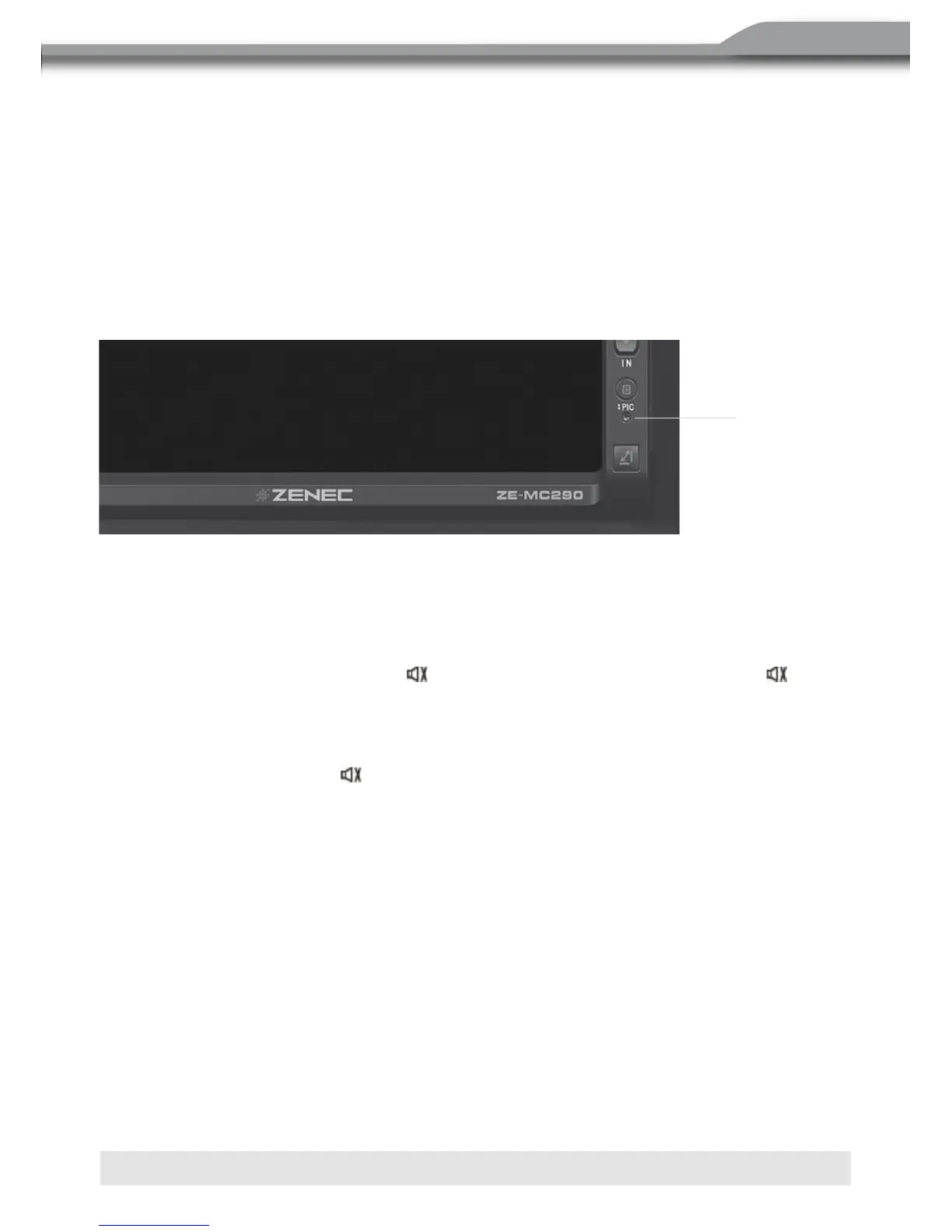
■ To correct a system halt or an unwanted operation, use the tip of a pen to press the
RESET button located on the front bottom-right corner of the unit. After a system reset,
the unit restores all factory default settings.
MUTE
The volume will be muted when the following cases occur:
■ Automatic: If the “MUTE” wire is connected, audio output mutes when a telephone call
is received by the car phone or when verbal navigation is performed.
■ Manual: Press the MUTE button [ ] on the front panel or the MUTE button [ ] on the
remote control to mute the volume of the unit.
NOTE:
■ Press the MUTE button [ ] again to restore the volume. “MUTE” is displayed on the
LCD monitor.
■ Adjusting the volume or using any of the audio set-up features cancels the mute
function.
REAR ZONE
■ If a monitor is installed in the rear zone and connected to the rear zone AV output,
passengers in the back seat can control the DVD output using the rear zone remote
control.
■ See “Multi-Zone Remote Control” for instructions.
RESET-Taste



 To Next Page