86 87
ENGLISH
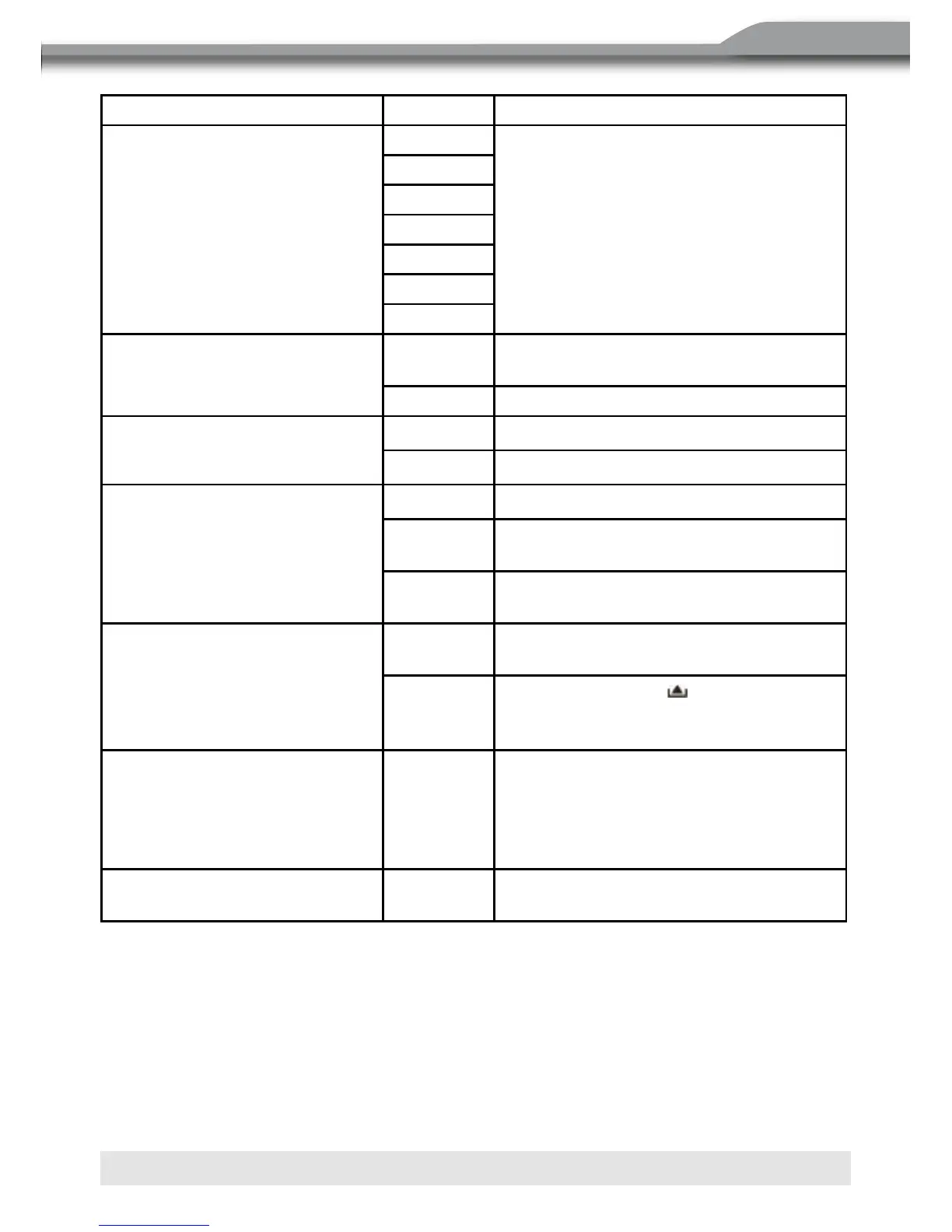
Setting Options Function
Radio
USA
Select the appropriate setting based on
the country in which you reside.
S-Amert1
S-Amert2
Europe
Korea
China
Arabia
Clock mode
12Hr Clock displays 12 hour time using AM
and PM.
24Hr Clock displays 24 hour time up to 23:59
Cam image
Normal
Reverse
TV system
Auto
NTSC For color signal output in the standard
NTSC format.
PAL For color signal output in the standard
PAL format.
TFT auto open
On The TFT panel automatically opens
when the unit is turned on.
Off You must press the button on the
TFT panel or on the remote control to
open the TFT.
OSD menu
English,
German,
French,
Spanish,
Italian
The menus are displayed in English ,
German, French, Spanish or Italian.
Clock (HH:MM) See “Adjusting the clock” to learn how
to set the clock.



 To Next Page