SWT
GIGABIT/FAST ETHERNET SWITCH TYPE SWT 105/137
USER GUIDE - M0SWTA1903Iv09 - V09 March 2019
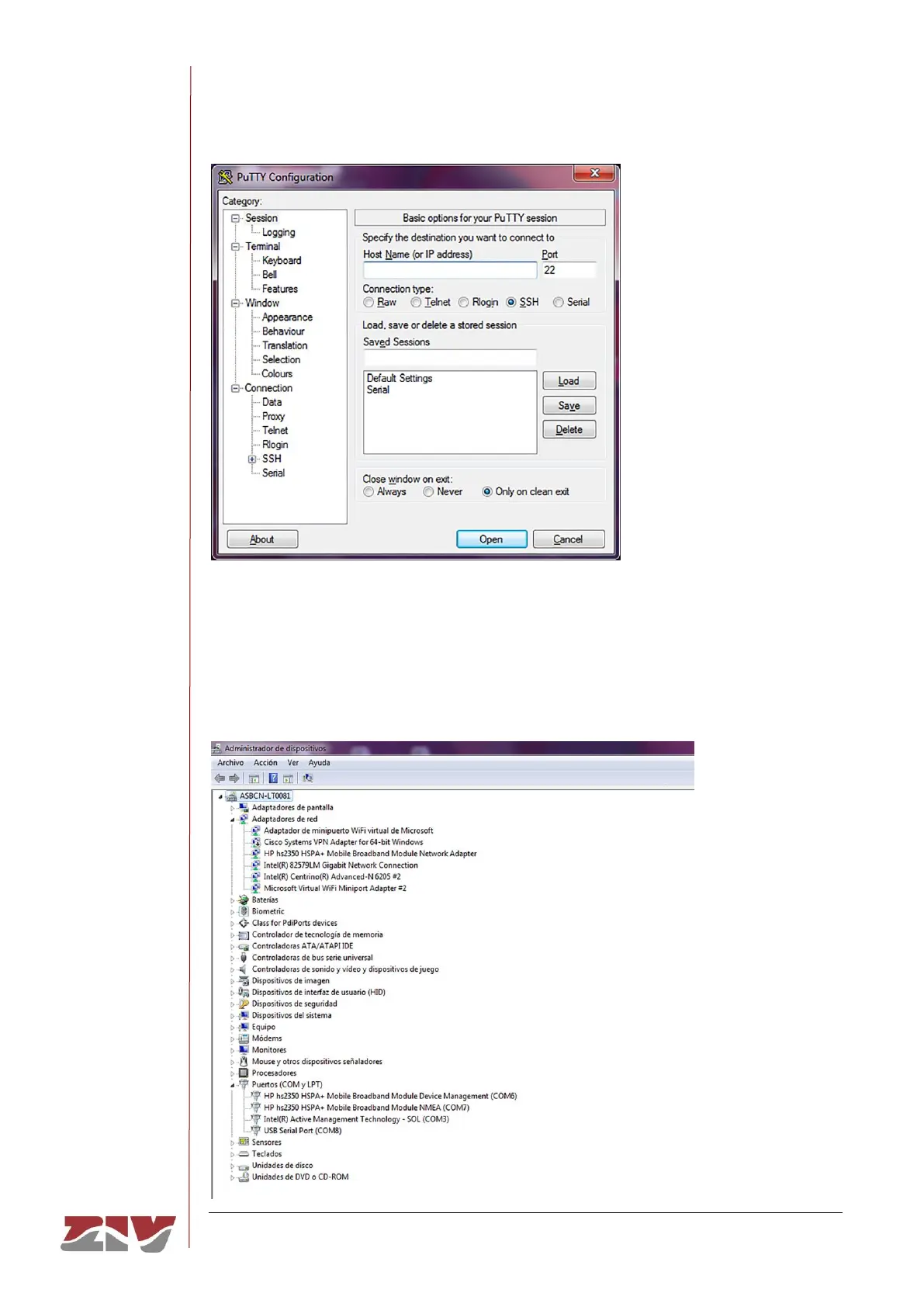
FIGURE 61 Putty home window
In the Serial menu (last of all) the serial port is configured.
If an USB converter is used, first, consult the COM number in the Device administrator
(Control panel).
FIGURE 62 Device administrator window



 To Next Page