SWT
GIGABIT/FAST ETHERNET SWITCH TYPE SWT 107/137
USER GUIDE - M0SWTA1903Iv09 - V09 March 2019
Access by means of Telnet
Access, in local and remote mode, is obtained with the Telnet command and equipment IP
address.
! To use this access mode the equipment must have its IP address configured and
be connected to the management computer network.
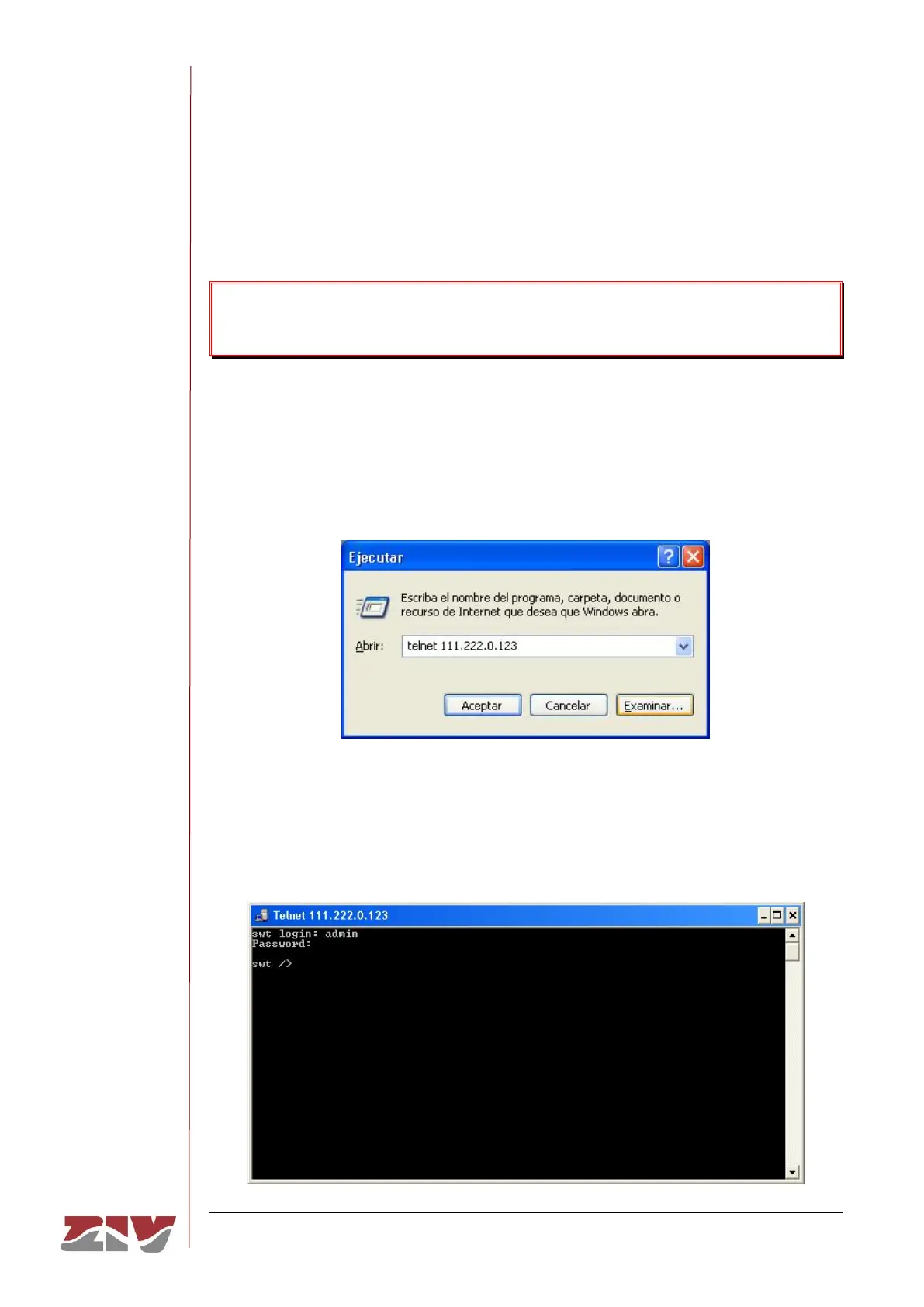
Telnet can be executed in Windows XP© from the Start button: Start → Execute, and in the
text box, enter: telnet + space + Equipment_IP_address (111.222.0.123 in the example),
and then press Accept (see FIGURE 64).
FIGURE 64 Execute.. Telnet text window to establish connection with the equipment
On pressing the Accept button a System symbol window will appear with the Telnet
programme connected to the equipment (see FIGURE 65).
FIGURE 65 Telnet window



 To Next Page