SWT
GIGABIT/FAST ETHERNET SWITCH TYPE SWT 109/137
USER GUIDE - M0SWTA1903Iv09 - V09 March 2019
B.2 USER CONSOLE COMMANDS
After starting the session with a valid login and password, the prompt will change to
equipment /> waiting for the user to enter a command.
The commands are instructions sent to the equipment to request or change a value or to
“browse” through the tree in which the equipment parameters are organised.
The following table shows a full list of available commands with a brief description of each
one and their availability depending on the type of user starting the session, highlighting the
most useful ones:
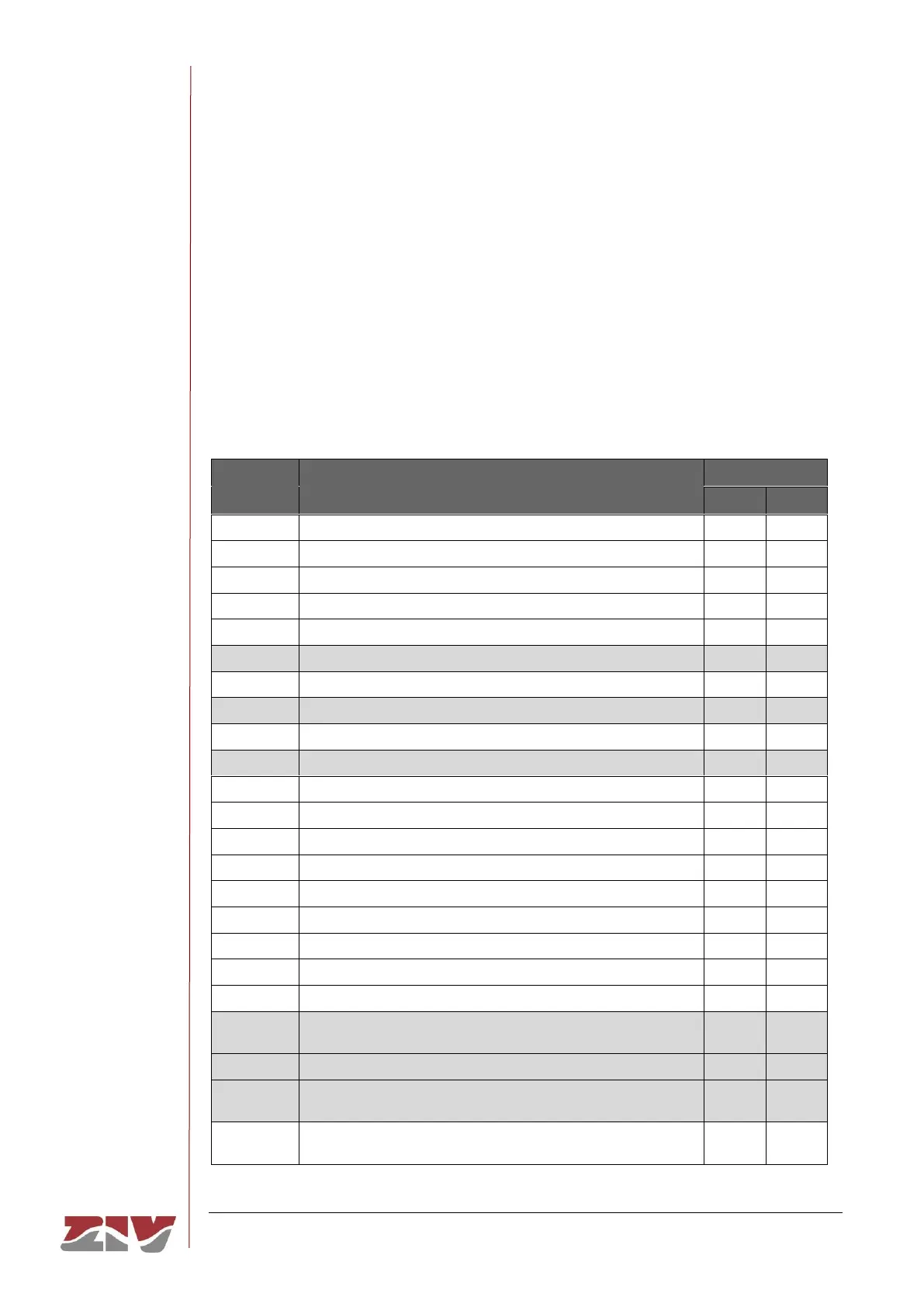
TABLE 2 Full list of CLI user console commands
Adds a new item to a matrix-type parameter
Applies the new configuration
Changes the directory in the parameters tree
Shows the date stored in the equipment
Generates a configuration commands file
Interrupts the connection with the equipment
Shows the parameter values
Shows the list of available commands
Shows the log file in use
Shows the lists of available parameters in the current directory
Sends a ping to the indicated host
Interrupts the connection with the equipment
Loads a previously-saved configuration
Eliminates an item from a matrix-type parameter
Loads a default configuration
Saves all the changes made during the session
Modifies the value of a parameter
Equivalent to the log command and also allows the query of old
log files by specifying the filename as a parameter
Shows the equipment status
Shows the list of events stored in the log file and it remains to
show events as they occur. It closes with Ctrl+C.
Open a telnet session without interrupting the connection with
the equipment



 To Next Page