SWT
GIGABIT/FAST ETHERNET SWITCH TYPE SWT 127/137
USER GUIDE - M0SWTA1903Iv09 - V09 March 2019
6- Obtaining events recorded in the equipment
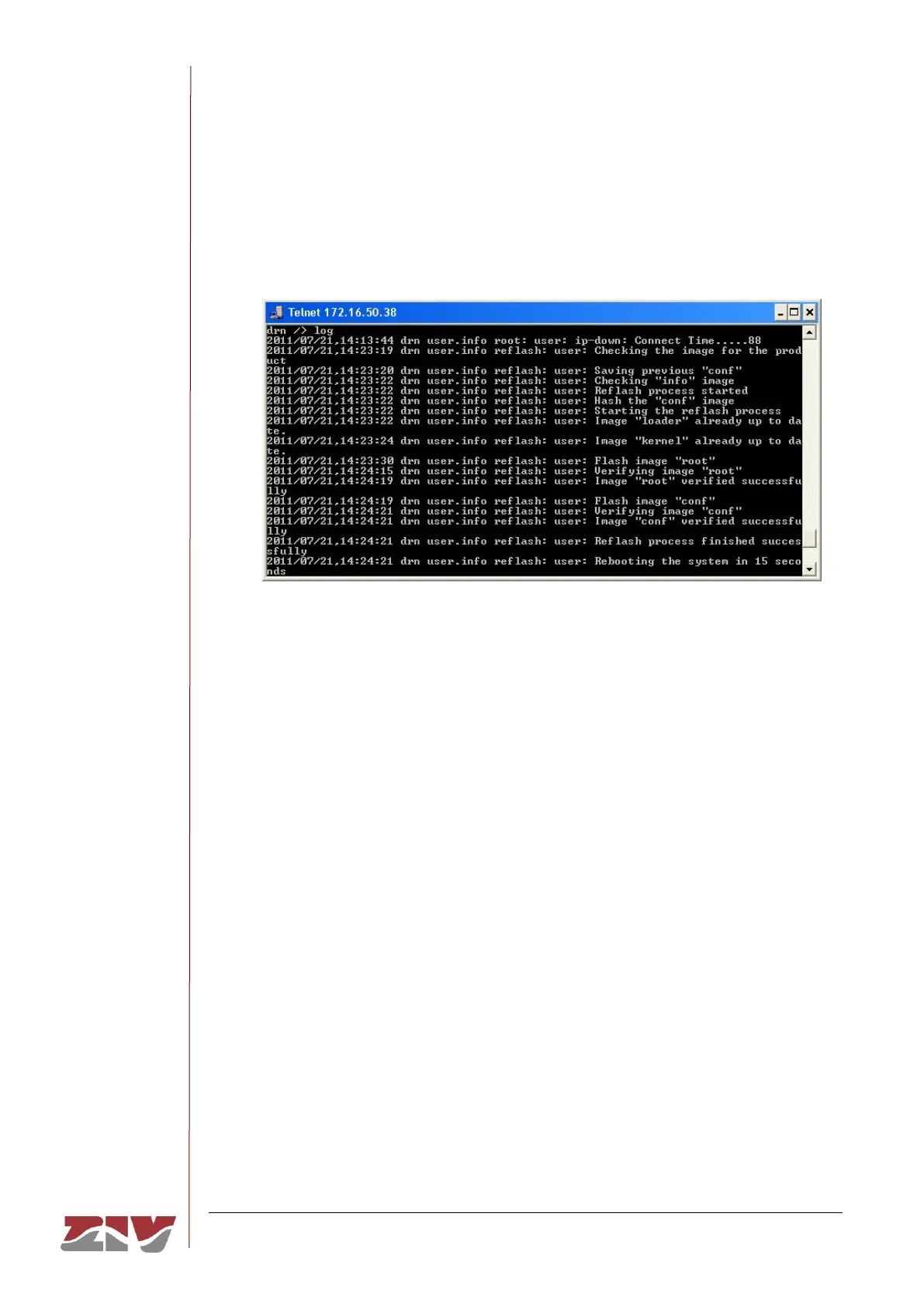
The log command allows you to consult the list of events stored in the log file in use
(current).
Use the show command to display the oldest log files. In this example, it is assumed
that the equipment is a DRA-2.
Remember to save the information in a .txt file, as indicated above Remember to save
the information in a .txt file, as indicated above.
7- Obtaining events taking place in the equipment in real time
The tail command allows users to monitor the events taking place in the equipment in
real time. Once the command is activated, it will remain to show events as they occur
until the user presses Ctrl.+C.
Remember to save the information in a .txt file, as indicated above.



 To Next Page