SWT
GIGABIT/FAST ETHERNET SWITCH TYPE SWT 126/137
USER GUIDE - M0SWTA1903Iv09 - V09 March 2019
You will know whether the system has finished showing all the information when the
equipment prompt reappears.
As with the download command, it is useful to save the information in a .txt file using
the method described above.
5- Obtaining the equipment statistics
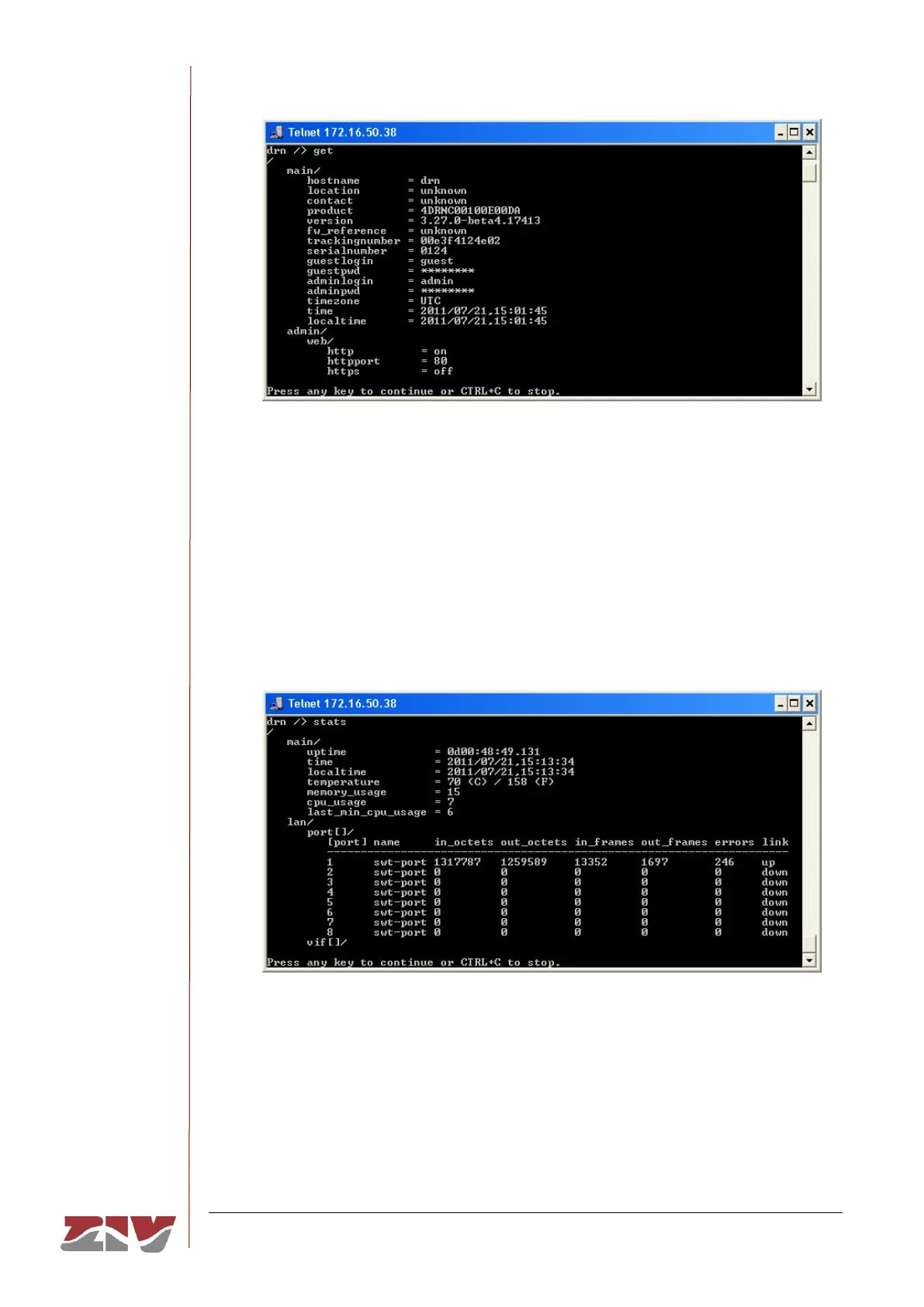
The equipment statistics list is shown through the command stats. In this example, it
is assumed that the equipment is a DRA-2.
Like the previous commands, if the information to be displayed exceeds the edges of
the window, it will stop and wait for the user to press a key to continue.
Remember to save the information in a .txt file, as indicated above.



 To Next Page