SWT
GIGABIT/FAST ETHERNET SWITCH TYPE SWT 125/137
USER GUIDE - M0SWTA1903Iv09 - V09 March 2019
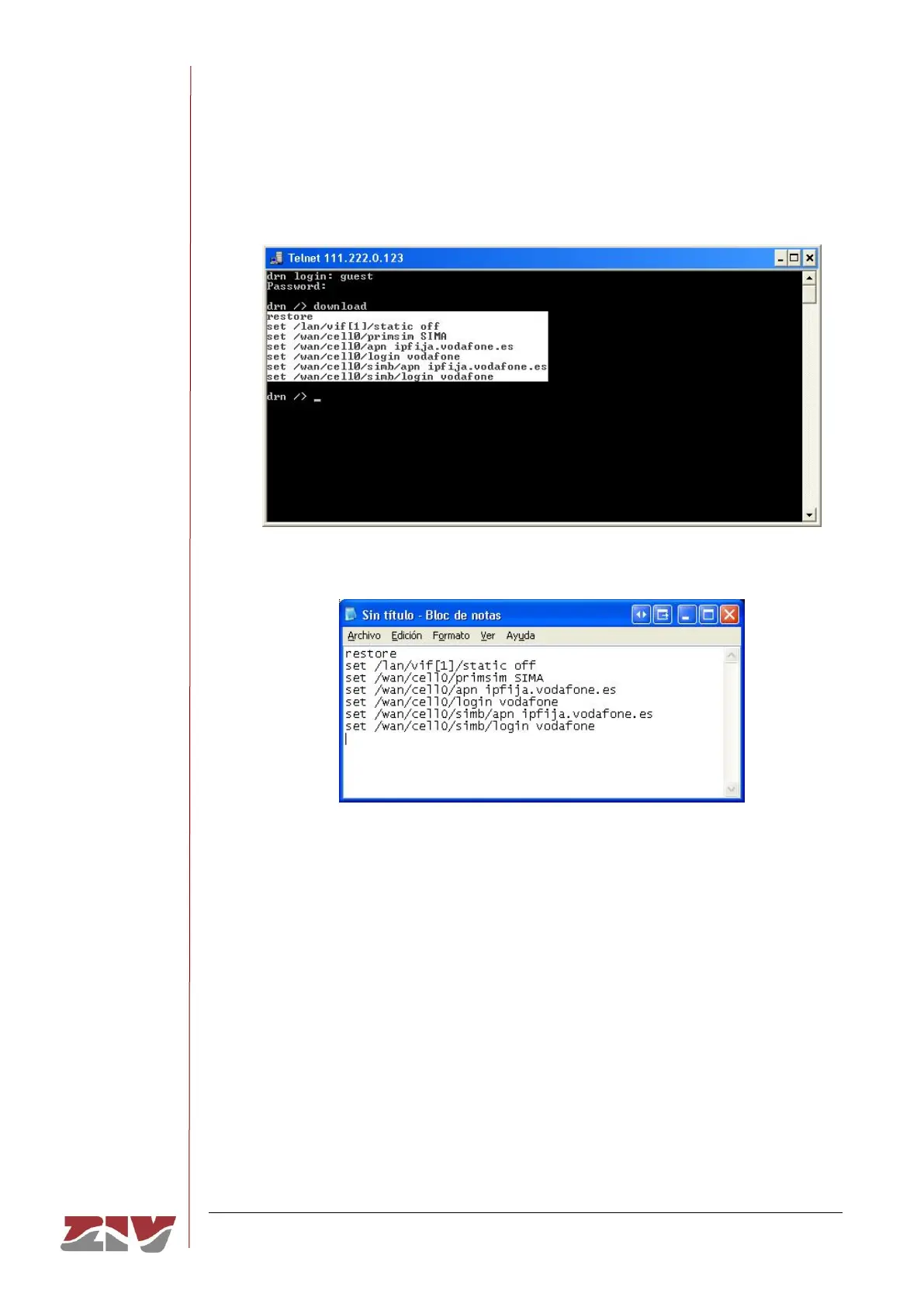
Then place the cursor at the start of the text to be copied, left-click with the mouse and
drag the cursor, maintaining the button pressed, until all the text has been selected.
After releasing the left button, press the enter key. That way, you will have copied the
selected text into the Windows clipboard.
Now open Windows Notepad and paste the text (Ctrl. + V) in a .txt file and save it.
4- Obtaining the equipment status
The get command shows the full status of the equipment. Since the information shown
is very lengthy, every time a window is filled, it will wait for the user to press a key to
continue displaying the information. In this example, it is assumed that the equipment
is a DRA-2.



 To Next Page