SWT
GIGABIT/FAST ETHERNET SWITCH TYPE SWT 124/137
USER GUIDE - M0SWTA1903Iv09 - V09 March 2019
3- Obtaining the equipment configuration
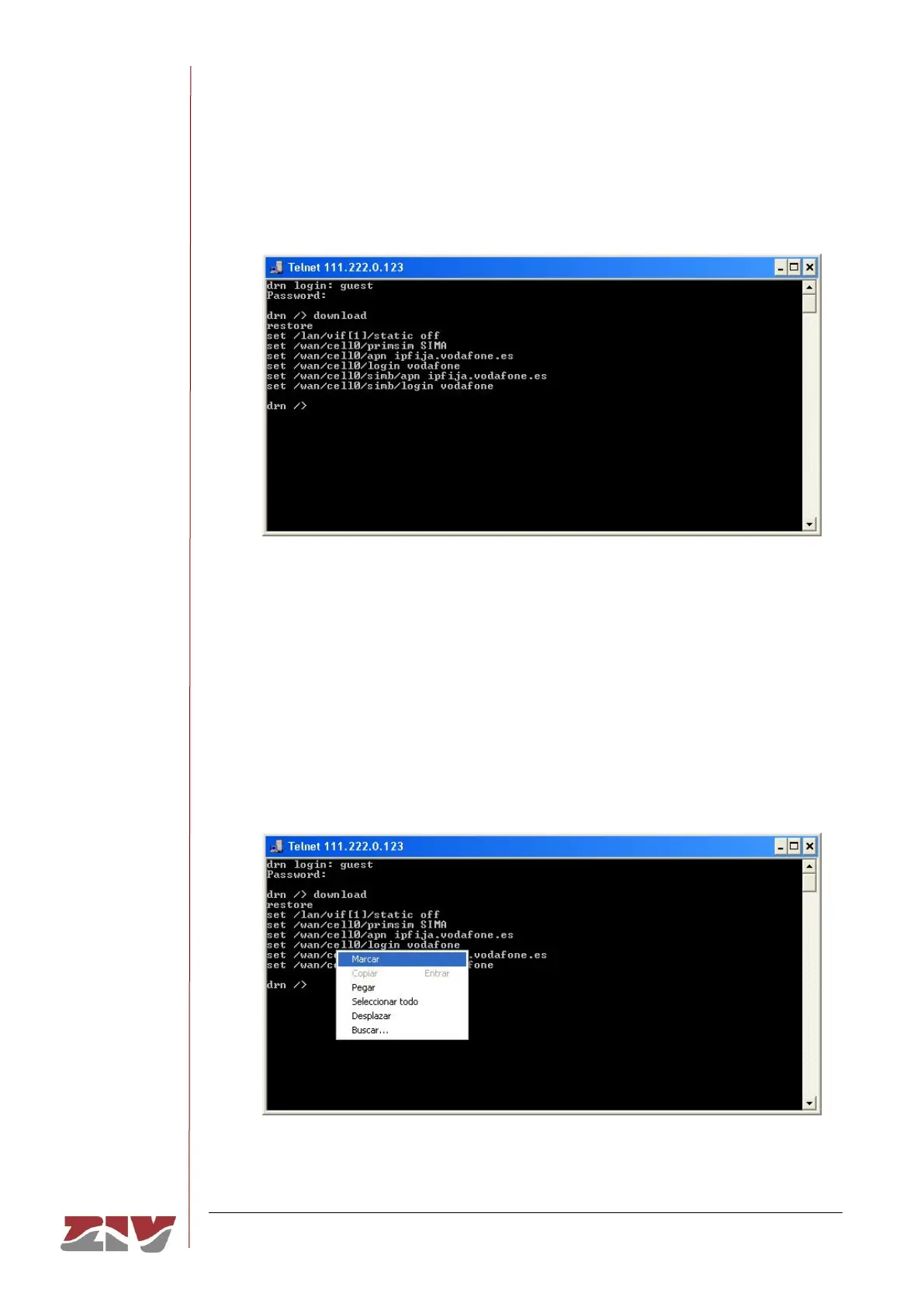
The equipment configuration is obtained through the command download. On
pressing enter after this command, the full equipment configuration will be displayed.
In this example, it is assumed that the equipment is a DRA-2.
If the information extends beyond the edges of the window, the system will only show
the information at the start and it will be necessary to press enter once or several
times for all the information to be shown. You will know whether the system has
finished showing all the information when the equipment prompt reappears.
It is important to save the information in a .txt file using the download command so that
it can be used whenever necessary.
To copy the text from the Windows XP
©
command window, right-click with the mouse
and select Mark in the menu that appears.



 To Next Page