SWT
GIGABIT/FAST ETHERNET SWITCH TYPE SWT 123/137
USER GUIDE - M0SWTA1903Iv09 - V09 March 2019
2- User identification
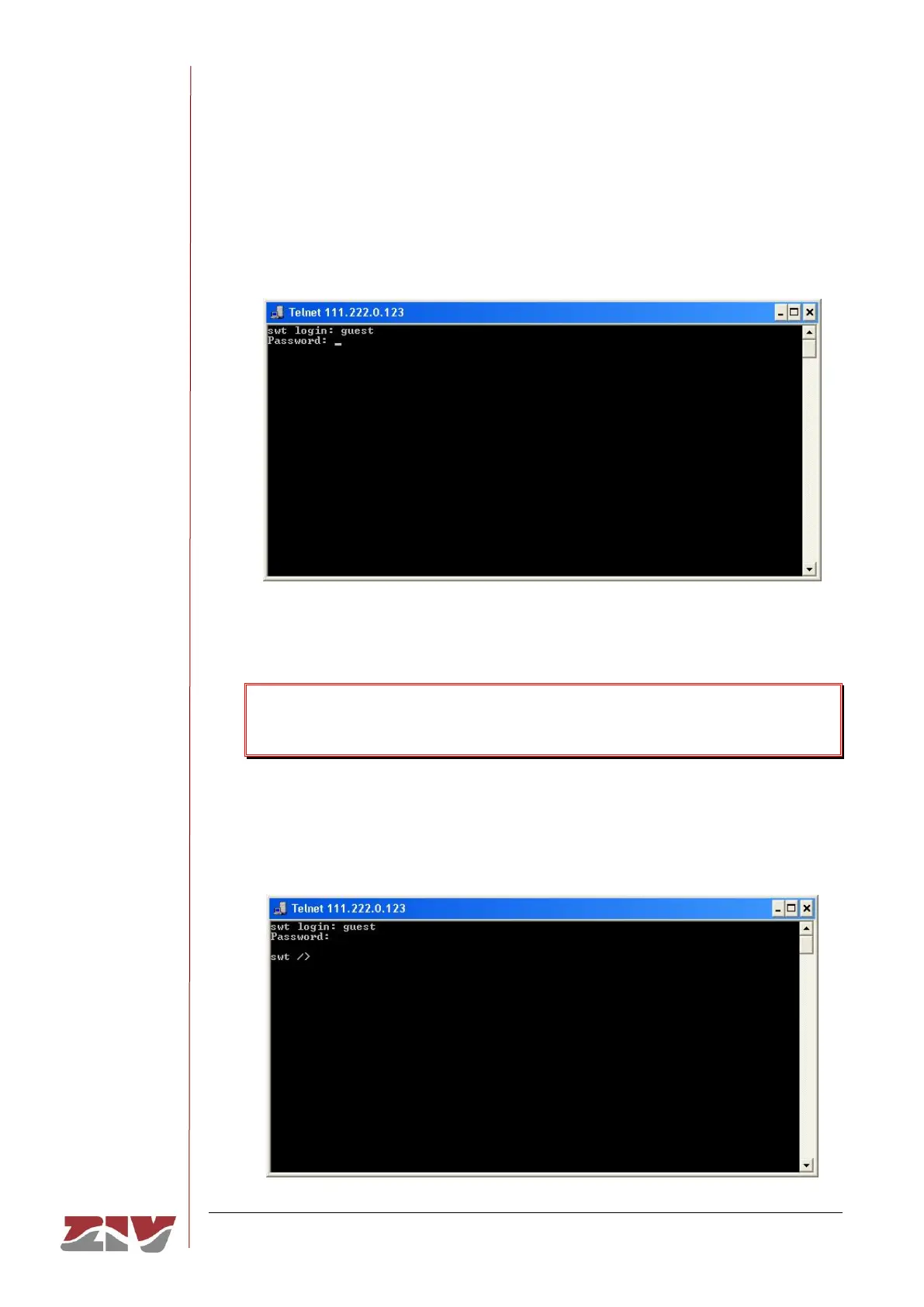
On establishing connection with the equipment, the prompt swt login: indicates that
the system is waiting for a user name to connect with the swt equipment.
Given that we only want information, it makes no difference which login is entered
(admin or guest). Enter guest and then press enter.
Now the system is waiting for us to enter the respective password. Enter passwd01
which is the one associated with the guest user and press enter.
Remember that no text will appear in the Telnet window when entering the
password.
If the login and password entered are correct, the prompt swt /> will appear, indicating
that the equipment is waiting for a command to be entered.



 To Next Page