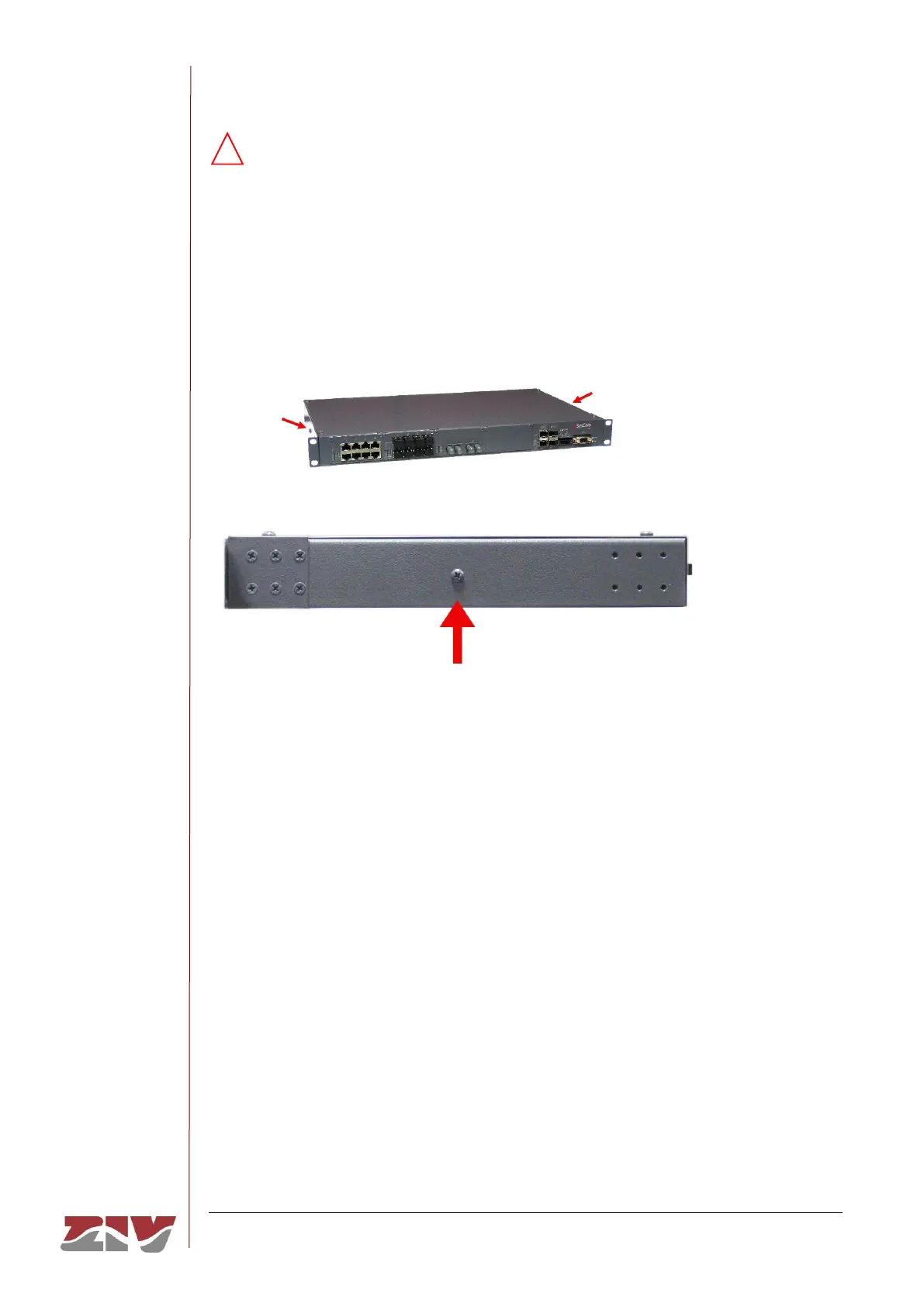
An earth connection is available (see FIGURE 8). When using the multirange
model, this connection must be made before connecting any other power-supply
cable.
In the isolated 48 Vdc model this connection is not compulsory but it is strongly
advisable.
FIGURE 8 Location of the earth connection
The SWT may have 4 Gigabit Ethernet SFP bays and up to 32 ports, front or rear.
The SWT has a 4-block mechanical structure for the installation of the ports. See in section
1.4.2, Equipment interfaces, the types of blocks available and their requirements.
FIGURE 9 shows an example of a front view of the SWT with 4 Gigabit Ethernet SFP bays
and with 26 Fast Ethernet front ports, the first 16 in 10/100Base-Tx (RJ-45) configuration,
the following 8 in 100Base-Fx (multimode, MT-RJ) configuration and the last 2 in 100Base-
Fx (multimode, ST) configuration.
FIGURE 10 shows an example of a rear view of the SWT with 4 Gigabit Ethernet SFP bays
and with 24 Fast Ethernet rear ports, the first 16 in 100Base-Fx (multimode, MT-RJ)
configuration and the last 8 in 100Base-Fx (multimode, ST) configuration.
The electrical characteristics of the connectors and their use are indicated in sections 2.1 to
2.8.



 To Next Page