SWT
GIGABIT/FAST ETHERNET SWITCH TYPE SWT 60/137
USER GUIDE - M0SWTA1903Iv09 - V09 March 2019
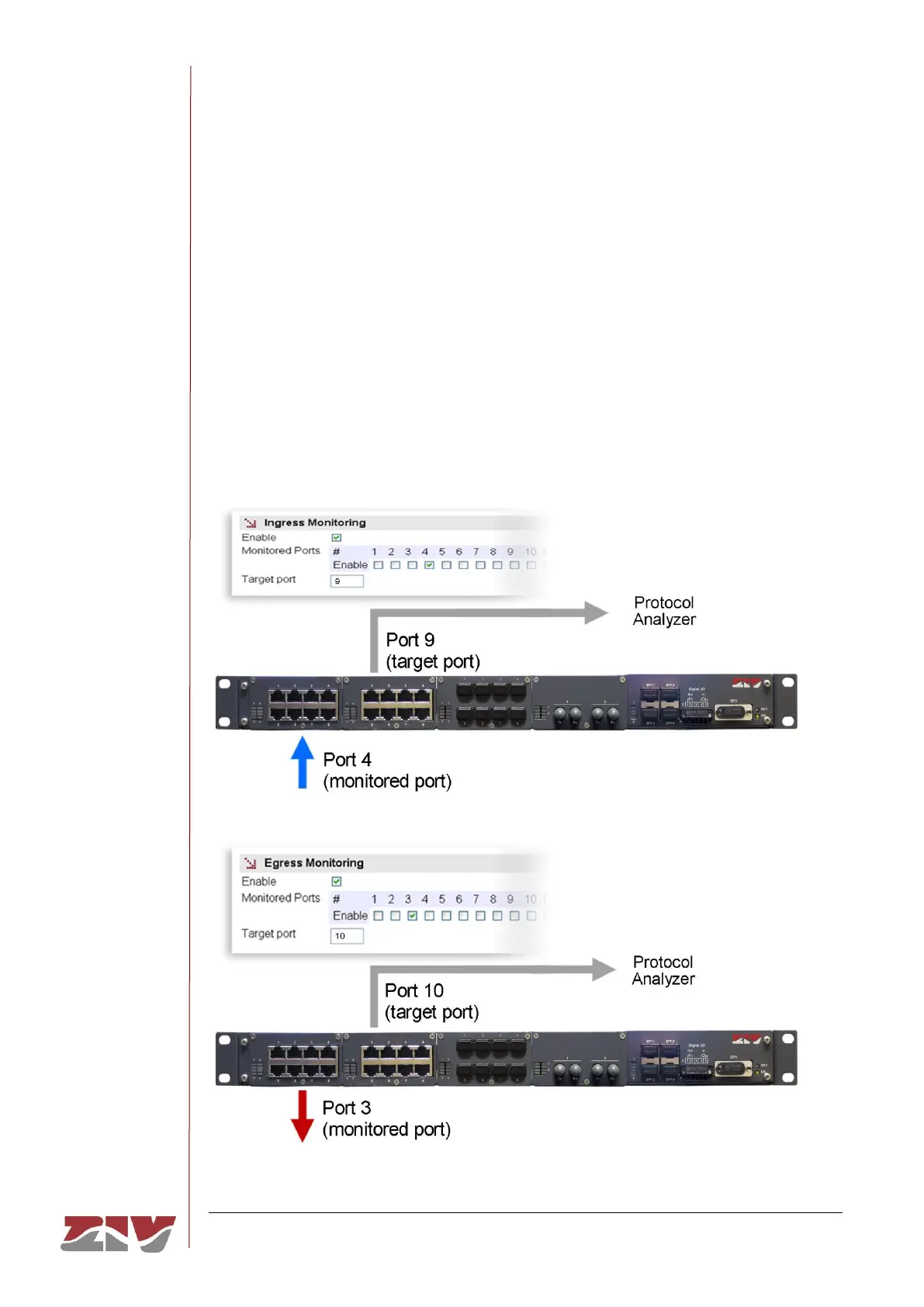
Egress Monitoring:
• Enable. It permits enabling and disabling monitoring of the outgoing traffic by
ticking or not ticking the corresponding box.
• Monitored Ports. It establishes the port or ports to be monitored. The outgoing
traffic in each one of the selected ports will be replicated in the target port.
• Target port. It establishes the port where the replicated packets will be sent to be
monitored.
FIGURE 33 Example of Monitor menu configuration



 To Next Page