46
5.4 I Roune use
5.4.1 Adjusng chlorine producon
The factory seng for "convenonal" chlorinaon is 50%. It can be manually set to between 0 and 100% in intervals of
10% from the "main screen" by pressing . The setpoint value remains valid unl next modied.
"Convenonal" chlorinaon refers to the manual management of chlorine producon (outside of "Boost"
mode or "Low" mode, and with no connected "ORP" regulaon).
5.4.2 "Boost" mode
In some cases, the pool may require a higher than normal chlorine level, for example during mes of high use, bad
weather or at the start of the pool season. "Boost" mode is used to increase the chlorine level quickly.
"Boost" mode operates for 24 consecuve hours at a 100% producon rate.
If the programme is congured to perform chlorinaon for 12 hours a day, "Boost" mode is acvated for 12 hours the
rst day and for 12 hours the second day.
If the lter pump is connected to the appliance, it also operates in "Boost" mode. The chlorinaon and ltraon mers
are temporarily ignored throughout the duraon of Boost mode.
Once "Boost" mode has been deacvated, the appliance and the lter pump resume the programmed operaons.
- If the appliance is equipped with a Dual Link module, Boost mode does not take into account the ORP
value. "Boost" mode has priority over ORP regulaon.
- Boost mode can be acvated even if the water is too cold (<15°C).
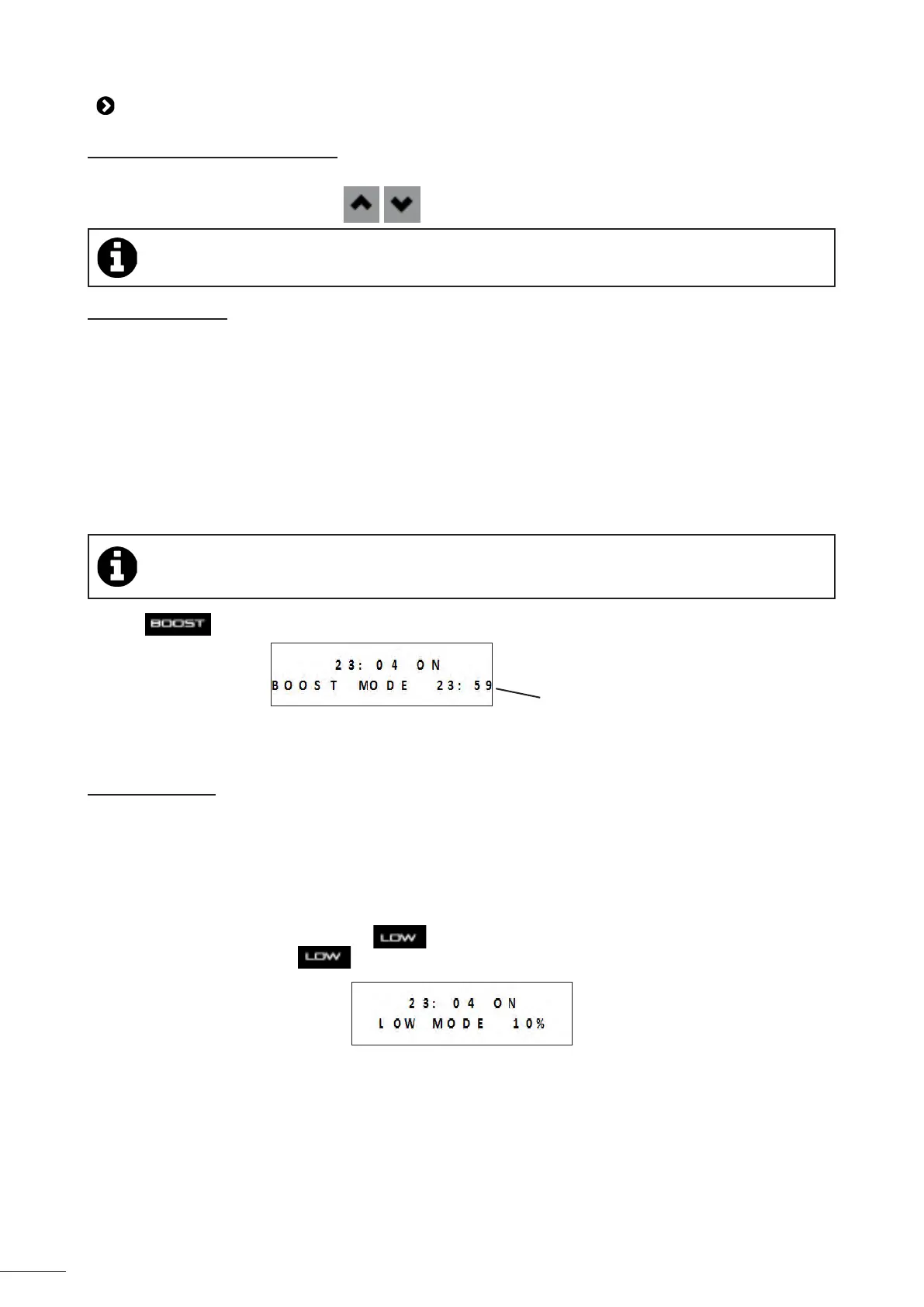
• Press .
Time remaining
for "Boost"
mode
• If the appliance is in Low/Cover mode, you must conrm that you want "Boost" mode to cancel the sengs
implemented for "Cover" or "Low" mode.
5.4.3 "Low" mode
"Low" mode is designed to reduce chlorine producon when the pool is covered or during periods of low pool use.
Chlorine producon must be reduced when the pool is not used very oen and/or when the pool water is not exposed
to UV rays, etc.
Producon in "Low" mode can be congured in the sengs of the main menu from "Low/Cover" mode.
"Low/Cover" mode can be congured from 0% to 30% in intervals of 10%. The programmes remain acve when the
appliance is in "Low/Cover" mode.
• To manually access "Low" mode, press .
• To leave "Low" mode, press again.














 To Next Page