EasyManua.ls Logo

Zodiac pH Link - User Manual

Zodiac pH Link
58 pages
Print Icon
To Next Page IconTo Next Page
Loading...
H0642300.B - 2020/02 - ES11--
More documents on:
www.zodiac.com
Instructions for installation and use - English
Magnesium electrolyser, pH/Redox regulaon
Translaon of the original instrucons in french
EN
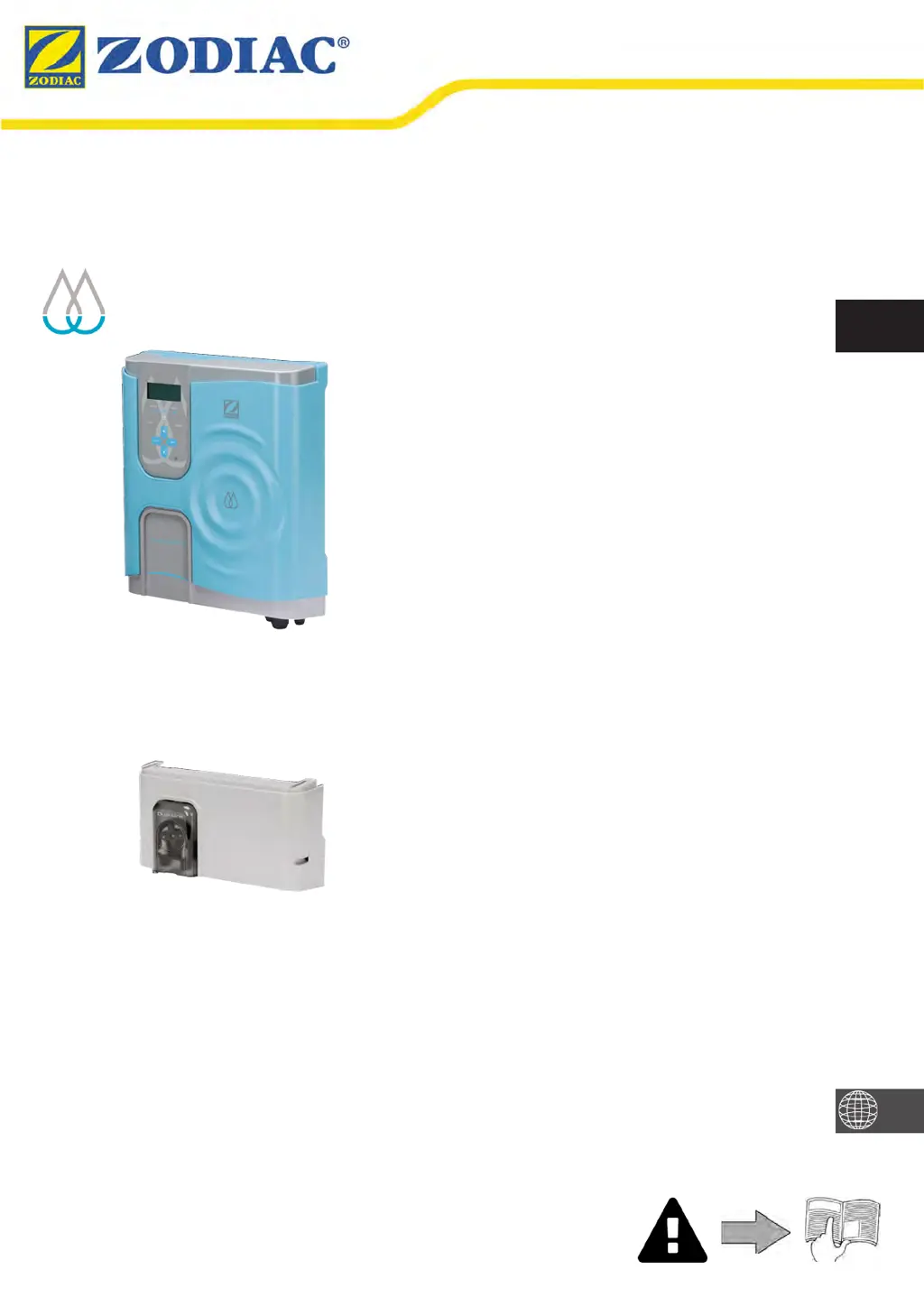
Hydroxinator® iQ
pH Link / Dual Link

Questions and Answers

  • S
    Susan ColemanSep 23, 2025
    What causes a 'pH LOW' error on my Zodiac Water Filtration Systems?
    • C
      colin14Sep 23, 2025
      A 'pH LOW' error on your Zodiac Water Filtration System indicates that the pH is less than 5. Check the pH sensor wiring on the control box and the sensor holder. Also, a faulty connection, calibration error, pH sensor failure, or a dirty sensor could be the cause, so check the sensor's operation. Low alkalinity can also reduce pH, so check and adjust the alkalinity.
  • N
    nielsenkellyAug 25, 2025
    What to do if my Zodiac pH Link Lighting Equipment shows 'PH LOW'?
    • D
      Douglas ReedAug 25, 2025
      If your Zodiac Lighting Equipment displays a 'PH LOW' error, it indicates the measured pH is 0.8 units or more below the set point. First, check the pH in the pool. You should also check the set point and the selected pool size. Clean and calibrate the pH sensor, or replace it if necessary. Finally, replace the pH7.5 buffer solution if needed.
  • A
    April CarterAug 25, 2025
    What to do if Zodiac Lighting Equipment displays 'PH ERROR'?
    • T
      Terri ClayAug 26, 2025
      If your Zodiac Lighting Equipment shows a 'PH ERROR', it means the pH adjustment has performed 5 cycles without reaching its set point (more than 10 hours). Check the pH in the pool. Also, verify that the pH minus container is not empty and replace it if it is. Test the peristaltic pump to ensure it is primed. Clean and calibrate the pH sensor, or replace it if necessary. Replace the pH7.5 buffer solution if necessary. Check the selected pool size. If the peristaltic pump has not been operated for a total of more than 72 hours, it may mean that the pH in the pool does not need to be corrected.
  • J
    Jeffrey BensonAug 27, 2025
    What to do if my Zodiac Lighting Equipment shows 'ACL HIGH'?
    • A
      Alejandro CruzAug 27, 2025
      If your Zodiac Lighting Equipment displays 'ACL HIGH', it indicates that the measured Redox potential is more than 150 mV above the set point, suggesting excessive chlorine levels. Clean and calibrate the sensors. Wait until the error message disappears, which indicates no chlorine production. Ensure the stabilizer level is below 30 ppm, the water's alkalinity is OK (avoiding well and rain water), and reduce the ACL set point.
  • M
    Mr. Lee Davis MDSep 23, 2025
    What causes data loss (time, etc.) in my Zodiac Water Filtration Systems?
    • R
      Rachel RaymondSep 23, 2025
      Data loss (like time) in your Zodiac Water Filtration System is typically due to a dead battery or a power cut. If it's a dead battery, contact your retailer to replace the 3V CR1220 battery. If it's due to a power cut, wait for the power to be restored; the appliance should automatically recover the information saved before the power cut.
  • K
    Kayla FlowersSep 13, 2025
    What should I do if pH dosing STOP on my Zodiac Water Filtration Systems?
    • R
      reatonSep 13, 2025
      If the pH dosing stops on your Zodiac Water Filtration System, it means that the pH value measured remains higher than the pH setpoint. To solve this problem you should check or replace the container, check and adjust the alkalinity (TA) of the pool water, and check/clean or replace the pH sensor.
  • A
    Amber CurrySep 12, 2025
    Why does my Zodiac Water Filtration Systems show a conductivity error?
    • J
      Jennifer HudsonSep 12, 2025
      A conductivity error in your Zodiac Water Filtration System could be due to several reasons. If your model has a temperature sensor, low water conductivity (low salt) might be the cause, so check the water temperature. It can also be caused by low salt levels due to water loss or dilution from filter backwash, water renewal, rain, or leaks. Measure the salt concentration using a salt tester or test strip, and add salt to maintain the level at 4 g/L or 2 g/L, depending on your model. Also, check the condition of the cell plates.
  • E
    Elizabeth HughesSep 12, 2025
    How to fix 'PROD. ERROR' on Zodiac Water Filtration Systems?
    • C
      Colleen ToddSep 12, 2025
      If your Zodiac Water Filtration System displays 'PROD. ERROR', it could stem from a few issues. First, check the power supply cord connections from the cell, both to the cell and inside the appliance, ensuring they are secure after switching off the appliance and the power supply to the control box. Another cause might be worn, scaled up, or broken cell plates, which would require cell replacement. It may also indicate an internal electronic problem in the control box, in which case you should check the power supply board.
  • D
    Danielle MartinezSep 4, 2025
    What does it mean if my Zodiac Lighting Equipment displays 'LOW WATER TEMP.'?
    • I
      iweeksSep 4, 2025
      If your Zodiac Lighting Equipment displays 'LOW WATER TEMP.', the water temperature is 10°C or less. Chlorination stops to protect the cell. Chlorination will automatically resume at a low rate between 10 and 15°C and at the normal rate above 15°C.
  • L
    Lisa SalazarSep 1, 2025
    What to do if Zodiac pH Link displays 'pH REGUL. STOP'?
    • H
      Heather FischerSep 2, 2025
      If the Zodiac Lighting Equipment shows 'pH REGUL. STOP', the pH setpoint hasn't been reached after 5 hours of injection. This could be due to a faulty connection, calibration error, a failure or dirty pH sensor, an empty pH minus container, a pump that isn't primed, or high alkalinity. Check the pool's pH using a photometer or test strip. Inspect the pH sensor wiring, clean and calibrate the sensor, and replace the pH container if empty. Test the peristaltic pump, reduce the alkalinity level, and consider replacing the pH sensor.

Summary

Safety Precautions

General Safety Warnings

Crucial warnings for safe operation and to prevent injury or damage.

Electrical Safety Warnings

Specific safety guidelines related to electrical connections and power supply.

Chlorinator Installation

Installing the Chlorinator Cell

Step-by-step guide for installing the main electrolytic cell unit.

Electrical Connection Procedures

Steps for making all necessary electrical connections to the control box.

pH Link;Dual Link Module Installation

Installing the pH Link;Dual Link Module

Guide for attaching the pH/ORP control module to the chlorinator.

Chlorinator Operation and Configuration

Sensor Calibration and pH;ORP Control

Calibrating pH and ORP Sensors

Step-by-step calibration process for accurate sensor readings.

Configuring pH and ORP Setpoints

Setting desired pH and ORP levels for automated regulation.

iAquaLink App Integration

Maintenance and Troubleshooting

Troubleshooting Appliance Issues

Diagnosing and resolving common problems with the chlorinator.

Zodiac pH Link Specifications

General IconGeneral
BrandZodiac
ModelpH Link
CategoryLighting Equipment
LanguageEnglish

Related product manuals