55
Message Possible cause Soluon
"---"
displayed where
the ORP value
should be
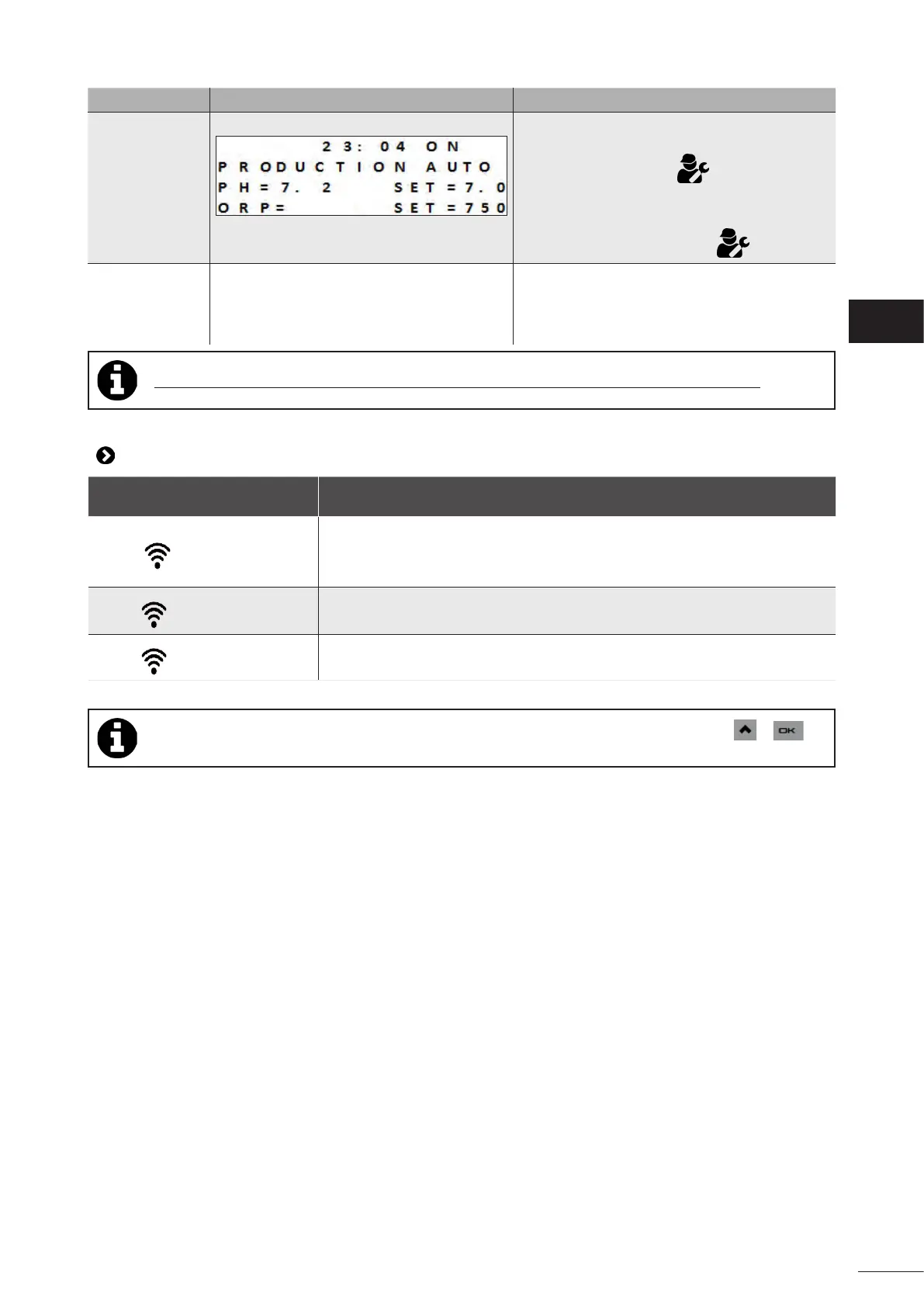
Example display:
- - -
• The pH value measured is greater than 12.
• The sensor has been automacally blocked
by the pH overdose safeguard.
• Check the connecon between the sensor
and the control box, re-connect if necessary
(contact your retailer) .
• While waing for a replacement sensor,
deacvate the ORP funcon in the service
menu in order to switch to manual operang
mode (contact your retailer) .
"pH dosing
STOP"
(“INFO”
indicator
ashing)
• The pH value measured remains higher
than the pH setpoint despite an injecon
cycle customised by the pH overdose
safeguard.
• Check or replace the container.
• Check and adjust the alkalinity (TA) of the pool
water.
• Check/clean or replace the pH sensor.
Tip: if you require assistance, inform your retailer about the appliance's condion to save me
8.2 I Wi-Fi LED behaviour
Control box status Meaning
• The LED is o
• Appliance not connected or Wi-Fi network issue (modem malfuncon,
changed network name or password, etc.)
• Repeat the pairing process. If the LED is sll not lit despite the pairing aempt,
disconnect the reconnect the appliance to the mains power supply.
• The LED is ashing
• Pairing in progress. To stop pairing, disconnect the appliance from the power
supply.
• The LED is on steady
• Appliance connected to the Wi-Fi network and accessible via the app.
• Pairing can be restarted regardless of the connecon status by simultaneously pressing + for
4 seconds.
EN














 To Next Page