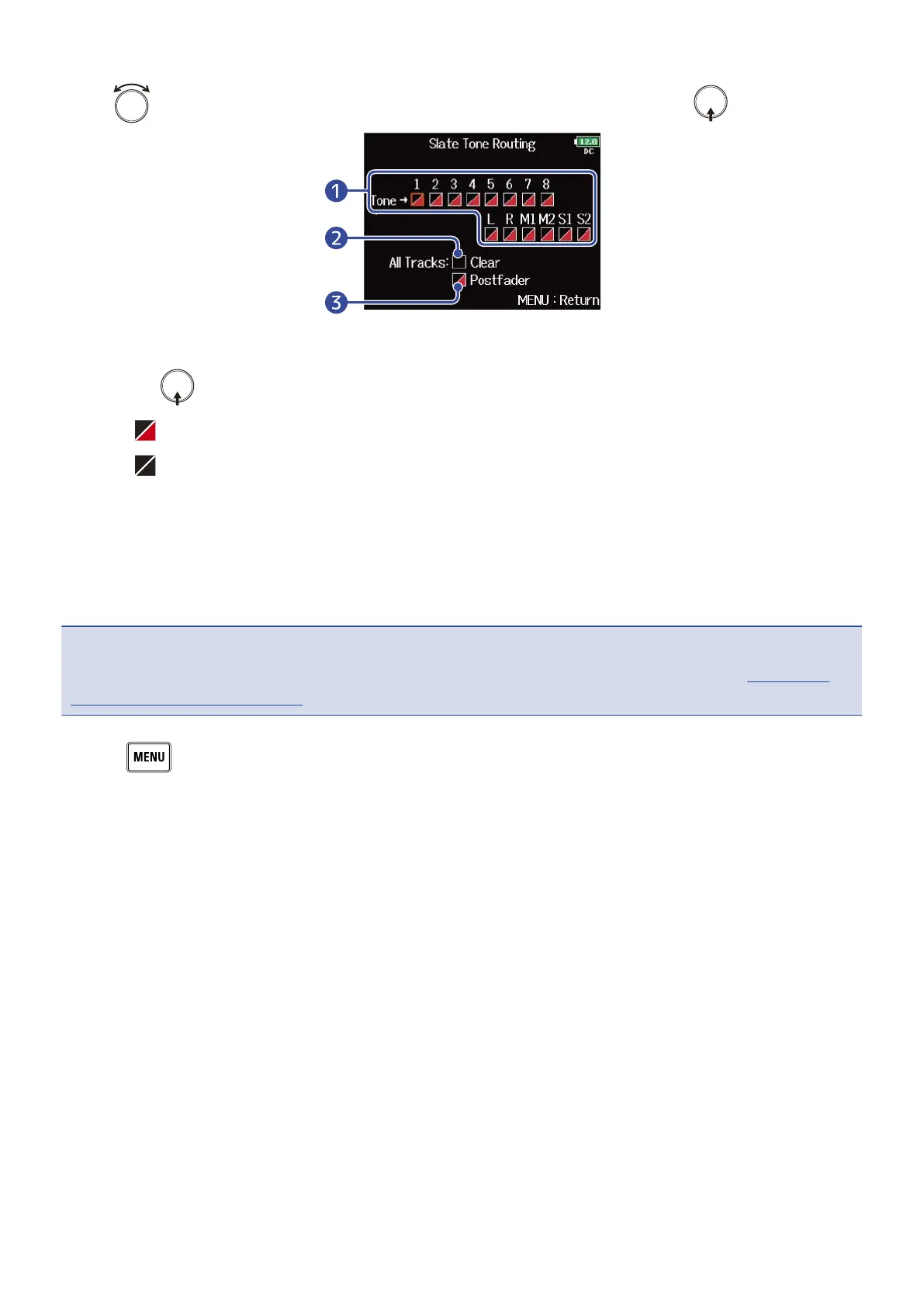
5. Use to select the tracks/outputs for slate tone signal routing, and press .
❶
Tracks/outputs for slate tone signal routing
Press to switch between “Postfader” and “Off”.
• : Postfader selected
• : Off
❷
All Clear
Clear all settings.
❸
Postfader setting
All tracks are set to postfader.
NOTE:
Routing to tracks 1–8 is not possible when operating the as an audio interface (Stereo Mix). (→Using as an
audio interface (Audio Interface))
6. Press .
190



 To Next Page