Checking and editing take number
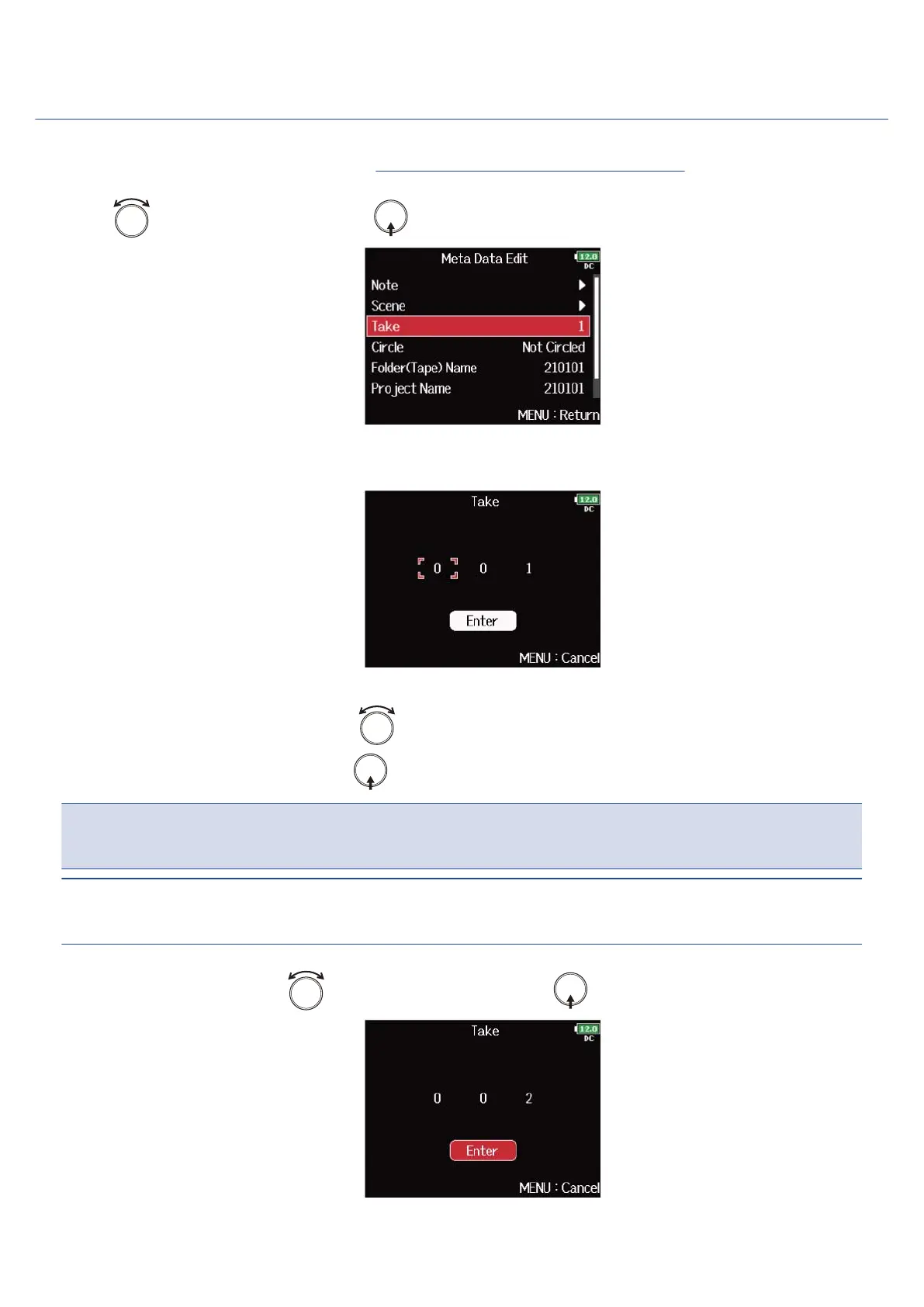
1. Open the metadata editing screen. (→Displaying the metadata editing screen)
2. Use to select “Take”, and press .
3. Change the take number.
■ Editing operations
Move cursor or change value: Turn .
Select parameter to change: Press .
NOTE:
The take number is written to the <TAKE> metadata.
HINT:
This can be set from 1 to 999.
4. When done changing, use to select “Enter”, and press .
221



 To Next Page