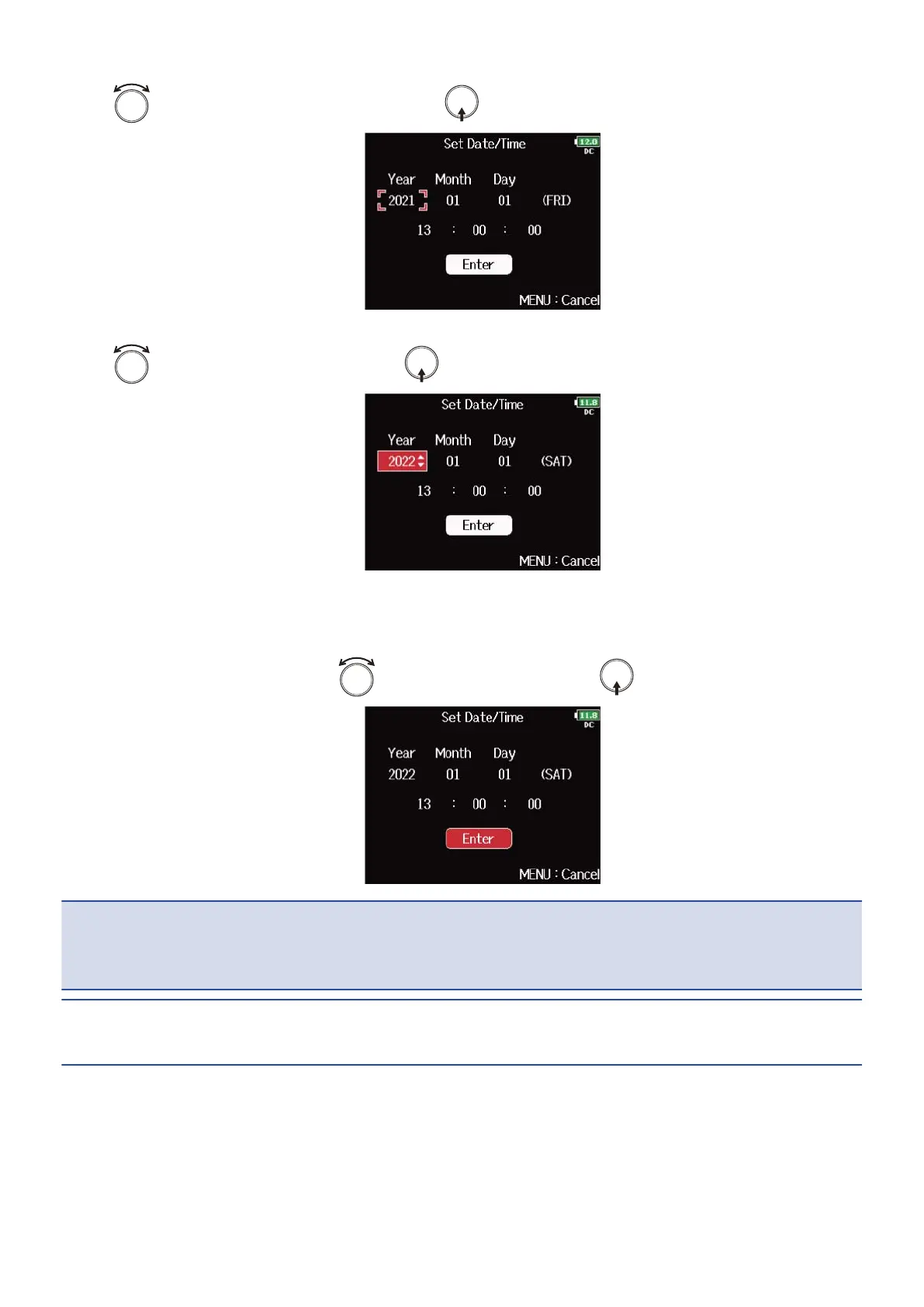
5. Use to select the setting item and press .
6. Use to change the value and press .
7. Repeat steps 5 and 6 to set the date and time.
8. After finished all the setting, use to select “Enter” and press .
NOTE:
If power is not supplied by an AC adapter for a long time, date and time settings will be reset. If the date and
time setting screen appears during startup, set them again.
HINT:
This screen opens automatically the first time the power is turned on after purchase.
279



 To Next Page