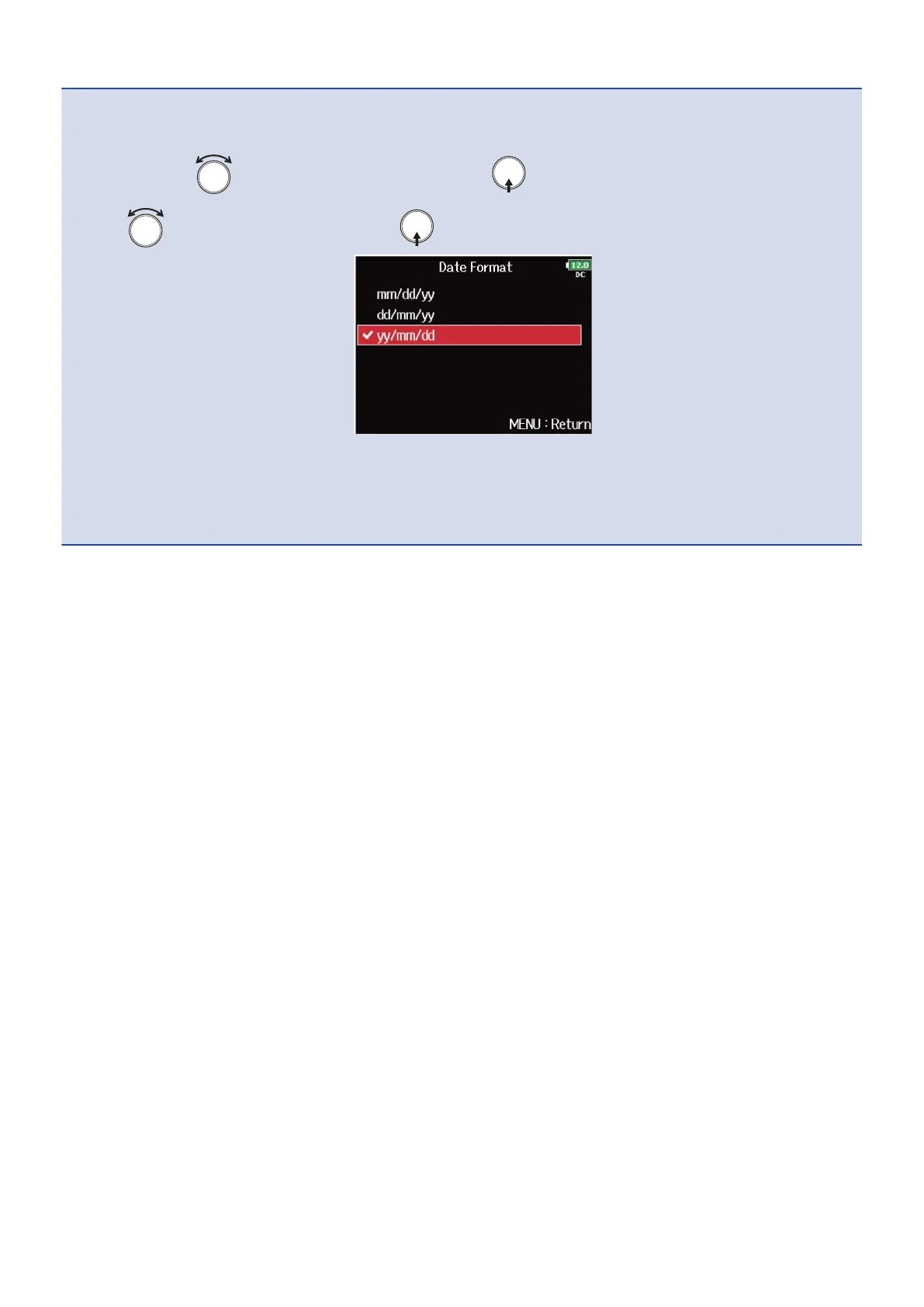
Setting the date format:
The date format added to recording files can be changed.
1. In step 4, use to select “Date Format”, and press .
2. Use to select the format, and press .
• mm/dd/yy: Month, day, year order
• dd/mm/yy: Day, month, year order
• yy/mm/dd: Year, month, day order
280



 To Next Page