Using as an audio interface
Signals input to the H8 can be input to a computer or iOS/iPadOS device. Moreover, signals played back on a
computer or iOS/iPadOS device can be output from the H8.
Connecting the H8 with a computer or iOS/iPadOS device
1.
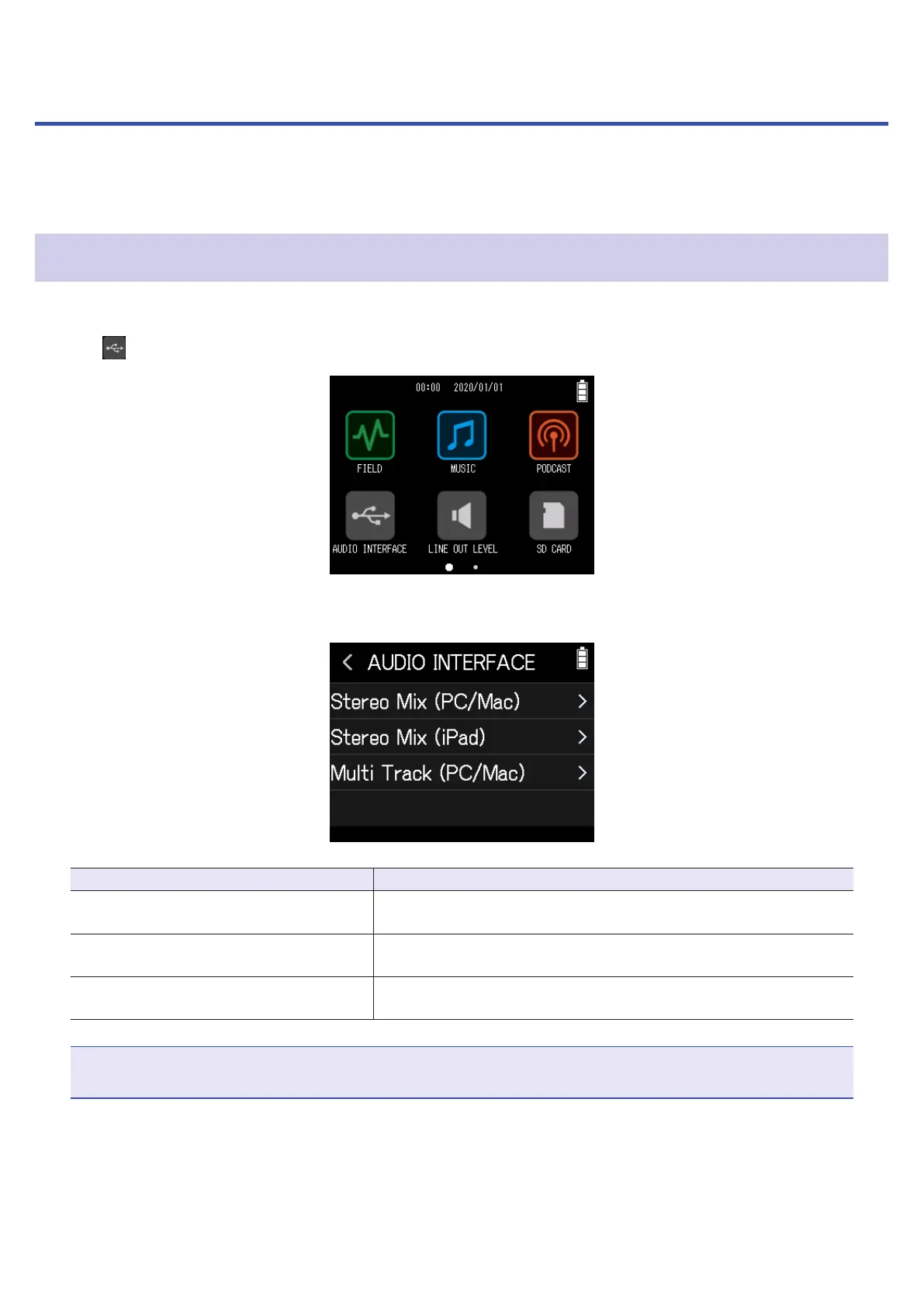
Tap Audio Interface on the Home Screen.
2.
Select the mode.
Mode Explanation
Stereo Mix (PC/Mac)
This is a 2-in/2-out connection mode for Mac/Windows that sends
all tracks as a stereo mix.
Stereo Mix (iPad)
This is a 2-in/2-out connection mode for iPadOS devices that sends
all tracks as a stereo mix.
Multi Track (PC/Mac)
This is a 12-in/2-out connection mode for Mac/Windows that sends
the signals of each track separately.
NOTE
A driver is necessary for use with Windows. Download the driver from the ZOOM website (www.zoom.co.jp/).
If a Stereo Mix has been selected, skip to step 5.
104



 To Next Page