Connecting mics, instruments, mixers and other equipment
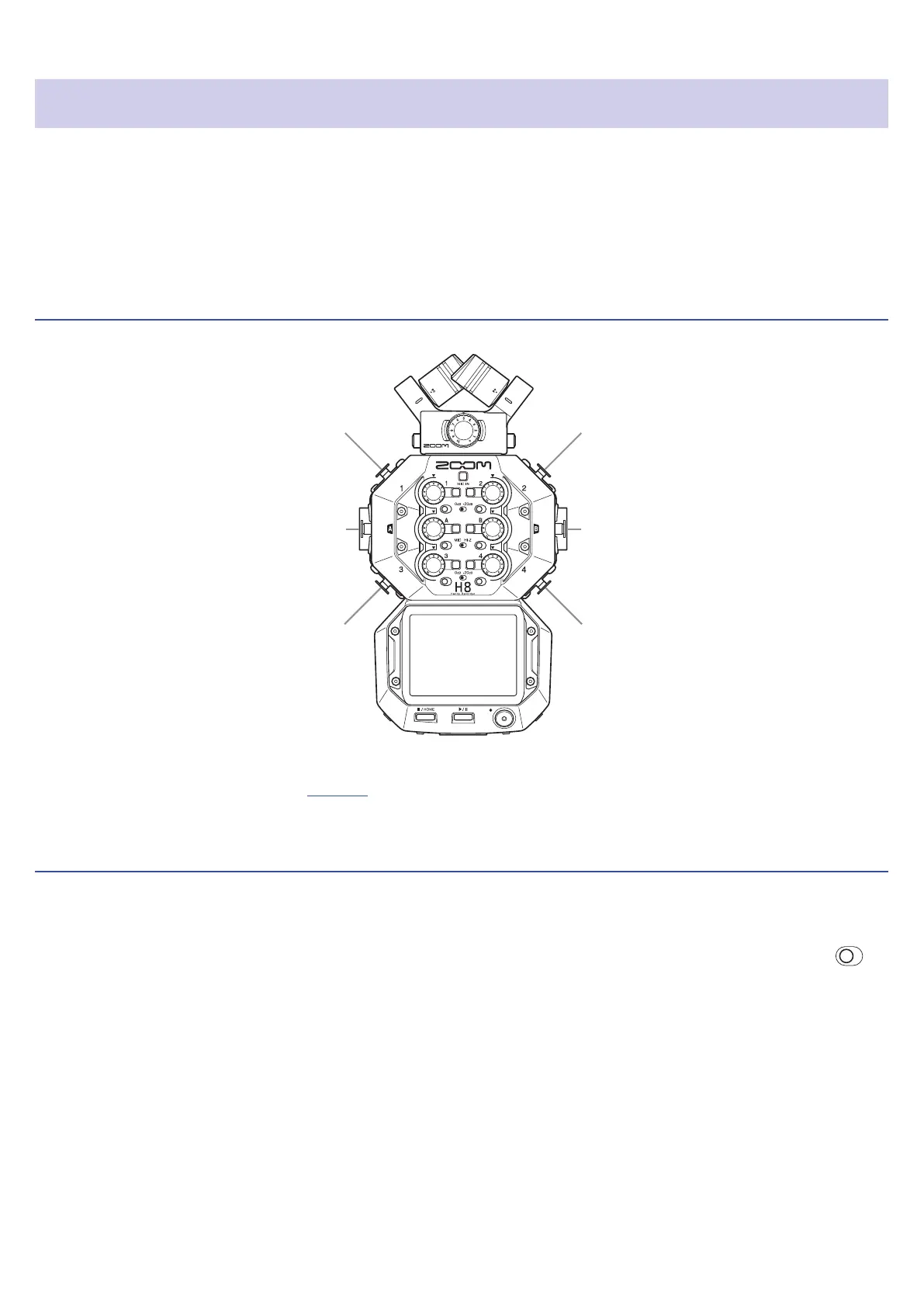
The H8 can record up to 12 tracks at once. These include up to 4 tracks of input from a mic capsule, Inputs 1–4,
A and B, and a stereo mix of these with L/R tracks (2 tracks).
Mics can be connected to Inputs 1–4 and instruments can be connected to Inputs A and B, for example, and
recorded to corresponding input tracks 1–4, A and B.
Connecting mics
Input A
Input B
Input 1
Input 2
Input 3
Input 4
Connect dynamic and condenser mics with XLR plugs to Inputs 1–4, A and B. Phantom power (+24 V/+48 V) can
be supplied to condenser mics. (
→
page 29)
Connecting instruments
When directly connecting guitars and bass guitars, connect their mono plugs to Input A or B. When connecting
keyboards and other instruments with stereo outputs connect them to both input A and B.
When connecting a guitar or other device with high output impedance, set the corresponding Hi-Z switch (
) to
Hi-Z.
23



 To Next Page