Setting the display language (rst time starting up)
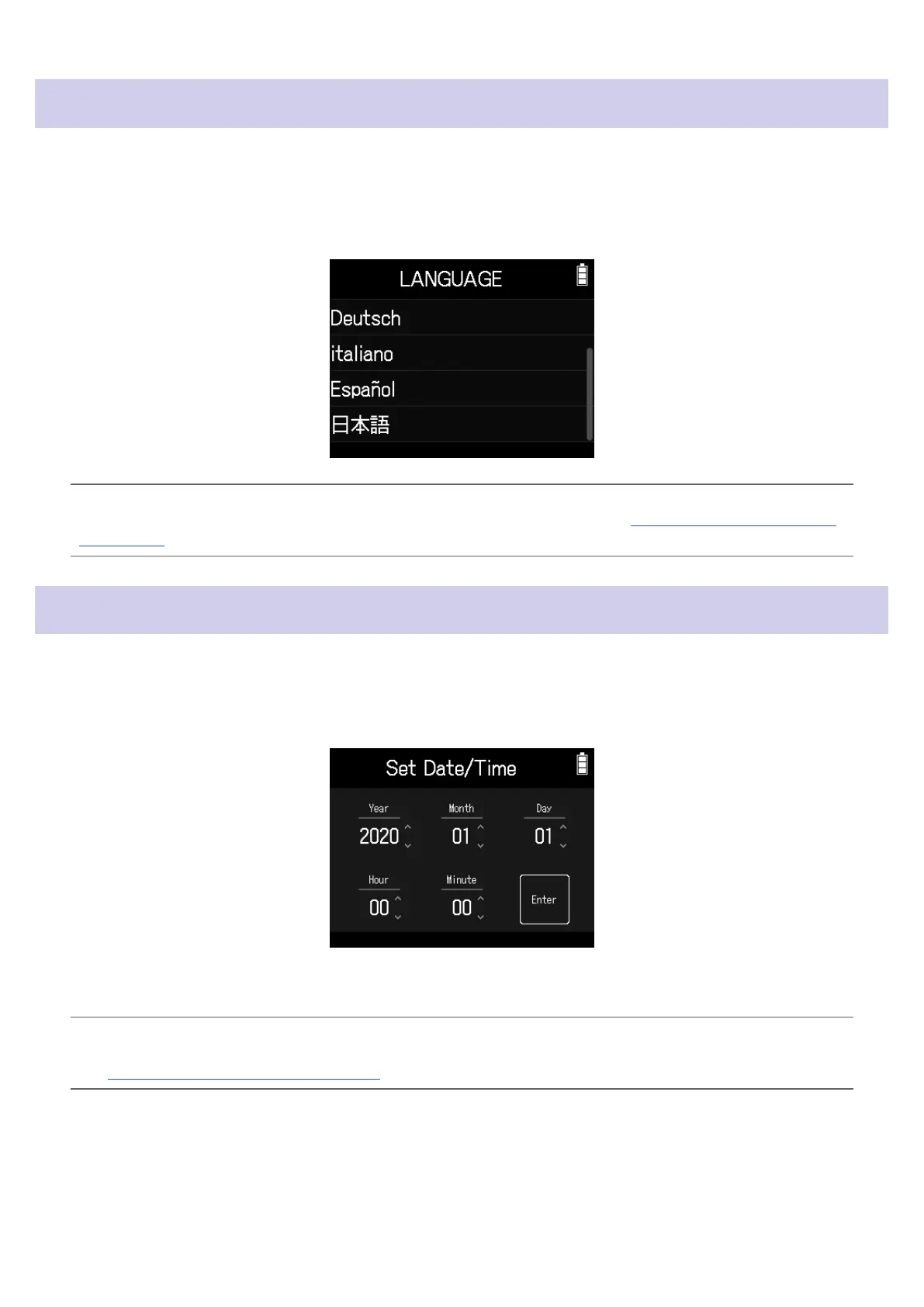
The rst time you turn the power on after purchase, set the touchscreen display language when the LANGUAGE
Screen opens.
1.
Tap the language you want to set.
HINT
The display language can be changed later using Home Screen > Language. (
→
“Setting the language shown”
on page 130)
Setting the date and time (rst time starting up)
When the Set Date/Time Screen opens after the LANGUAGE Screen, set the date and time.
1.
Swipe the date and time items to set them.
2.
Tap Enter.
HINT
The date and time setting can be changed later using Home Screen > SYSTEM > Date/Time > Set Date/Time.
(
→
“Setting the date and time” on page 120)
19



 To Next Page