Using effects
There are 76 types of effects that can be used.
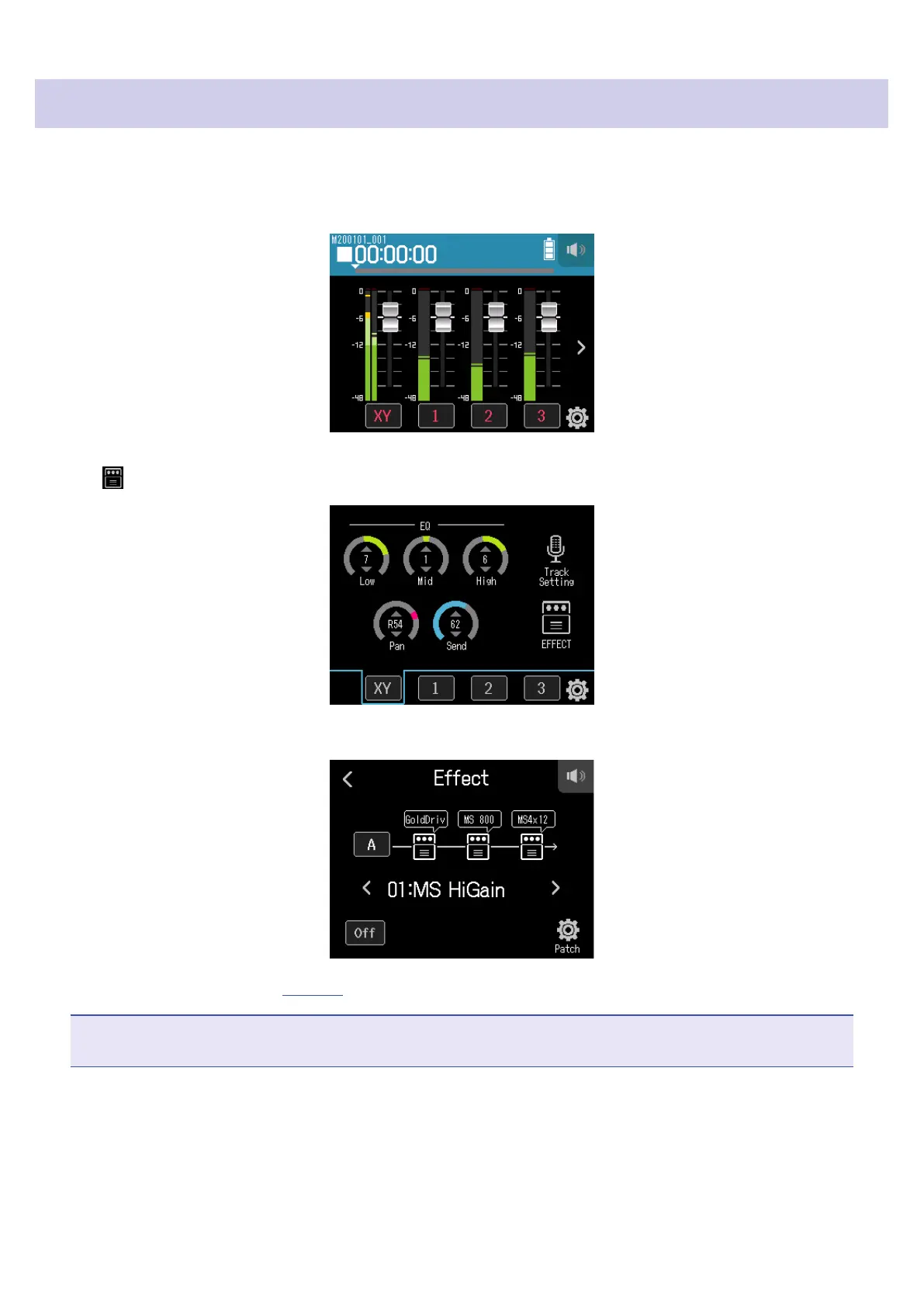
1.
Tap the desired track button.
2.
Tap EFFECT.
This opens the Effect Screen.
Refer to “Using effects” (
→
page 89) for setting procedures and other details.
NOTE
Effects can only be used when the recording format is 44.1 kHz/16 bit or 44.1 kHz/24 bit.
64



 To Next Page