Managing projects
The contents of SD cards can be viewed and folders can be created. Recording/playback folders can also be set
and deleted and have their information checked, for example.
Project Operation Screen
1.
Tap on an app screen.
2.
Tap Projects.
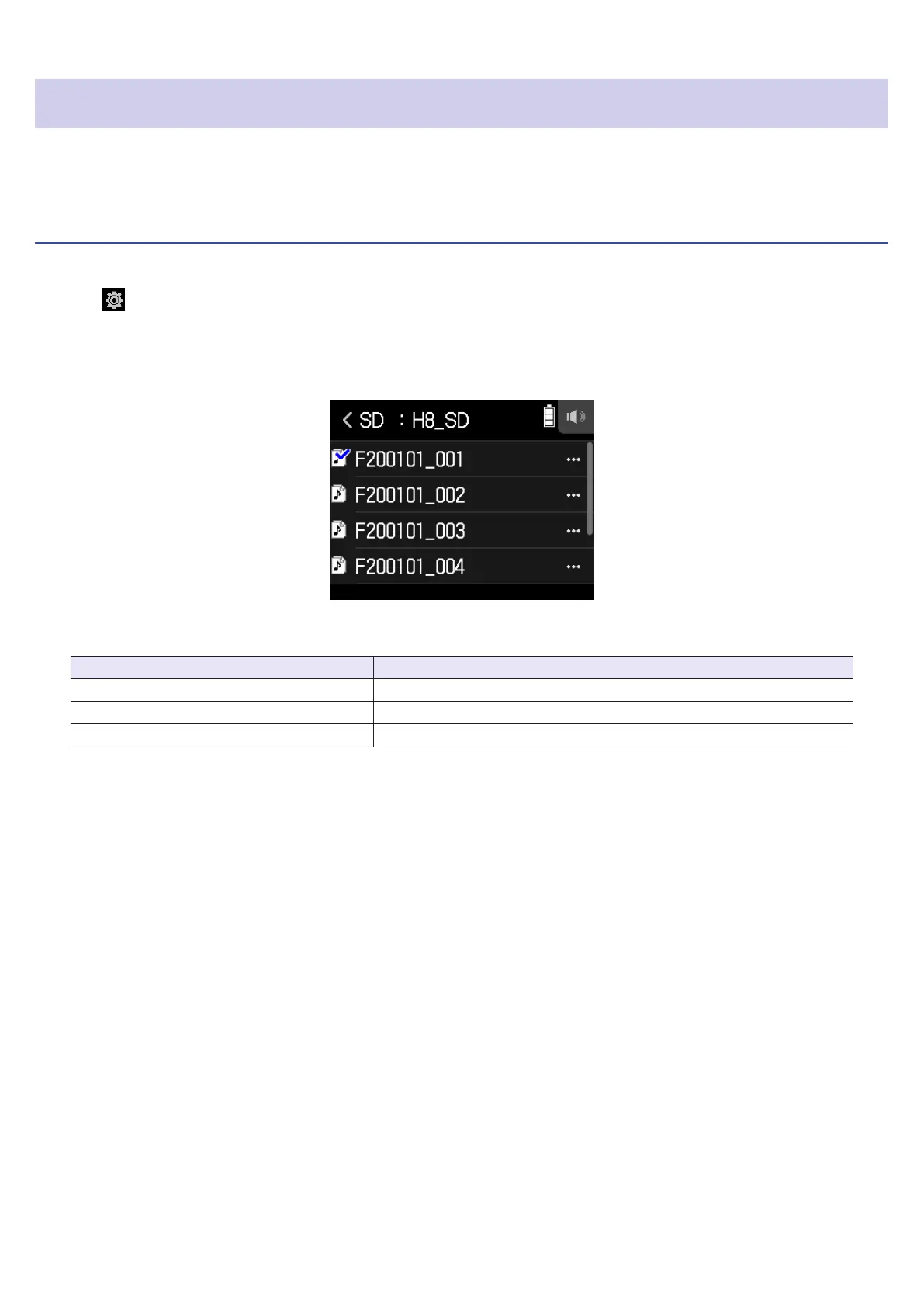
The Project Operation Screen shows the folders and les on the SD card.
• The following operations are possible.
Action Operation
Move down a level Tap a folder
Move up a level Tap <
Show options Tap …
99



 To Next Page