Managing projects
Folder and le structure
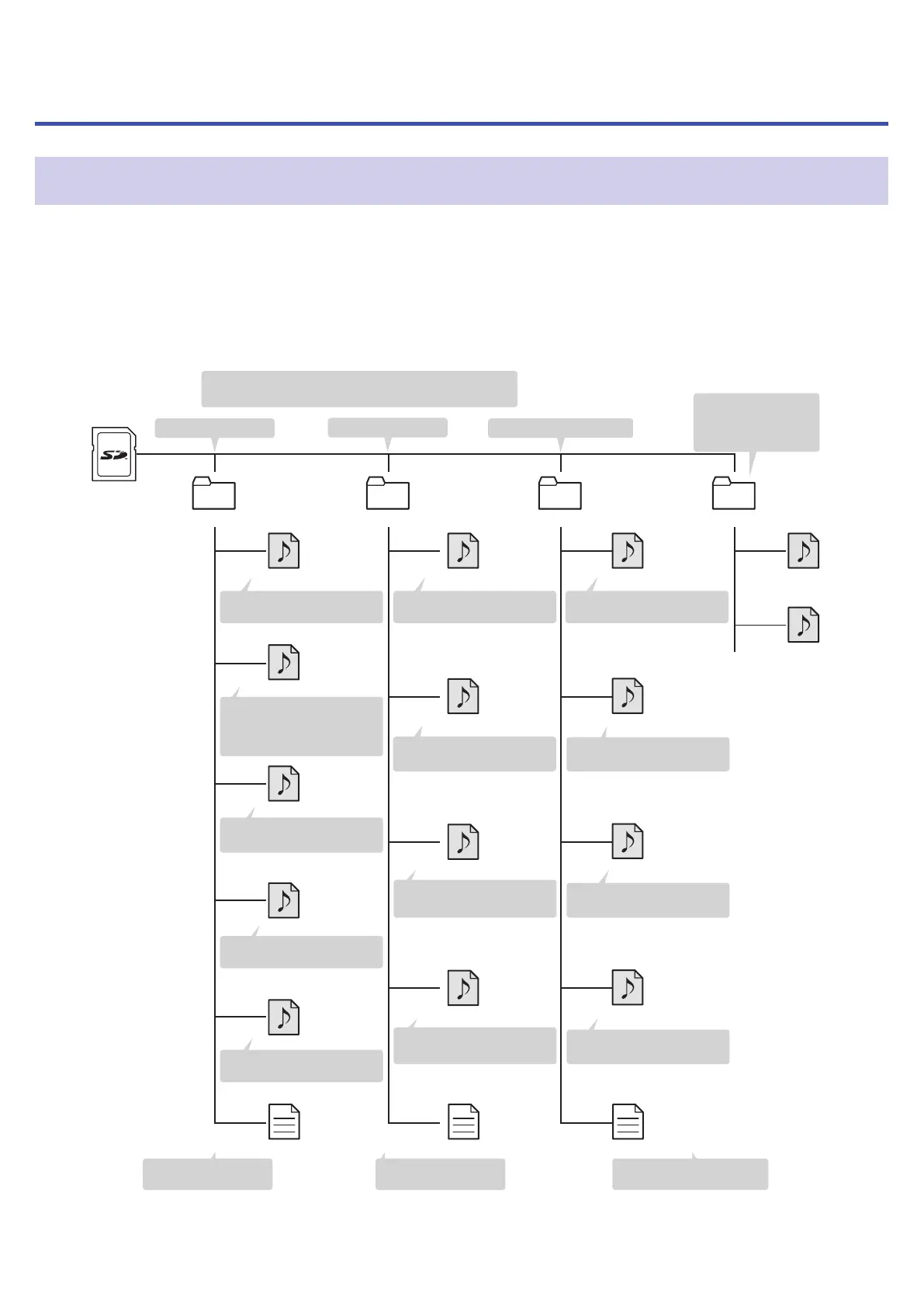
When recording with the H8, folders and les are created on SD cards in the following manner.
Projects that are created can be used with all three apps (FIELD, MUSIC and PODCAST). (Recording and playback
of 96kHz/16-bit and 96kHz/24-bit WAV les is only supported by the FIELD app.)
The H8 manages recording and playback data in units called projects.
• • • • •
Files assigned to
PODCAST app sound
pads are copied here.
Root
F200101_001
Mic12.wav
Mic12_BU.wav
Tr12.wav
TrA.wav
Tr1.wav
Tr1_01.wav
TrLR.wav
M200101_001 P200101_001 SOUNDPAD
• • • • • • • • • • • • •
F200101_001.h8prj
Tr1.wav
Tr2.wav
Tr34.wav
TrA.wav
P200101_001.h8prj
Mic12.wav
MIc12_01.wav
M200101_001.h8prj
bgm1.wav
Stereo file recording of
sound pad track
Stereo file recording of
signals from MIC IN
PODCAST app
recording
MUSIC app recording
FIELD app recording
Project folders are created with names like “[date]_001”
and “[date]_002” . (The date format is YYYYMMDD.)
Stereo file backup recording
of signals from MIC IN at a
level 12 dB lower
Stereo file recording of
input 1 and 2 signals
Mono file recording
of input A signal
Stereo file recording of
built-in mixer L/R output
Project file
(FIELD app recording)
Project file
(MUSIC app recording)
Project file
(PODCAST app recording)
Mono file recording of
input A signal
Mono file recording of
input 2 signal
Mono file recording of
input 1 signal
2nd mono file recording of
input 1 signal
1st mono file recording of
input 1 signal
2nd stereo file recording of
signals from MIC IN
1st stereo file recording of
signals from MIC IN
98



 To Next Page