Operating from an iOS/iPadOS device
Connecting an iOS/iPadOS device
The H8 can be operated from an iOS/iPadOS device by connecting a dedicated wireless adapter (e.g. BTA-1) and
using the dedicated H8 Control app.
NOTE
• The H8 Control app must be installed on the iOS/iPadOS device beforehand. The H8 Control app can be down-
loaded from the App Store.
• For app setting and operation procedures, see the manual for the H8 Control app.
1.
Remove the REMOTE connector cover and connect a BTA-1 or other dedicated wireless adapter.
2.
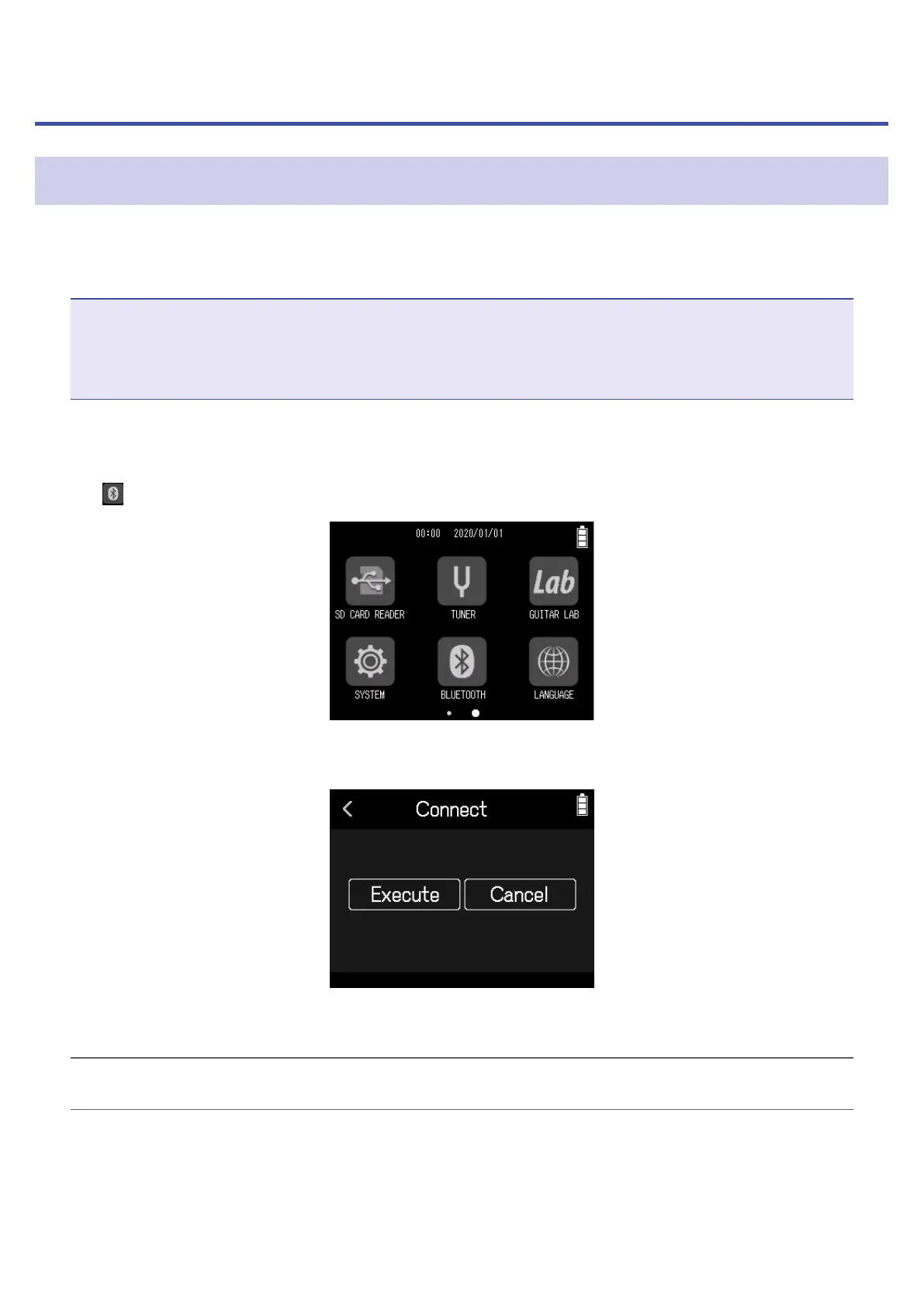
Tap BLUETOOTH on the Home Screen.
3.
Tap Execute.
4.
Launch the H8 Control app on the iOS/iPadOS device, and conduct connection procedures.
HINT
For app setting and operation procedures, see the manual for the H8 Control app.
128



 To Next Page