Making audio interface settings
The following two settings can be made when using the H8 as an audio interface.
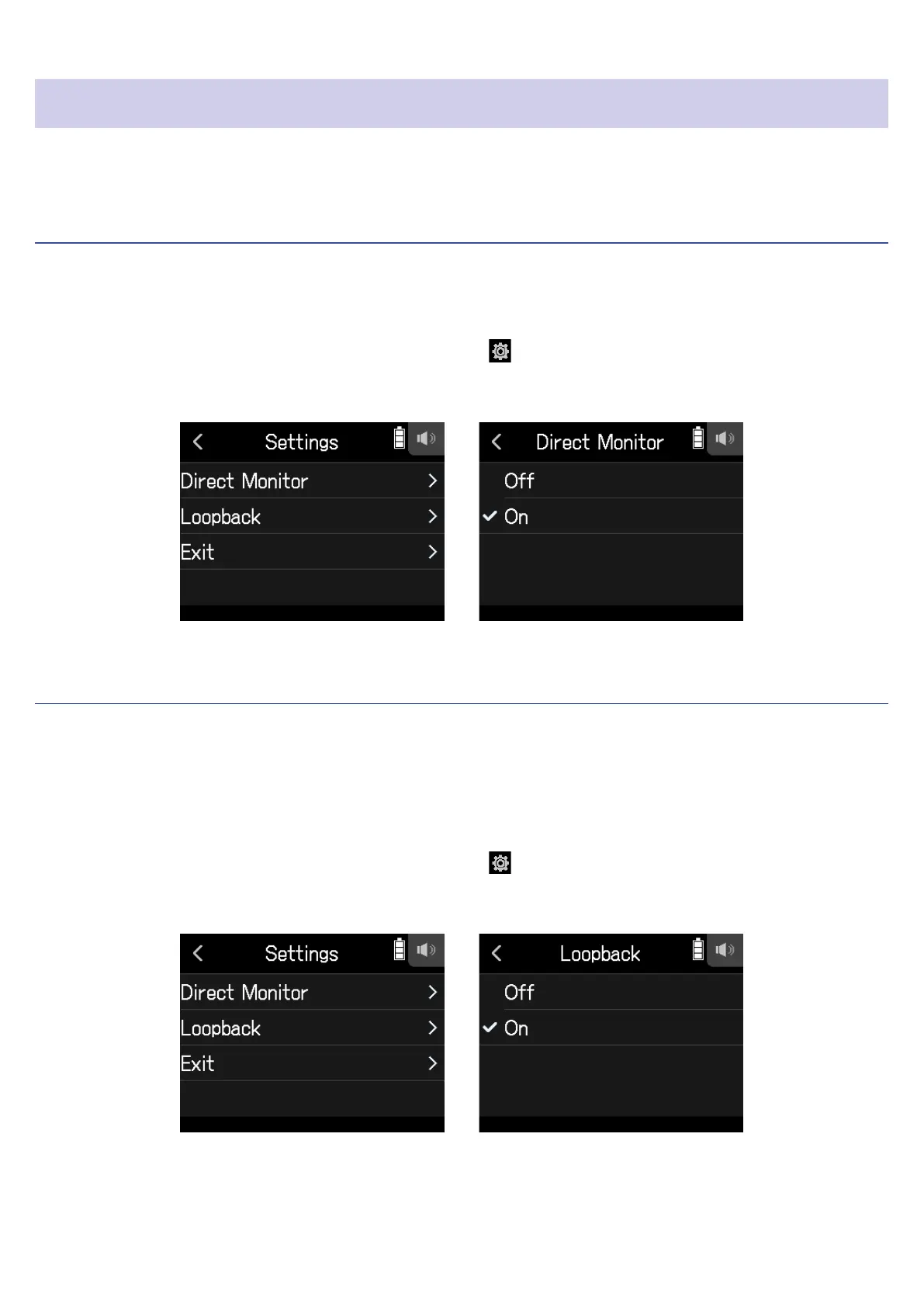
Enabling direct monitoring
This directly outputs the sound being recorded through the H8 from the H8 before sending it to the computer or
iOS/iPadOS device. This enables monitoring without latency.
1.
After connecting a computer or iOS/iPadOS device, tap on the app screen.
2.
Tap Direct Monitor, and set it to On.
Setting loop back (Stereo Mix only)
This function mixes the playback sound from the computer or iOS/iPadOS device with the H8 input and sends
the mix back to the computer or iOS/iPadOS device (loop back).
This function can be used to add narration to music played back from the computer and to record the mix or
stream it on the computer, for example.
1.
After connecting a computer or iOS/iPadOS device, tap on the app screen.
2.
Tap Loopback, and set it to On.
107



 To Next Page