Recording
Recording process
Recording follows the process shown below.
Prepare to
record
• Use batteries or an AC adapter
• Insert an SD card
• Connect the XY mic
• Connect mics, instruments, mixers and other equipment
• Turn the power on
• Set the recording format
• Make input and output settings
Record
• Press to start recording and press to stop
• Marks can also be added
• Press
to pause
Play and check
• Press to start playback and to stop
• Cue to mark positions and to make project mixer settings, for example
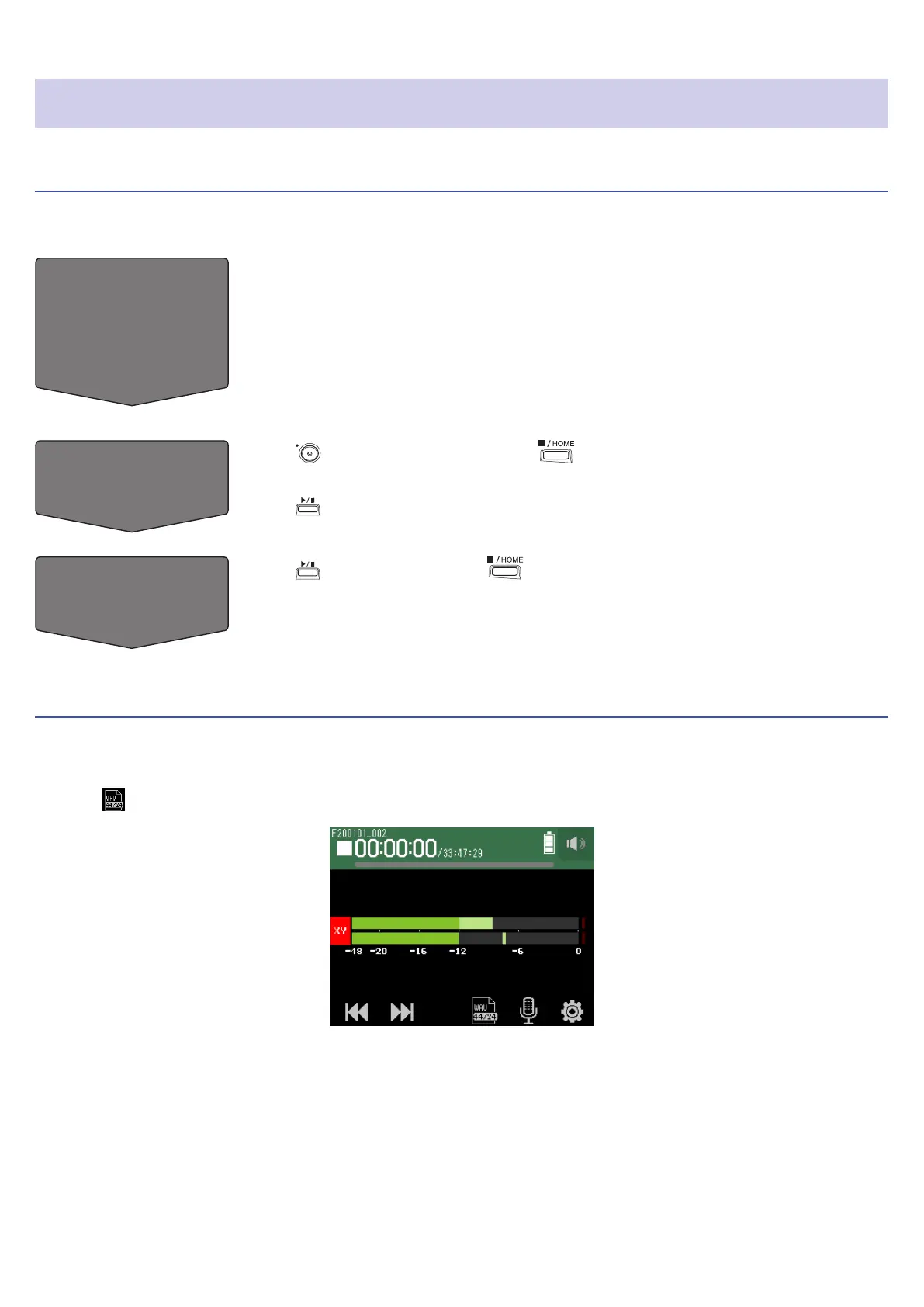
Setting the recording format
Considering audio quality and le size, select the format.
1.
Tap .
45



 To Next Page