2.
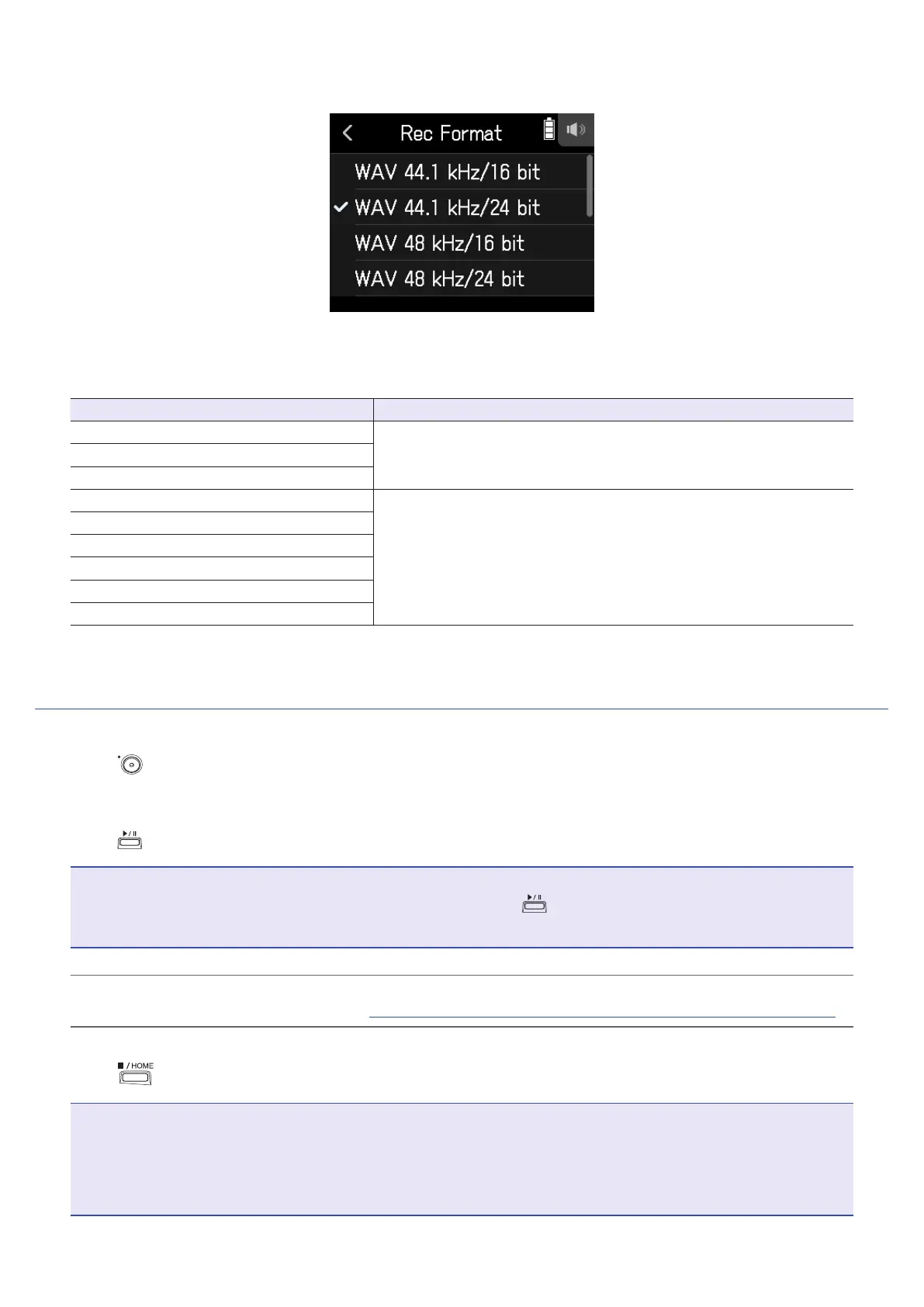
Set the recording format
The following formats can be set.
They are shown in order of audio quality (from low to high) and le size (from small to large).
Setting Explanation
MP3 128 kbps
The sampling frequency is 44.1 kHz.
The higher the bit rate is, the better the audio quality will be.
MP3 192 kbps
MP3 320 kbps
WAV 44.1 kHz/16 bit
The higher the sampling frequency (kHz) and bit rate (bit) are, the
better the audio quality will be.
WAV 44.1 kHz/24 bit
WAV 48 kHz/16 bit
WAV 48 kHz/24 bit
WAV 96 kHz/16 bit
WAV 96 kHz/24 bit
Recording
1.
Press on the FIELD app screen.
This starts recording.
2.
Press to pause.
NOTE
• When recording is paused, a mark is added at that point. Press
again to resume recording.
• A maximum of 99 marks can be added in a project.
HINT
Marks can be added without pausing. (
→
“Setting how marks are added when recording/playing” on page 124)
3.
Press to stop.
NOTE
If the le size exceeds 2 GB during recording, a new le will be created automatically in the same project and
recording will continue without pause. When this happens, numbers will be added to the ends of the le names:
“_0001” for the rst le, “_0002” for the second le and so on. No gap in sound will occur between the two les
when this happens.
46



 To Next Page