Using as a card reader
When connected to a computer, data on the SD card can be checked and copied.
Connecting the H8 with a computer
1.
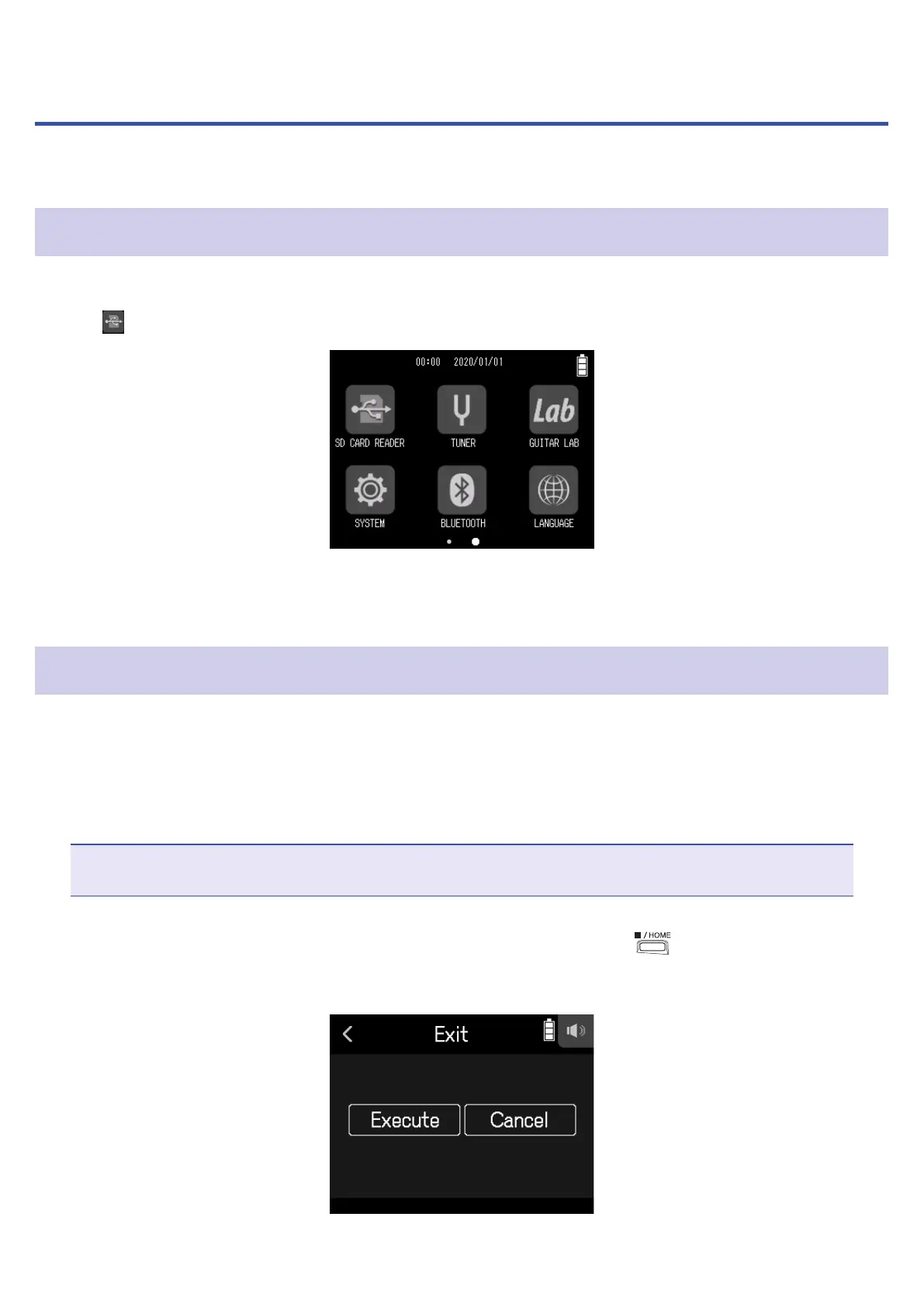
Tap SD CARD READER on the Home Screen.
2.
Use a USB cable to connect the H8 and the computer.
Disconnecting a computer from the H8
1.
Conduct procedures on the computer to disconnect.
• Windows: Select
H8 from "Safely Remove Hardware".
• macOS: Drag the
H8 icon to the Trash and drop it.
NOTE
Always conduct computer ejection procedures before disconnecting the USB cable.
2.
Disconnect the USB cable connecting the H8 with the computer, and press .
3.
Tap Execute.
113



 To Next Page