Setting the headphone output level
Use headphones, for example, to monitor input/playback sounds and adjust levels (volume).
HINT
• Monitoring with the speaker is possible during playback.
• If a cable is connected to the LINE OUT or PHONE OUT jack, sound will not be output from the
H8 speaker.
1.
Connect headphones, for example, to the H8 PHONE OUT jack.
2.
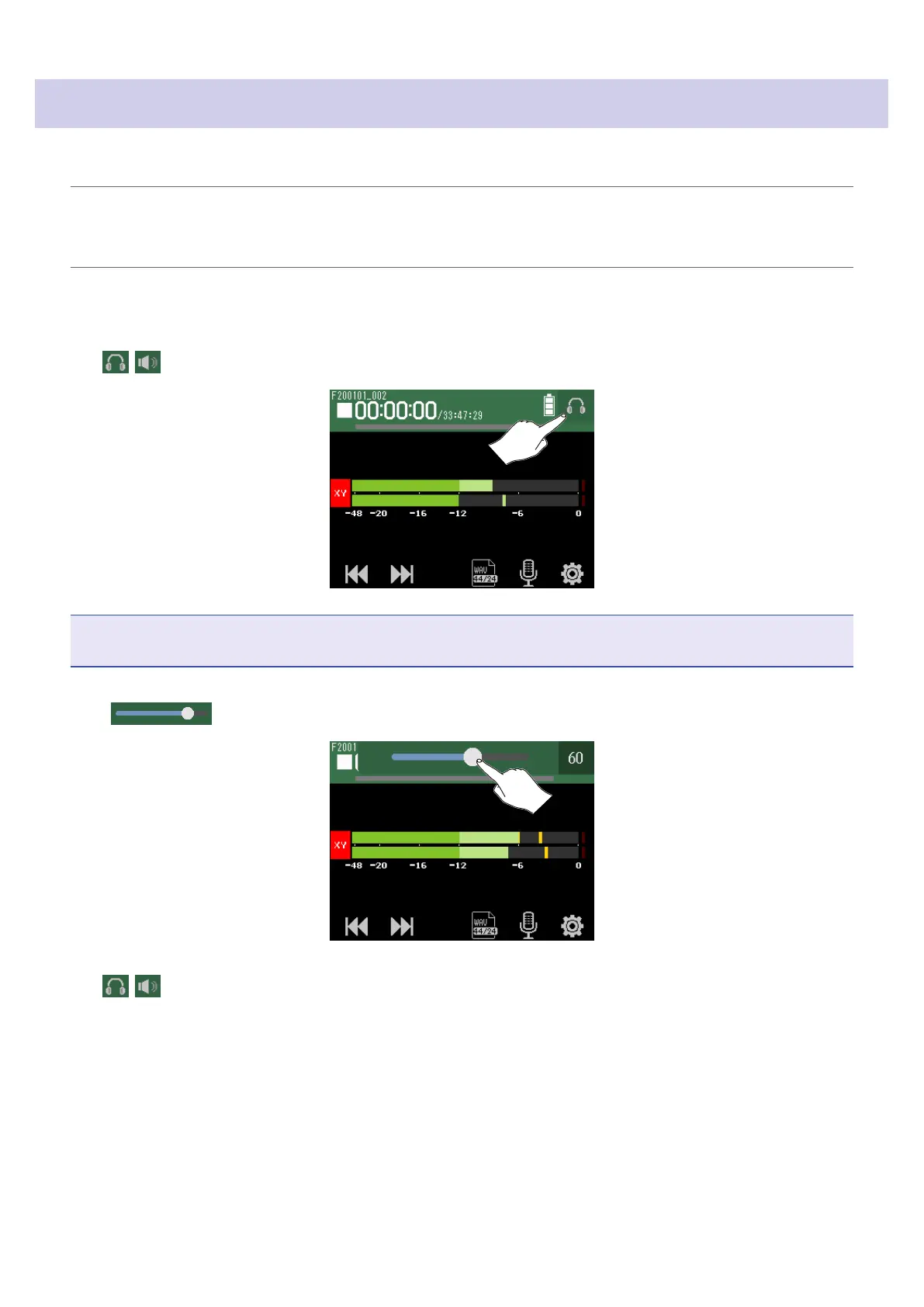
Tap / at the top right of the screen.
NOTE
A speaker icon will appear when headphones are not connected.
3.
Slide to adjust the volume.
4.
Tap / at the top right of the screen.
40



 To Next Page