Testing SD card performance
Purchased SD cards can be tested to conrm that they can be used with the H8.
A basic test can be done quickly, while a full test examines the entire SD card.
Conducting a quick test
1.
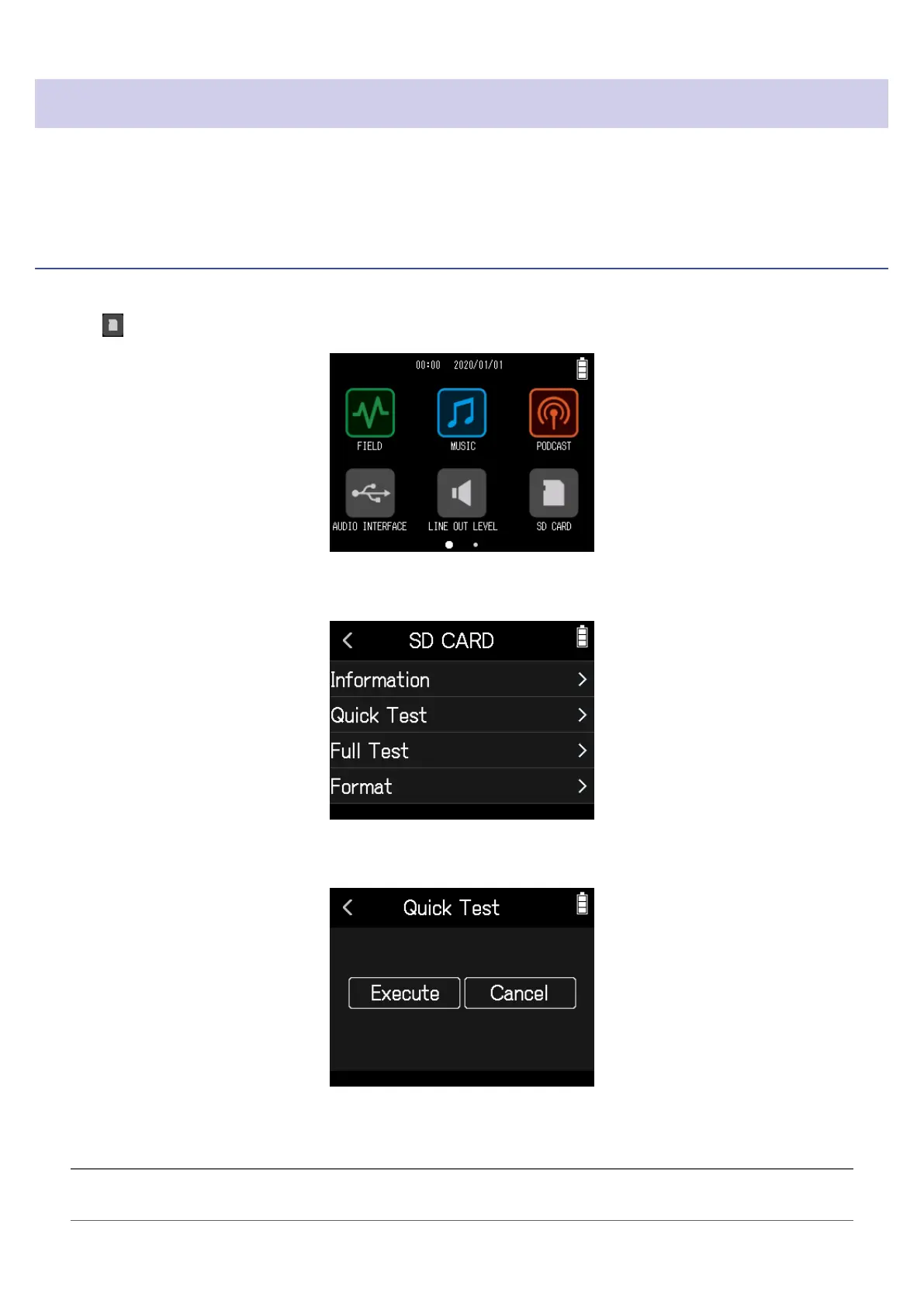
Tap SD CARD on the Home Screen.
2.
Tap Quick Test.
3.
Select Execute.
The card performance test will start and should take about 30 seconds. The result of the test will be shown
when it completes.
HINT
Tap < to cancel the test.
110



 To Next Page