Recording
Recording process
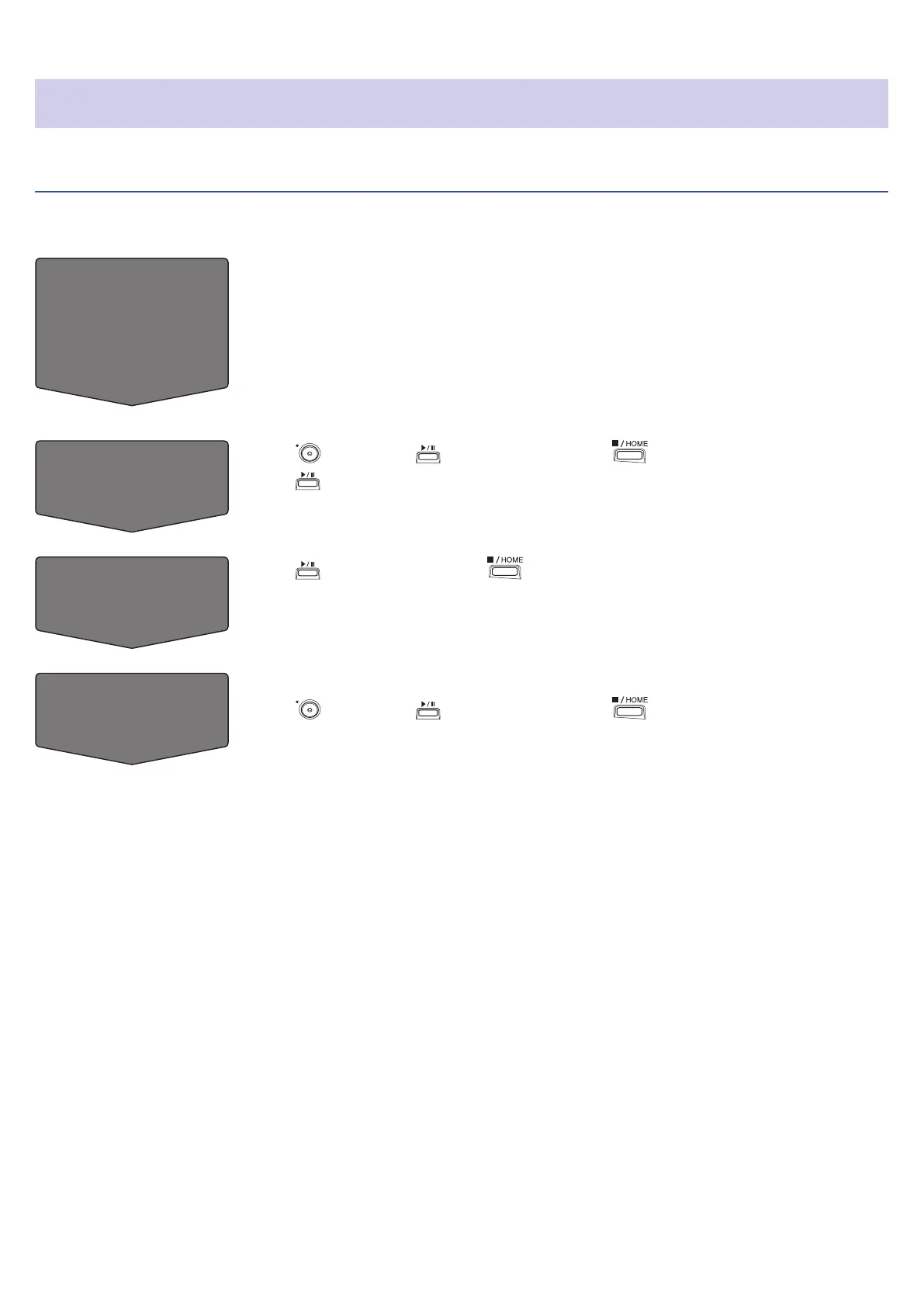
Recording follows the process shown below.
Prepare to
record
• Use batteries or an AC adapter
• Insert an SD card
• Connect the XY mic
• Connect mics, instruments, mixers and other equipment
• Turn the power on
• Create a new project
• Make input and output settings
Record
• Press followed by to start recording and to stop recording
• Press
to pause
Play and check
• Press to start playback and to stop
• Project mixer settings can also be made, for example
Record
additional les
• Make punch in/out settings
• Press
followed by to start recording and to stop recording
61



 To Next Page