Recording format Maximum pre-recording time
MP3 128 kbps
6 seconds
MP3 192 kbps
MP3 320 kbps
WAV 44.1 kHz/16 bit
WAV 44.1 kHz/24 bit
WAV 48 kHz/16 bit
WAV 48 kHz/24 bit
WAV 96 kHz/16 bit
3 seconds
WAV 96 kHz/24 bit
Enabling the sound marker function
Half-second tone signals (sound markers) can be output from the output jacks (PHONE OUT and LINE OUT)
when recording is started and stopped. Since sound markers are also written to recording les, when recording
audio for video with the H8, sending its output signal to the camera input can make synchronizing audio and
video easier.
1.
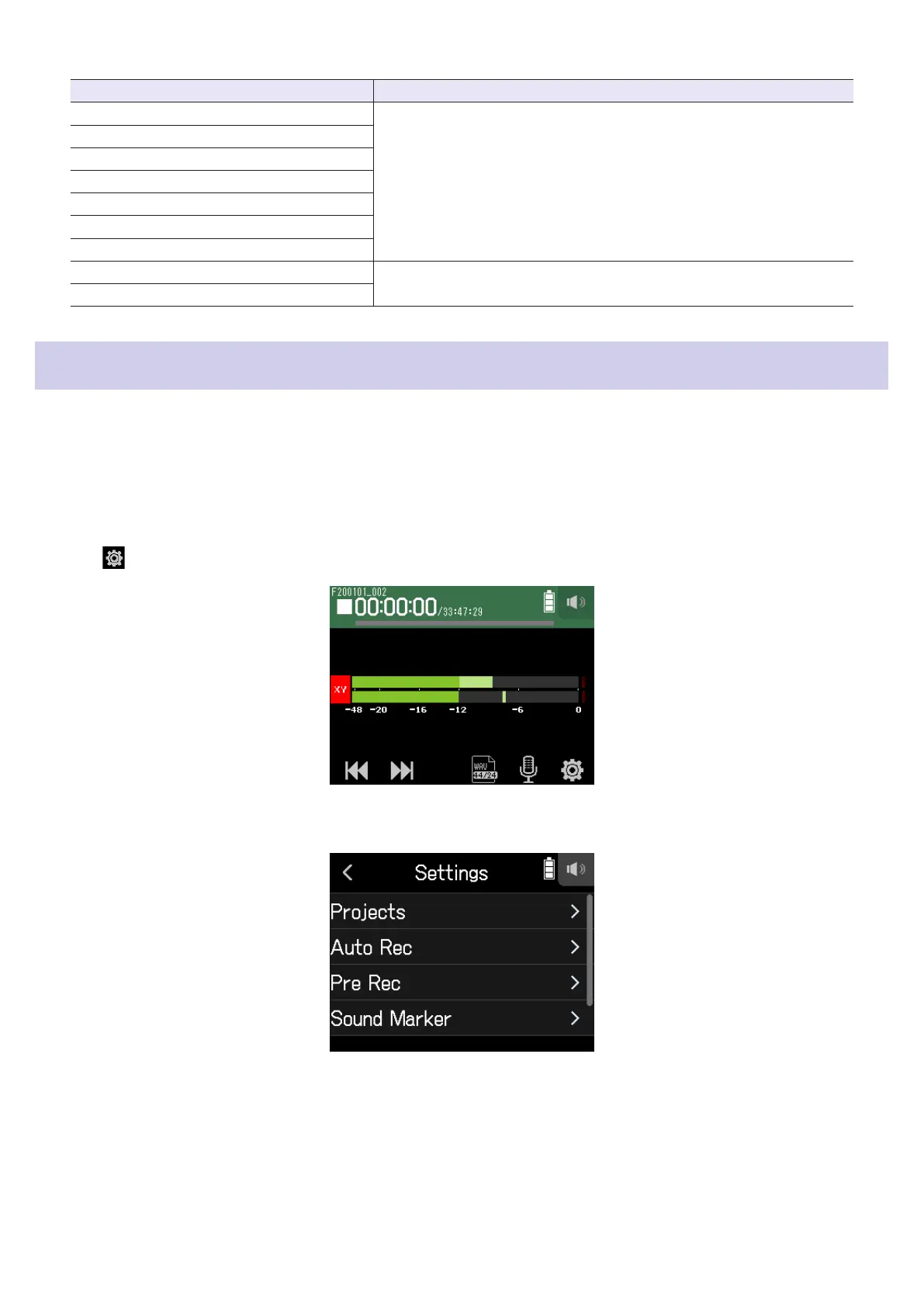
Tap .
2.
Tap Sound Marker.
53



 To Next Page