HINT
Files are automatically saved at regular intervals during recording. If the power is interrupted or another prob-
lem occurs during recording, an affected le can be restored to normal by playing the automatically saved le
with the H8.
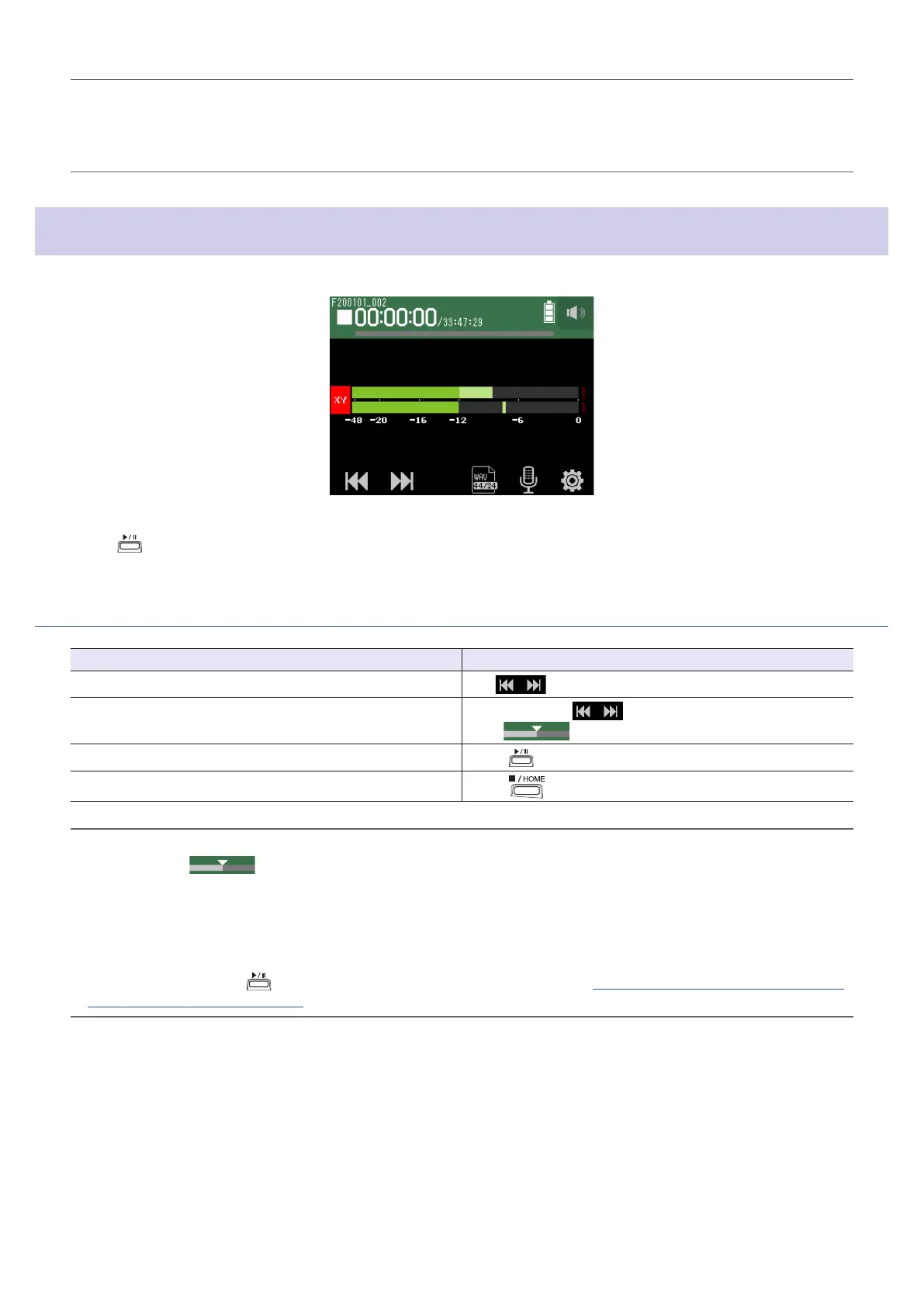
Playing recordings
1.
Press .
Playback operations
Operation Touchscreen/button operation
Select playback project/move to mark
Tap
Search forward/backward
Press and hold
Slide left/right
Pause/resume playback
Press
Stop
Press
HINT
• Slide left/right
to change the playback position.
• During playback, press track buttons to switch between playing back (lit green) and muted (unlit).
• If the selected project is not valid, an “Invalid Project!” message will appear.
• If no playable project exists, a “No Project!" message will appear.
• During playback, press
to add marks that can be used for cueing. (
→
“Setting how marks are added when
recording/playing” on page 124)
47



 To Next Page