2.
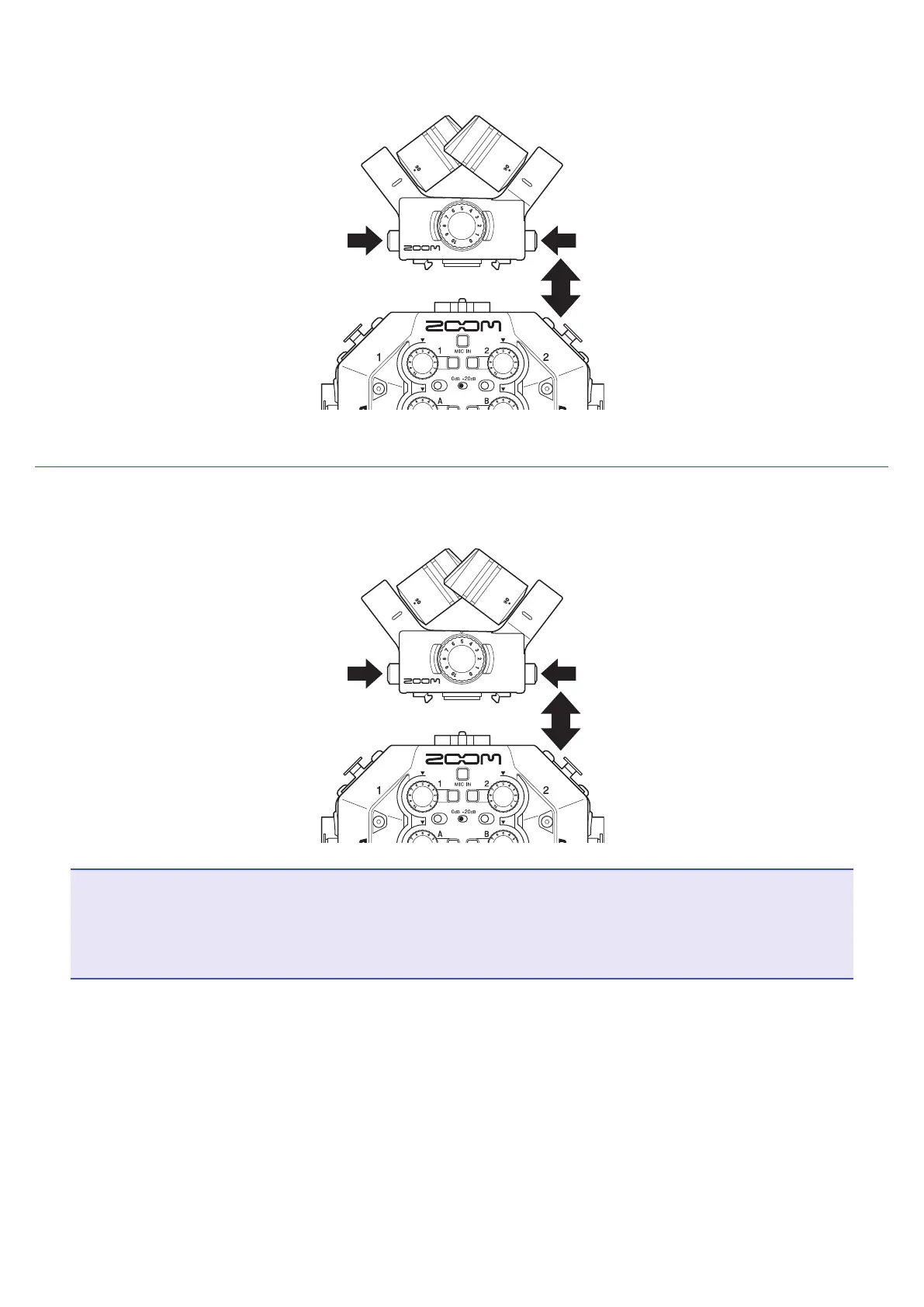
While pressing the buttons on the sides of the mic, connect it to the main unit, inserting it completely.
Disconnecting the XY mic
1.
While pressing the buttons on the sides of the mic, pull it out of the main unit.
NOTE
• Do not use too much force when disconnecting. Doing so could damage the mic or the main unit.
• Recording will stop if a mic capsule is removed during recording.
• Attach the protective caps when the mic capsule will not be connected for a long time.
22



 To Next Page