Setting phantom power
H8
inputs 1–4, A and B support phantom power. They can supply power at +24 V or +48 V.
HINT
Phantom power is a function that supplies power to devices that require an external power supply, including
some condenser mics. The standard power is +48V, but some devices can operate with lower voltages.
NOTE
Do not use this function with devices that are not compatible with phantom power. Doing so could damage the
device.
1.
Open the Track Setting Screen in the app.
Tap in the following order:
• FIELD app screen >
> select track
• MUSIC app screen > select track >
• PODCAST app screen > > select track
2.
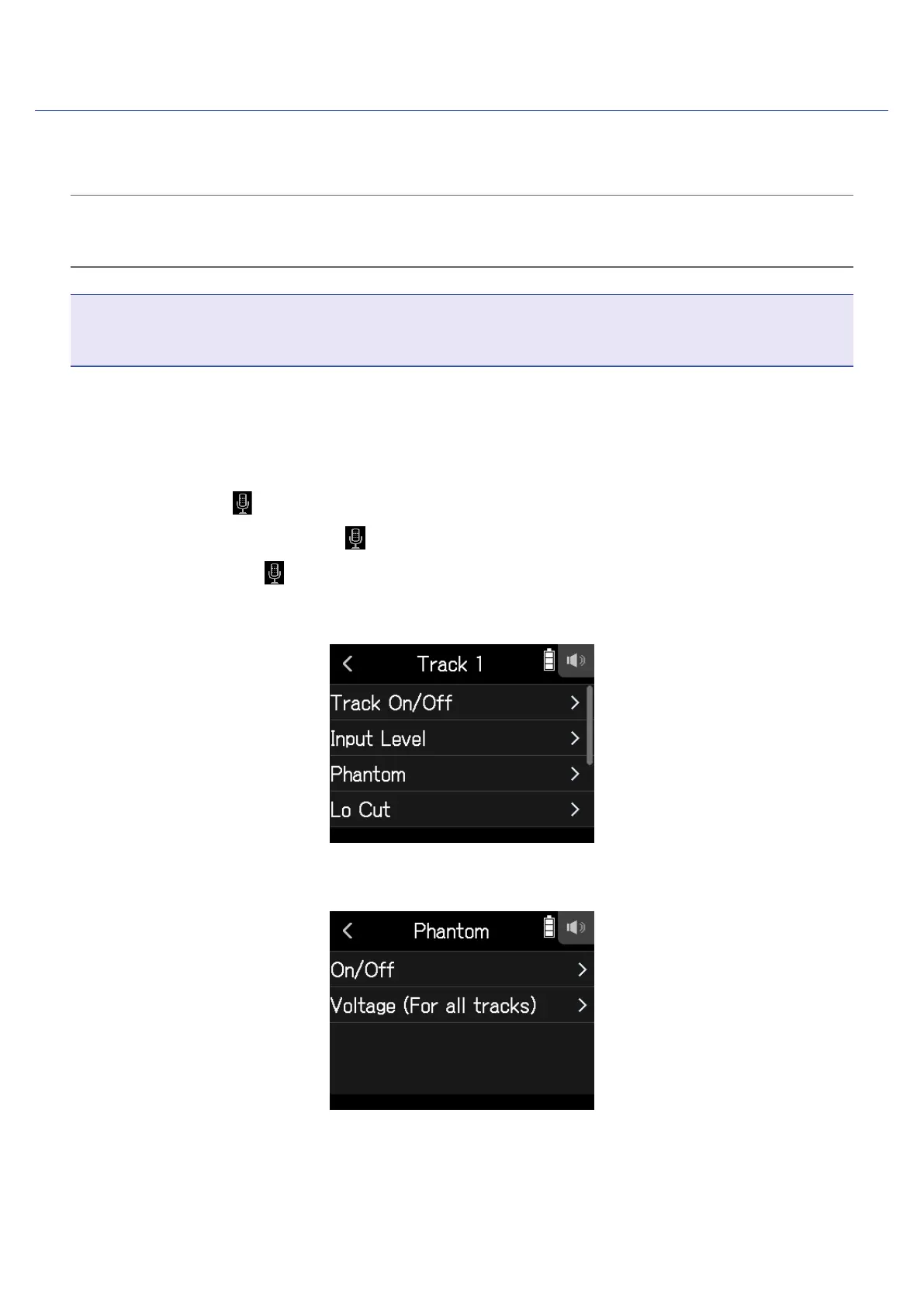
Tap Phantom.
3.
Tap On/Off.
29



 To Next Page