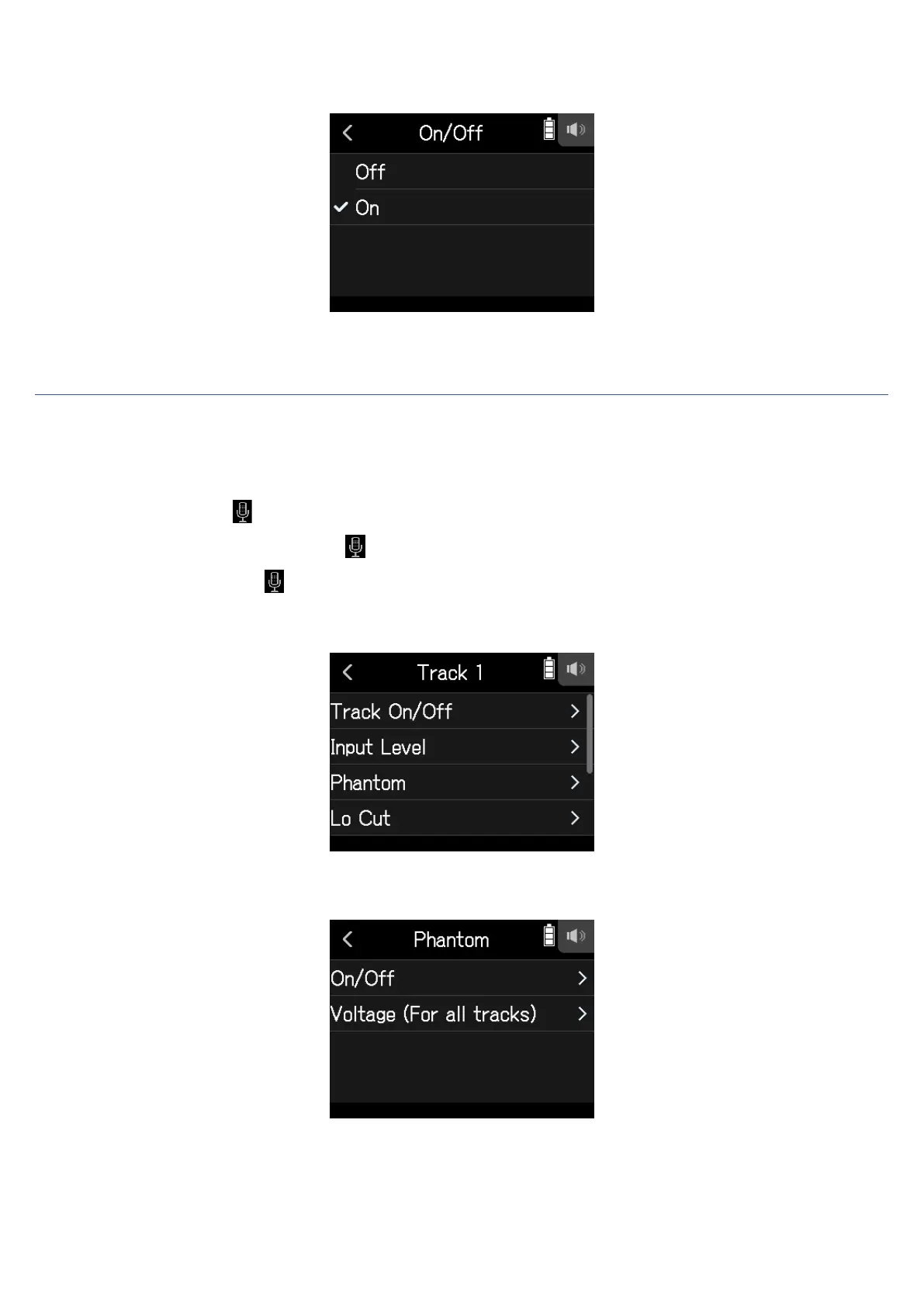
4.
Tap On.
Setting phantom power voltage
1.
Open the Track Setting Screen in the app.
Tap in the following order:
• FIELD app screen >
> select track
• MUSIC app screen > select track >
• PODCAST app screen > > select track
2.
Tap Phantom.
3.
Tap Voltage (For all tracks).
30



 To Next Page