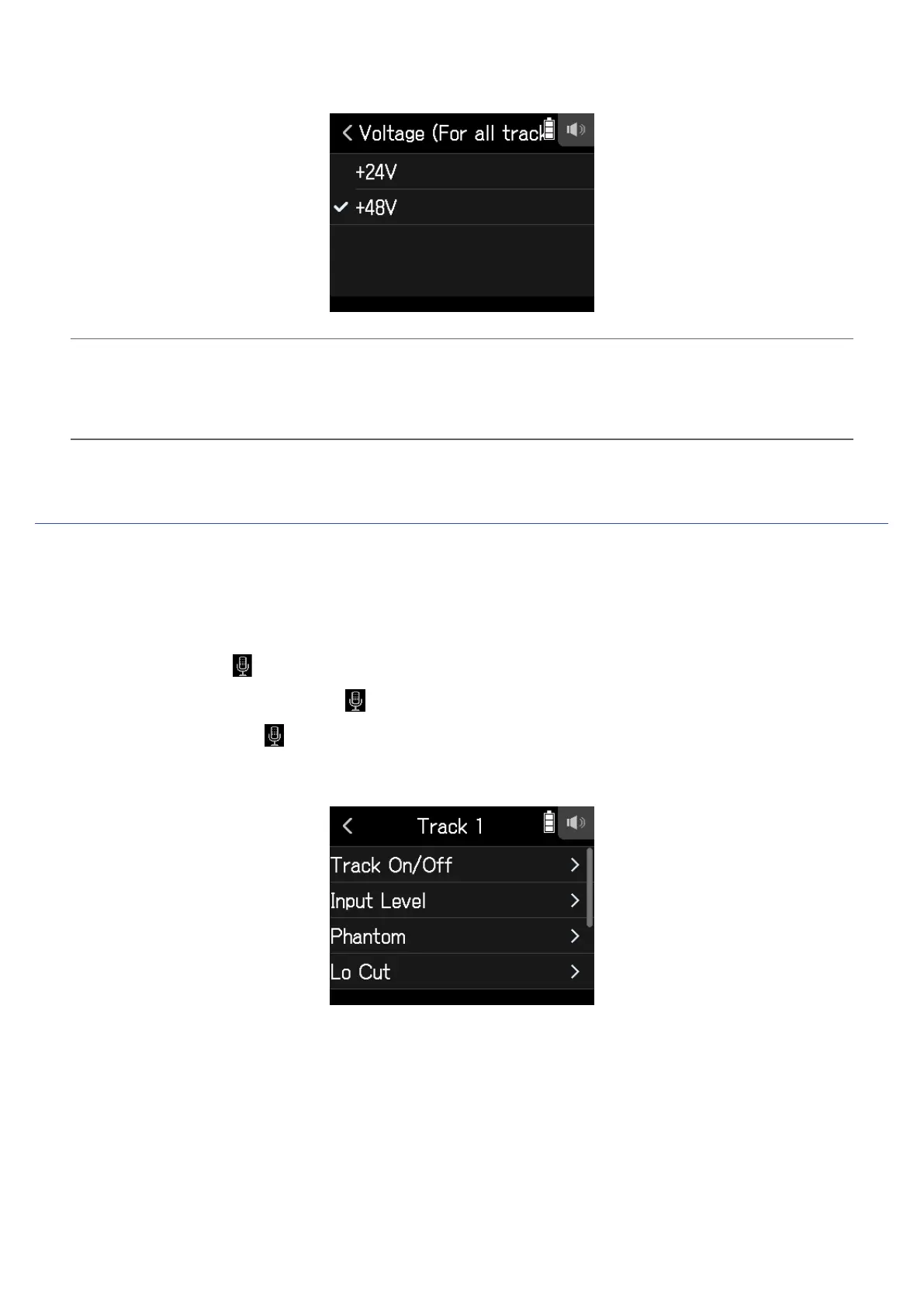
4.
Tap +24V or +48V.
HINT
• When using mics and other equipment that can operate with voltages less than +48 V, selecting the lower volt-
age can reduce the H8 power consumption.
• The phantom power setting is shared by all inputs.
Reducing noise (low-frequency cut)
The high pass lter can cut low frequencies to reduce the sound of wind, vocal pops and other noise.
1.
Open the Track Setting Screen in the app.
Tap in the following order:
• FIELD app screen >
> select track
• MUSIC app screen > select track >
• PODCAST app screen > > select track
2.
Tap Lo Cut.
31



 To Next Page