Adjusting the side mic level
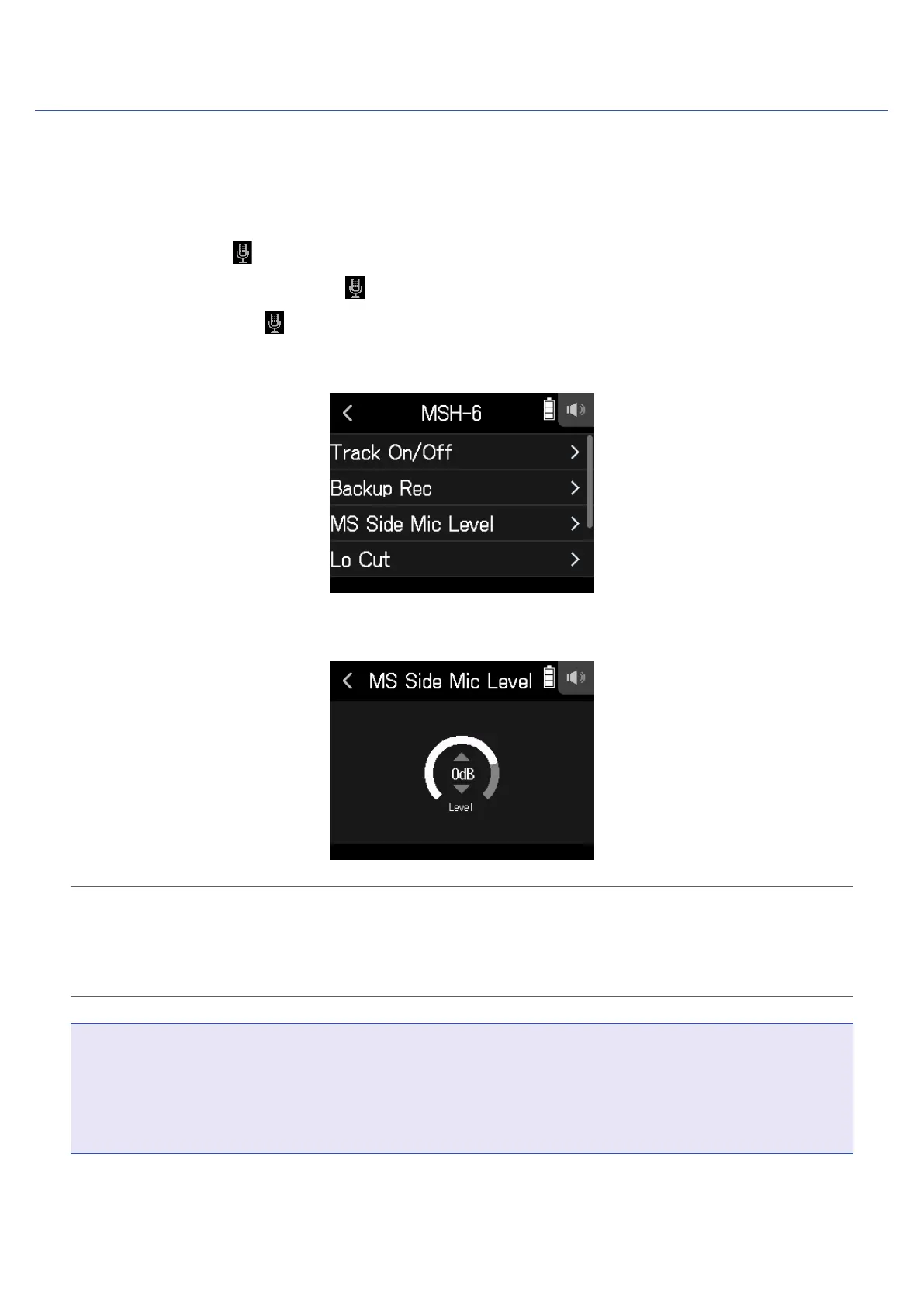
You can adjust the side mic level (stereo width) before recording for tracks that use a mid-side mic.
1.
Open the Track Setting Screen in the app.
Tap in the following order:
• FIELD app screen >
> select track
• MUSIC app screen > select track >
• PODCAST app screen > > select track
2.
Tap MS Side Mic Level.
3.
Slide the side mic level up or down to adjust it.
HINT
• This can be set to Off, RAW or in a range from −24 to +6 dB.
• The more the side mic level is increased, the greater the stereo width becomes.
• The side mic level setting is also applied to backup recording when it is enabled.
NOTE
• When set to RAW, recording to the MIC IN tracks will occur without stereo encoding.
• Stereo encoding is conducted for L/R track recording and mixdown.
• The stereo width of audio in RAW format can be adjusted after recording by using ZOOM MS Decoder or other
plug-in software.
28



 To Next Page