2.
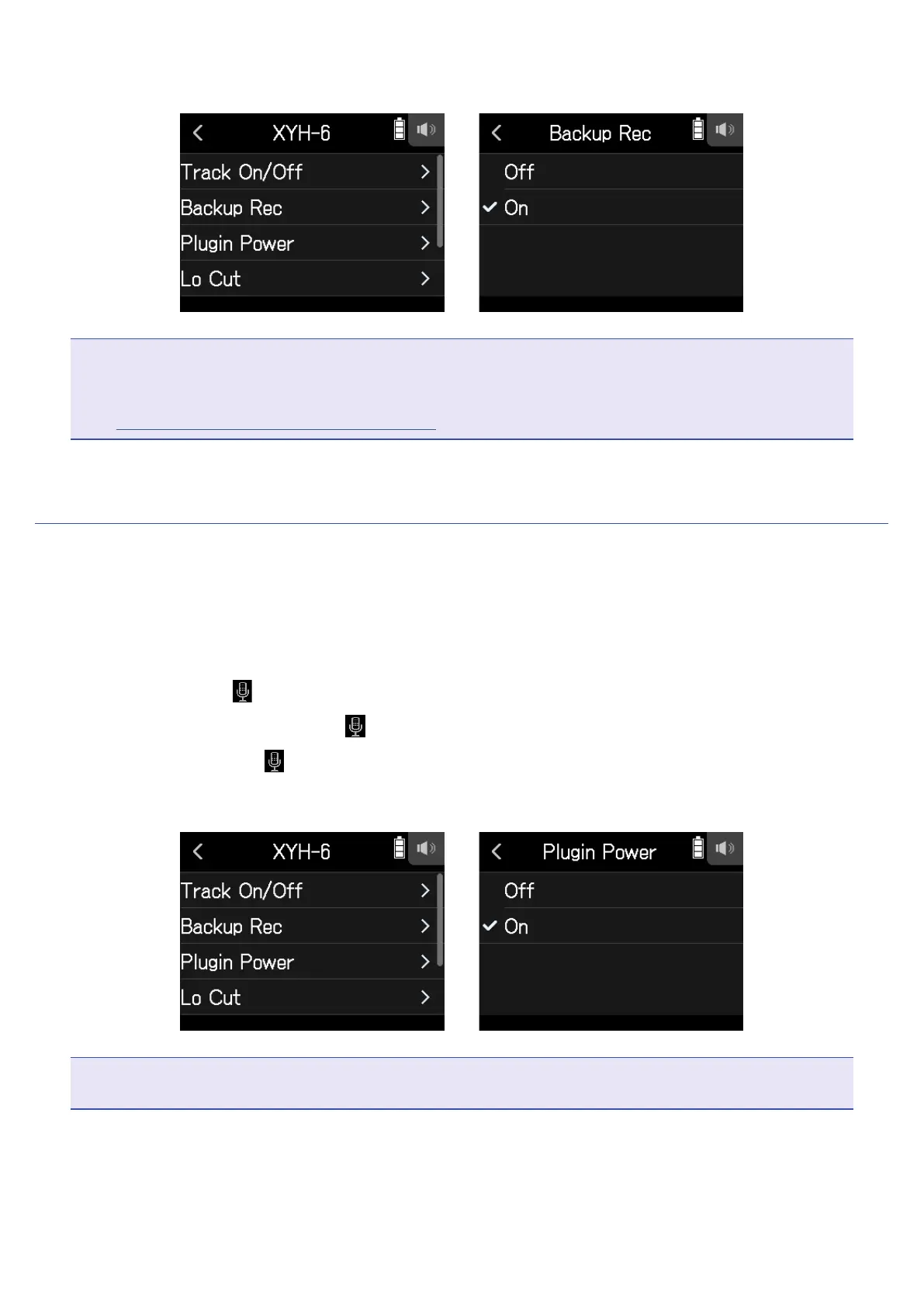
Tap Backup Rec, and set to On.
NOTE
• During backup recording, the Lo Cut and Comp/Limiter settings are not applied.
• To play a backup recording le, assign a le with “_BU” added to its name to a track. Then select and play it.
(
→
“Changing les assigned to tracks” on page 70)
Using plug-in power
Make the following setting when a mic that is compatible with plug-in power is connected to the XY mic capsule
MIC/LINE IN input jack.
1.
Open the Track Setting Screen in the app.
Tap in the following order:
• FIELD app screen >
> select track
• MUSIC app screen > select track >
• PODCAST app screen > > select track
2.
Tap Plugin Power and set to On.
NOTE
This setting can be set only when a mic capsule that supports plug-in power is connected.
27



 To Next Page