3.
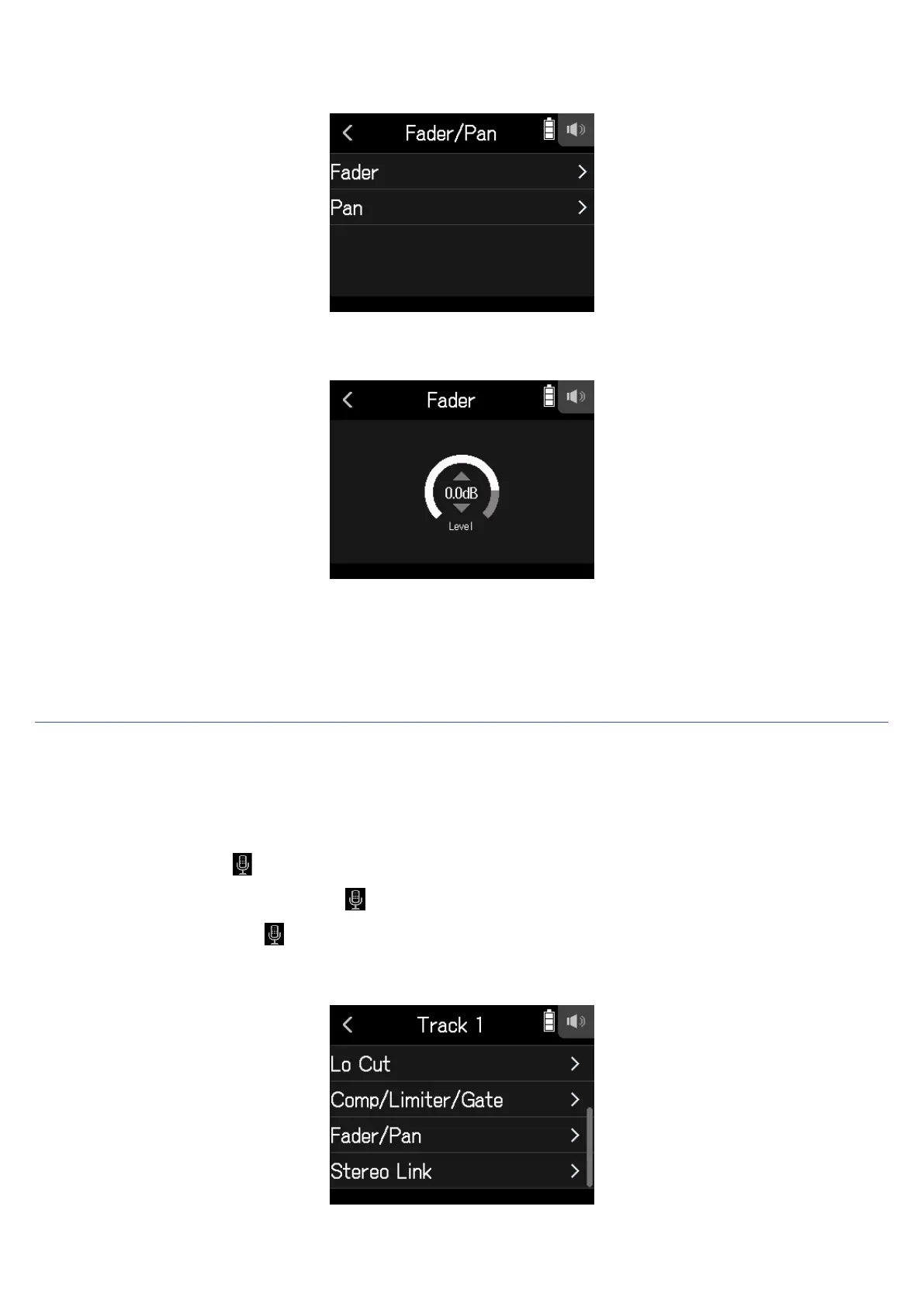
Select Fader or Pan.
4.
Slide parameters up and down to change their settings.
• Fader can be set to Mute or in a range of −48.0 dB – +10.0 dB (by 0.5 dB) to adjust the input signal level.
• Pan can be set to L100 – L1, Center, or R1 – R100 to adjust the left-right sound balance.
Enabling stereo linking
By enabling stereo tracks (stereo links), inputs can be handled as stereo sounds.
1.
Open the Track Setting Screen in the app.
Tap in the following order:
• FIELD app screen >
> select track
• MUSIC app screen > select track >
• PODCAST app screen > > select track
2.
Tap Stereo Link.
38



 To Next Page