4.
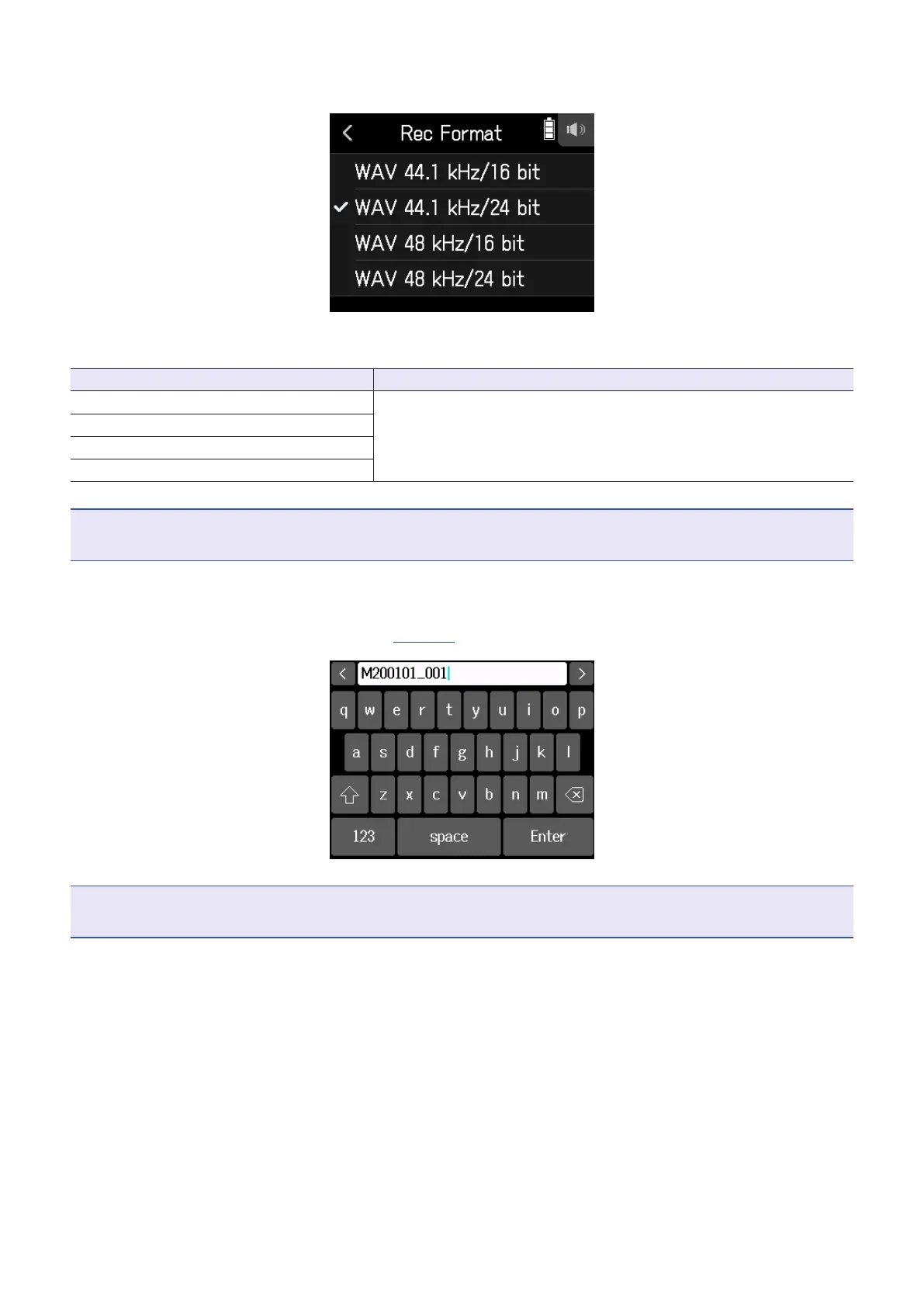
Tap a format.
The following formats can be set.
Setting Explanation
WAV 44.1 kHz/16 bit
The higher the sampling frequency (kHz) and bit rate (bit) are, the
better the audio quality will be.
WAV 44.1 kHz/24 bit
WAV 48 kHz/16 bit
WAV 48 kHz/24 bit
NOTE
Effects can only be used when the recording format is 44.1 kHz/16 bit or 44.1 kHz/24 bit.
5.
Tap Create, and input the project name.
See "Character Input Screen overview" (
→
page 14) for how to input characters.
NOTE
The project created will be set as the recording/playback project.
59



 To Next Page