Parameter Explanation
EQ Low*
• This adjusts the boost/cut of low-frequency equalization.
• Type: shelving
• Gain range: −12 dB – +12 dB
• Frequency: 100 Hz
EQ Mid*
• This adjusts the boost/cut of mid-frequency equalization.
• Type: peaking
• Gain range: −12 dB – +12 dB
• Frequency: 2.5 kHz
EQ High*
• This adjusts the boost/cut of high-frequency equalization.
• Type: shelving
• Gain range: −12 dB – +12 dB
• Frequency: 10 kHz
Pan* Use this to adjust the left-right balance.
Send* Use this to adjust the level sent to the send effect.
Track Setting
Use to make input settings. (
→
“Making input and output settings”
on page 25)
EFFECT
Insert effects can be used. (
→
“Using effects” on page 89)
NOTE
*These parameters do not affect individual track recordings. They do affect les created during mixdown.
Other parameters do affect individual track recordings.
Mixing down tracks
Recorded projects can be mixed down to stereo les (WAV).
NOTE
Mixing down is not possible when Punching In/Out is On.
1.
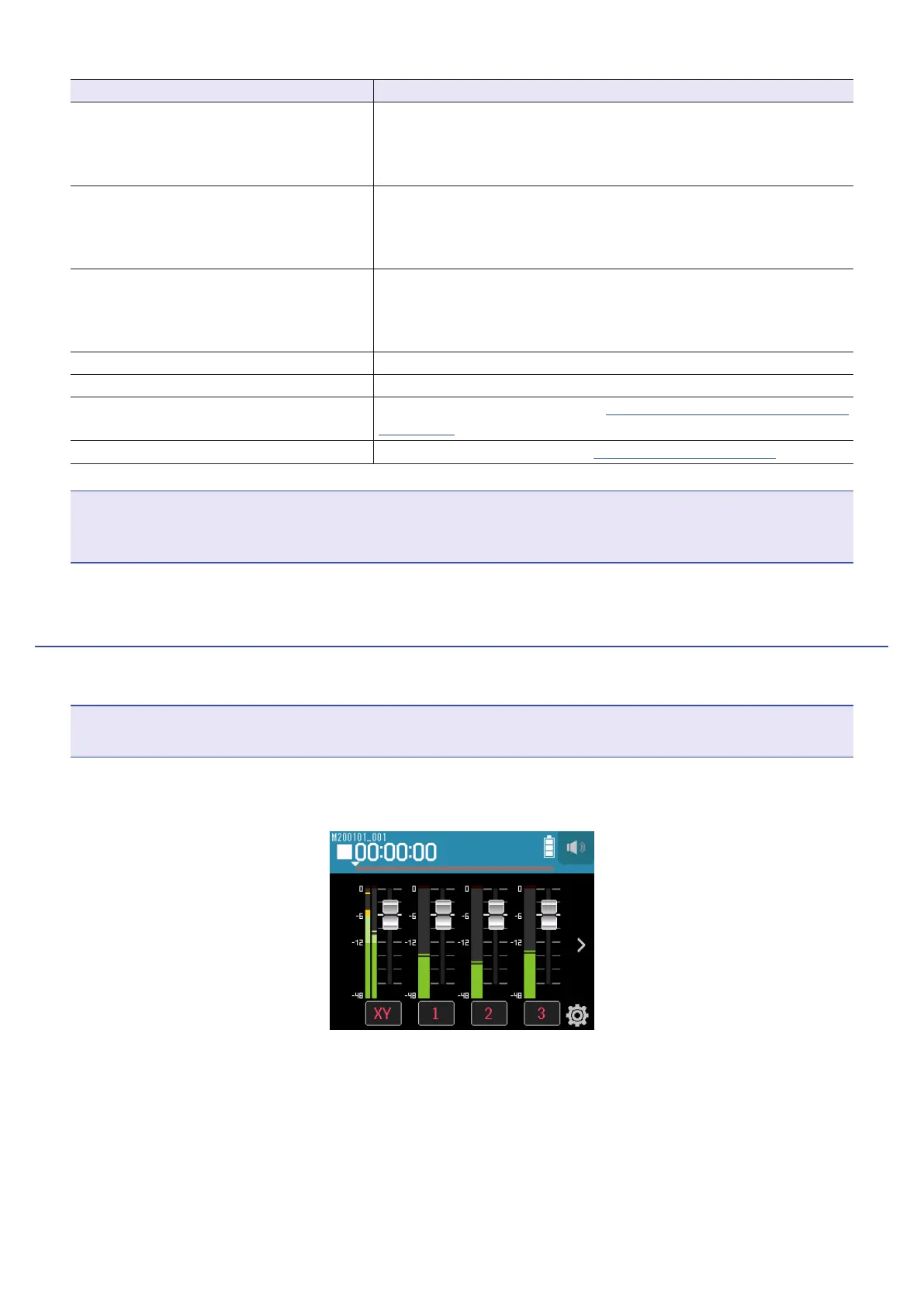
Tap the > track display switching button to show the LR track.
76



 To Next Page