107
2.
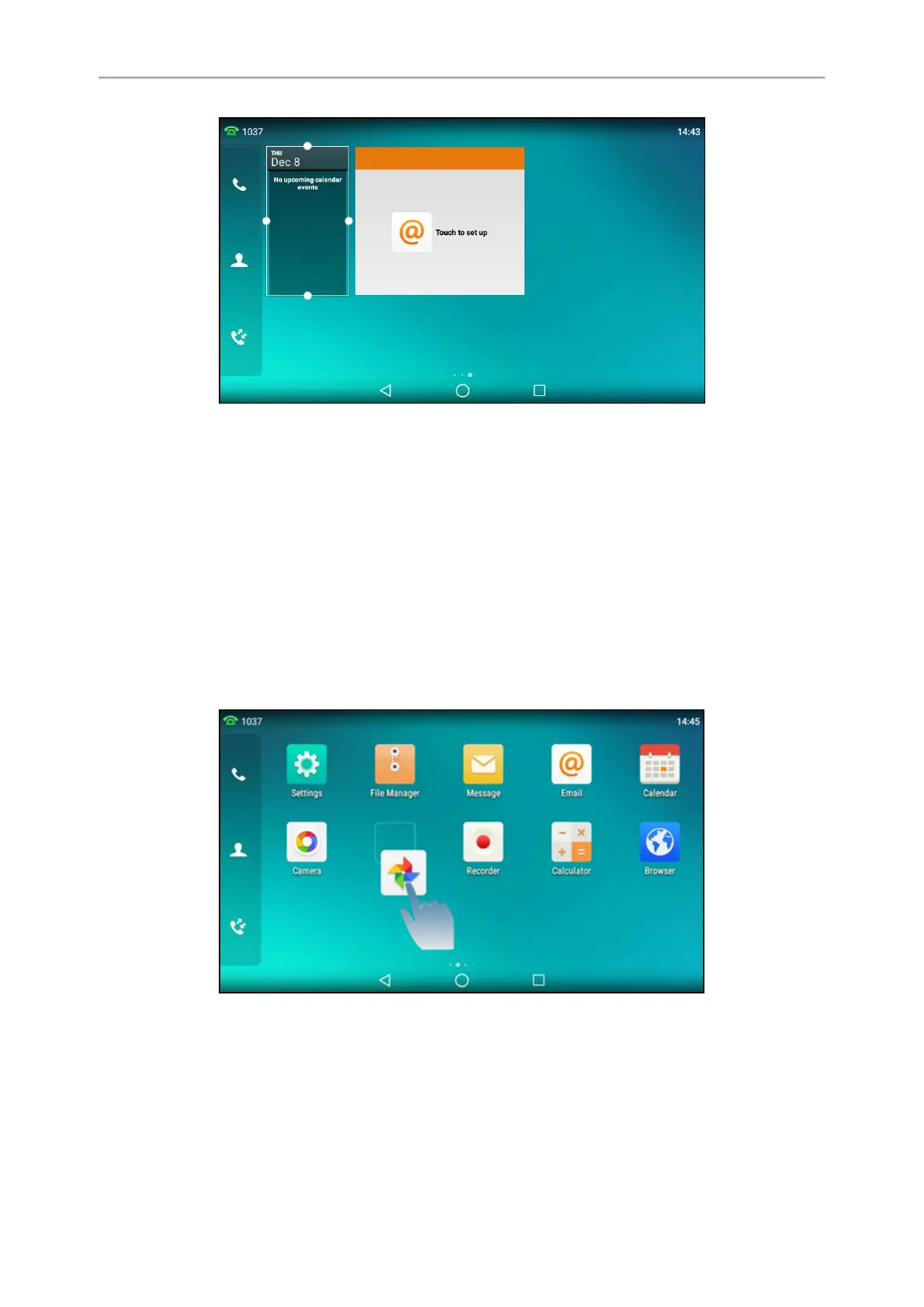
Drag the border of the frame to adjust the size.
Moving an Application or Widget
You can move an application or widget to a different spot on the idle screen or to a different idle screen.
Before You Begin
Before moving an application or widget, you should know the following:
l You can drag an application or widget to the rightmost of the third idle screen to add a new screen.
l If there is only one application or widget on the screen, you cannot add a new screen.
l The idle screen (except the home screen) will be deleted automatically if there is no application or widget on it.
Procedure
1.
Long tap the desired item for about 2 seconds.
2.
Drag the item up/down/left/right to the destination spot on the screen.
Removing a Widget from the Idle Screen
Removing operation only removes the widget of the application from the screen. The application itself will not be
uninstalled.
Procedure



 To Next Page