System Applications
120
1.
Swipe left or right to go to the second idle screen.
2.
Tap ( ) to launch the Gallery.
3.
Tap the desired album.
4.
Do one of the following:
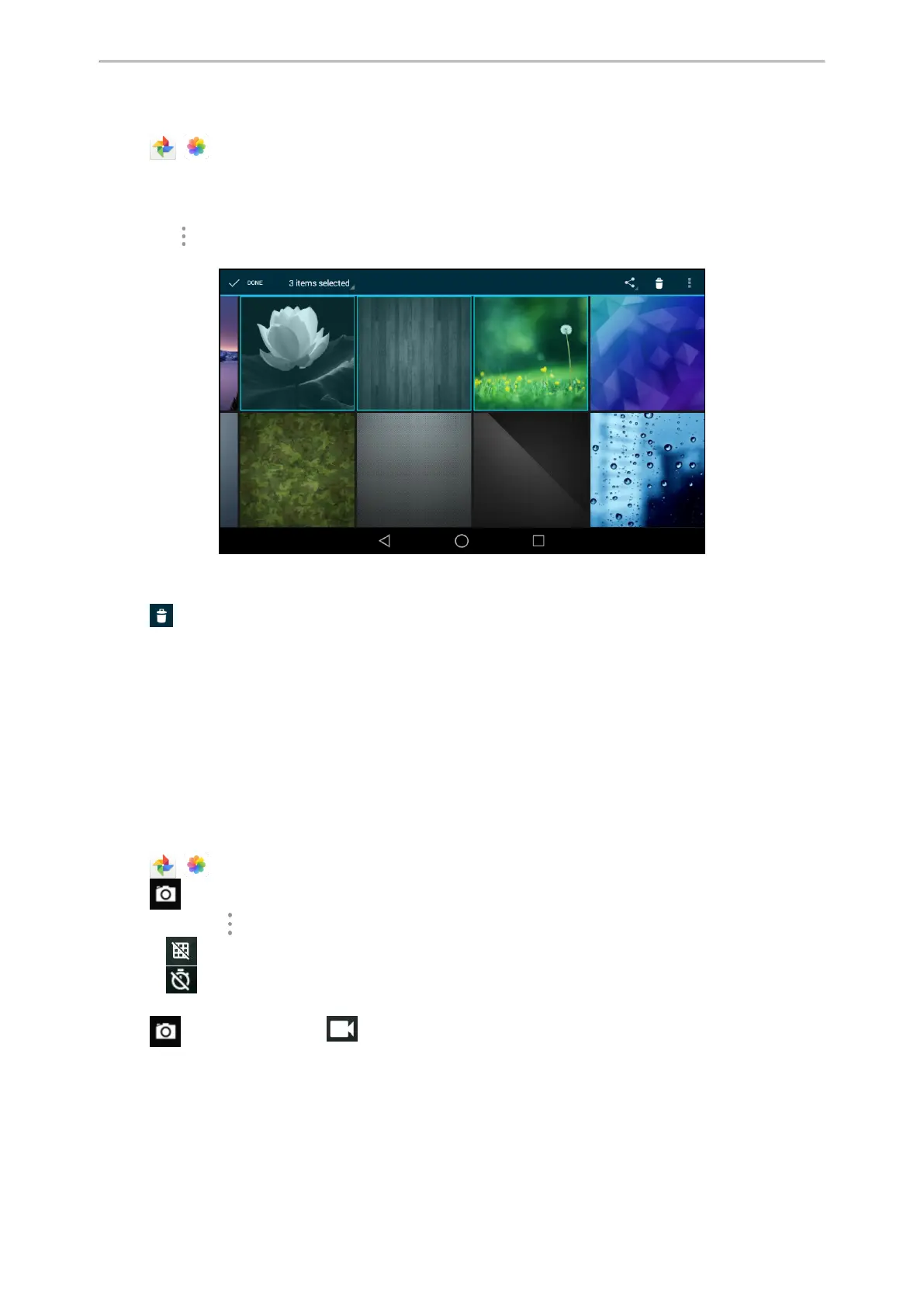
l Long tap the desired picture/video.
l
Go to > Select item.
Select the pictures/videos you want to delete.
You can also tap n items selected (n represents the number of pictures you selected) and then tap Select all to
select all pictures.
5.
Tap to delete the selected pictures/videos.
The phone prompts you whether to delete the pictures/videos.
6. Tap OK.
Taking a Picture/Video
You can take a picture/video with the Gallery directly.
Before You Begin
Make sure you have inserted the camera to the phone.
Procedure
1.
Swipe left or right to go to the second idle screen.
2.
Tap ( ) to launch the Gallery.
3.
Tap on the top-right of the screen.
4.
(Optional.) Tap , and then do the following:
l
Tap to turn on the camera grid.
l
Tap to configure the camera timer.
5. Swipe right, and then select Camera or Video
6.
Tap to take a picture or tap to take video.
Sharing Pictures/Videos via Bluetooth
You can share the pictures/videos in the Gallery via Bluetooth.



 To Next Page