51
2.
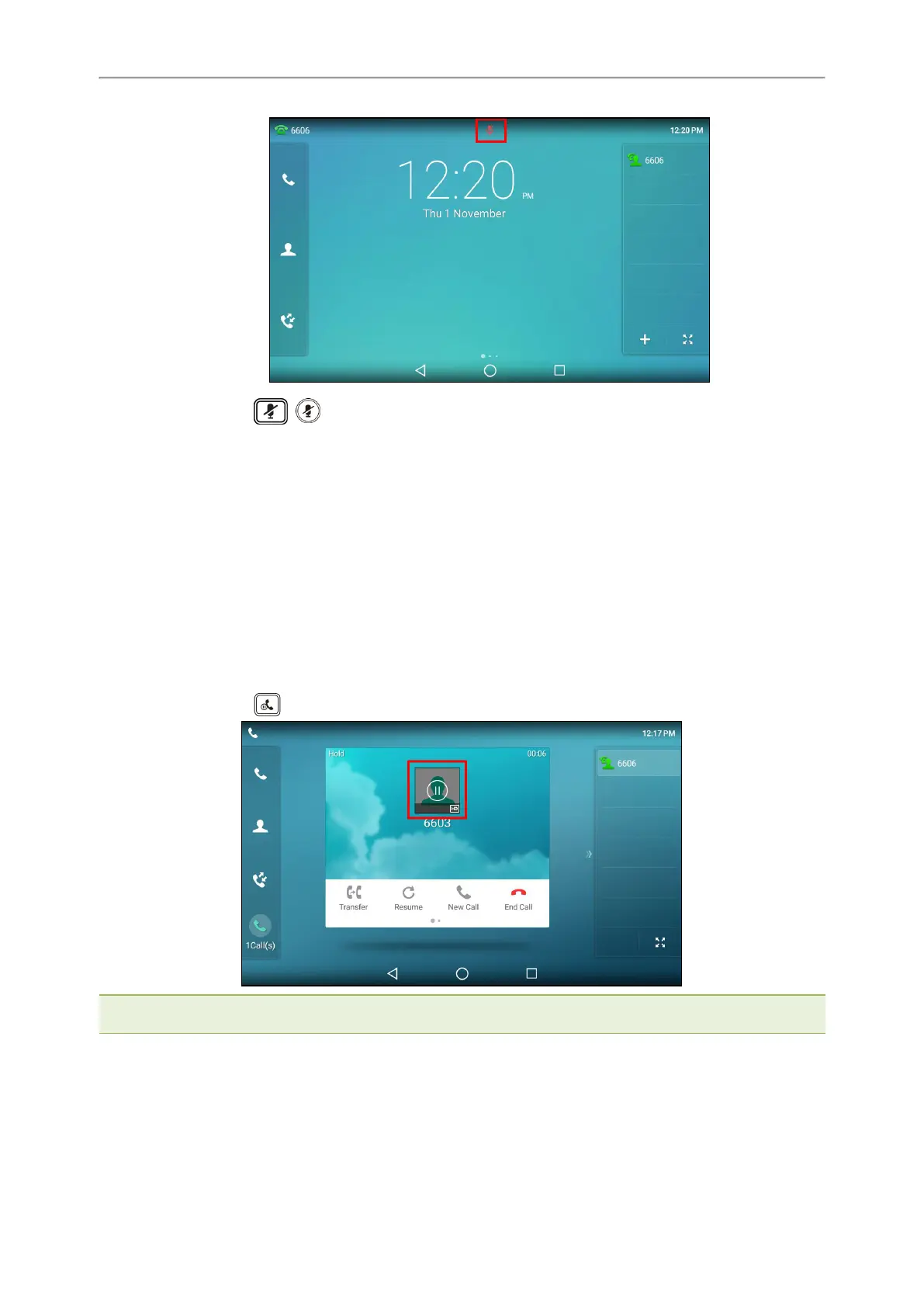
Press the MUTE key ( ) again to deactivate the mute state.
Holding and Resuming Calls
You can place an active call on hold and resume the call when you are ready. When you place a call on hold, the
held party may hear the music played by its sever.
Topics
Holding a Call
Resuming a Held Call
Holding a Call
You can place an active call on hold on your phone.
Procedure
1.
Press the HOLD key or select Hold during a call.
Note: When you have multiple calls on the phone and the current call is held, you can tap the call directly to swap to the act-
ive call.
Resuming a Held Call
You can view and resume a held call on the phone.
Procedure



 To Next Page