135
5.
Edit the event.
6. Tap DONE.
Checking Events
On the calendar, you can check the information about an event you have added.
Procedure
1.
Swipe left or right to go to the second idle screen.
2.
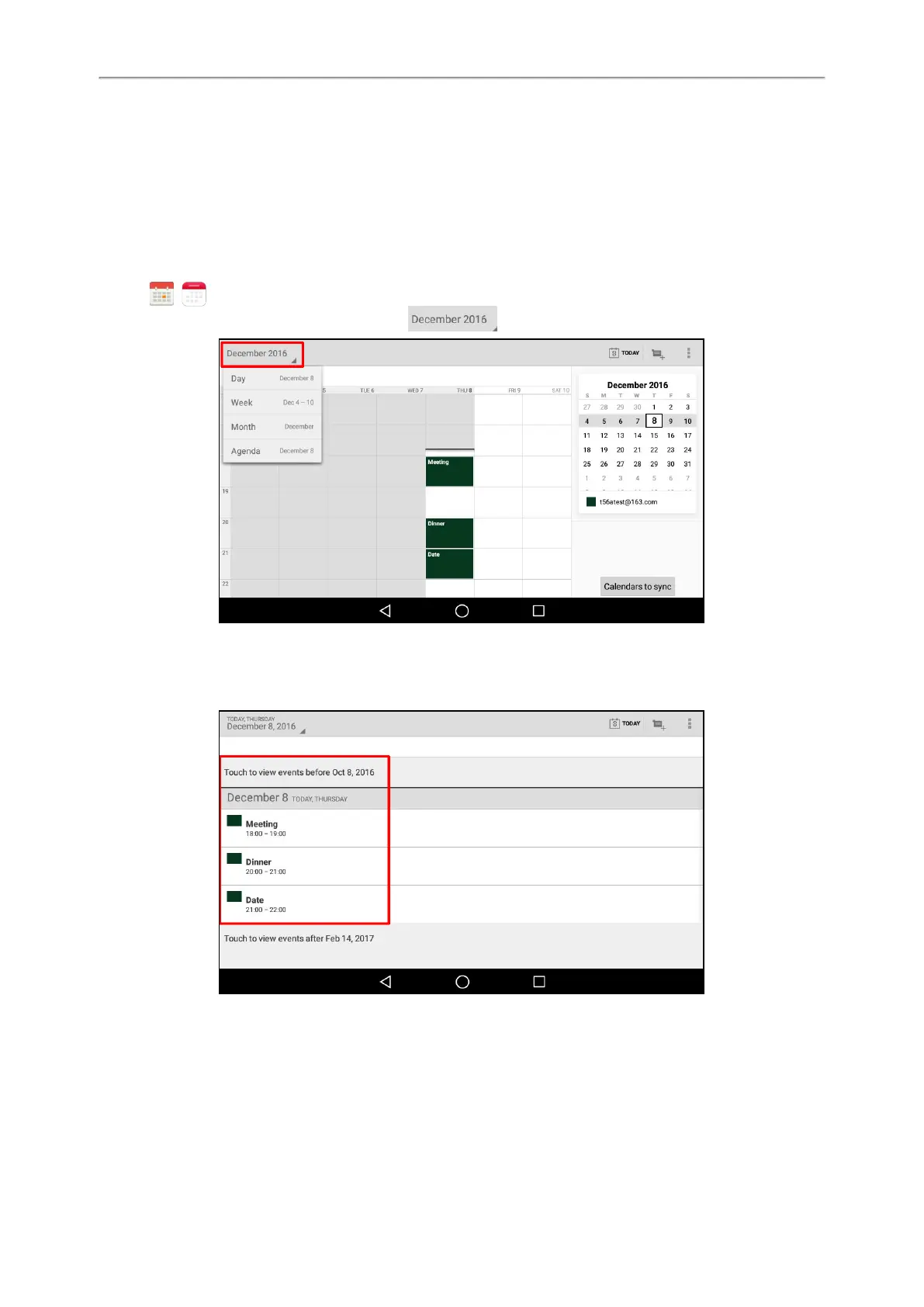
Tap ( ) to launch the Calendar.
3.
(Optional.) Tapthecurrentdate (for example, )displayed on the top-left of the phone screen.
Tap Day/Week/Month/Agenda to select the time.
In the agenda view, the events you have added are displayed as a list. You can tap Touch to view events before
XXX/Touch to view events after XXX to view all events.
Modifying the Calendar Settings
You can modify the calendar settings to customize the Calendar.
Procedure



 To Next Page