Getting Started
21
LED Status Description
Solid red The handset is charging.
Red for 3s The handset powers off automatically.
Red and green flashing alternately The handset is finding the phone.
Red, green and orange flashing alternately The handset is upgrading.
Screen and Icons
The user screens and icon indicators can help you navigate and understand the important information on the
phone's status.
Topics
Control Center and Notification Center
Idle Screen
Icons in the Status Bar
Line Key Icons
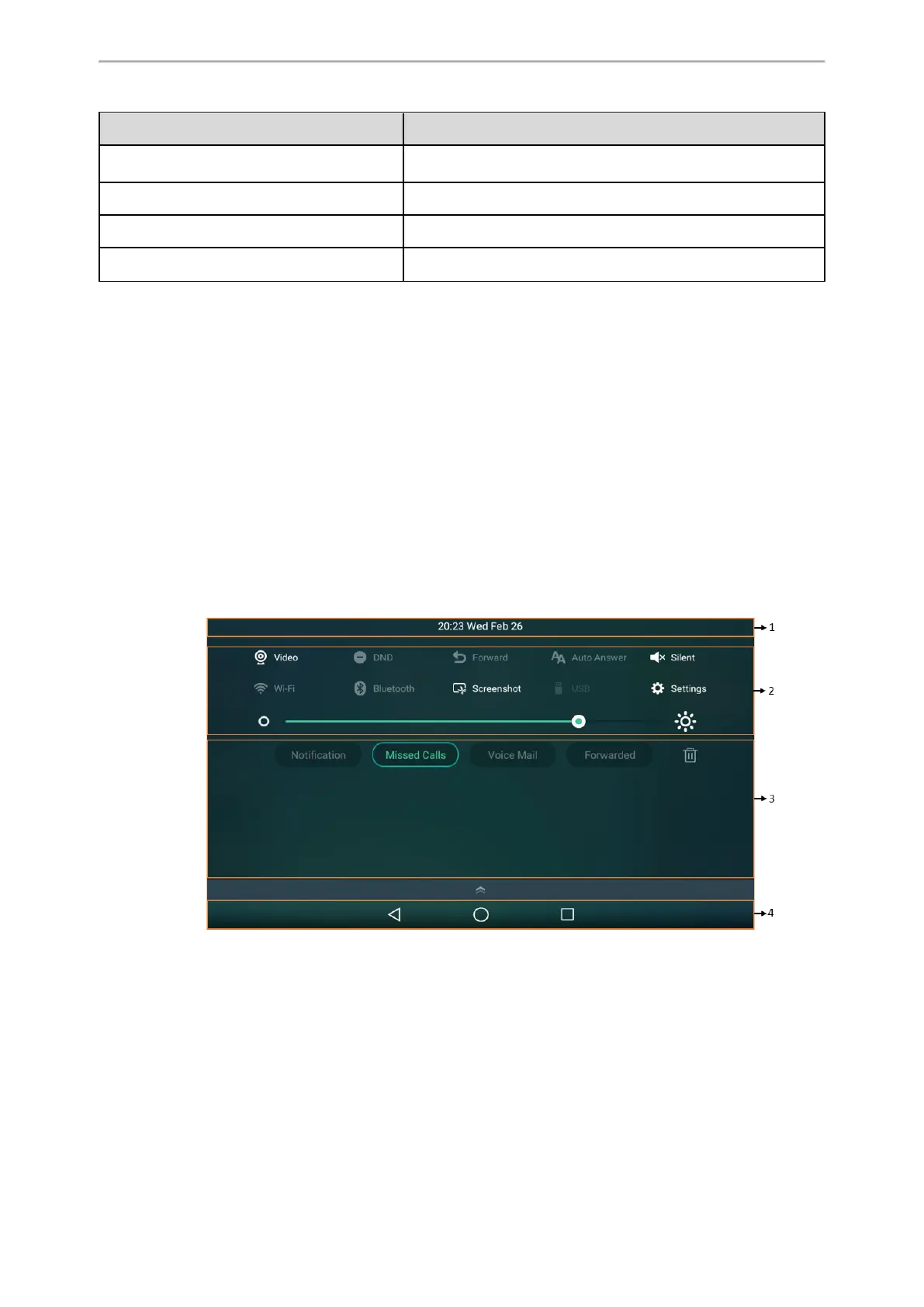
Control Center and Notification Center
Control center or notification center allows you to access some features or view important notifications quickly.
Procedure
1.
Swipe down from the top of the screen.
T58A/VP59



 To Next Page